
Patient Communication
Reactivate Lapsed Patients Without Nagging: Conversation Flow Control with the ReplyOS Pipeline
Most recall outreach nags. Patients disengage. ReplyOS turns recall signals into clear, human conversations that progress to confirmed bookings across WhatsApp, SMS, web chat, and email—without spammy blasts.
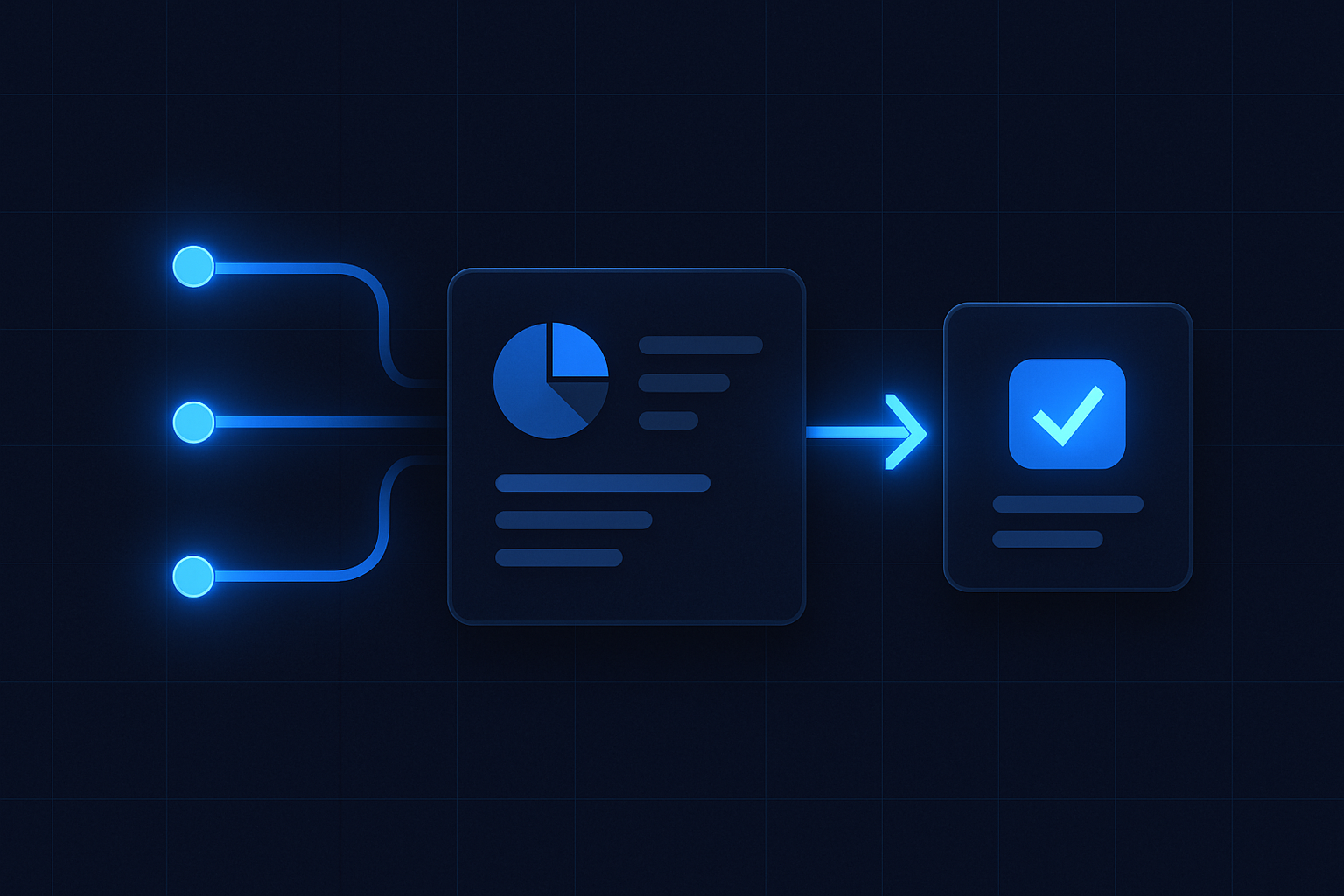
Most recall outreach nags. Patients disengage. Revenue leaks, quietly.
ReplyOS takes a different line. It captures inbound signals across WhatsApp, SMS, web chat, and email; detects intent; routes threads; and gives teams a clean path to confirmation. You see where conversations stall. You decide the next best move. Patients get clarity, not pressure.
This article shows how to reactivate lapsed and overdue dental patients using the ReplyOS system—without turning reminders into noise.
ReplyOS operating model steps
- 1
Detect
capture recall signals across WhatsApp, SMS, web chat, and email.
- 2
Calculate
assess intent and queue ownership.
- 3
Guide
use approved copy to move toward a time window.
- 4
Confirm
lock the booking and record downstream outcome.
The contrast: broadcast reminders vs enquiry intelligence
Most clinics run recall as a calendar blast. It’s loud. It’s generic. It gets ignored.
The ReplyOS pipeline runs recall as revenue infrastructure. It treats every message as a signal. Signals get processed. Processing drives conversion. Conversion drives revenue.
With practical pipeline visibility, your team sees:
- Where each thread sits: new, engaged, qualified, provisionally scheduled, confirmed
- Who owns next action: capture, routing, or confirmation
- What’s leaking: stalled replies, unclear offers, missed handoffs
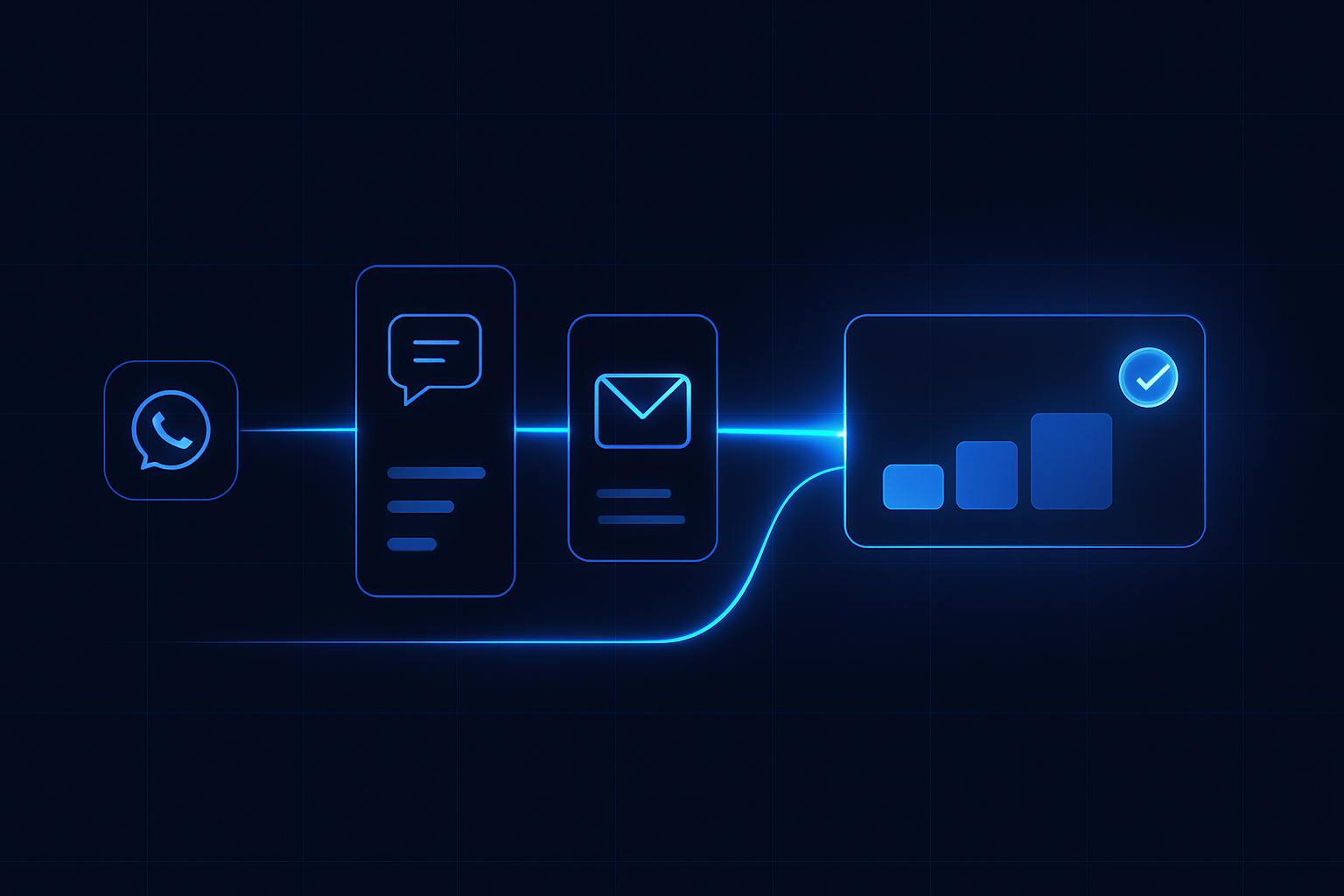
ReplyOS pipeline: Detect → Calculate → Guide → Confirm
ReplyOS structures recall conversations through four decisive stages. Short, clear moves at each stage prevent drift.
Detect: capture inbound signals across WhatsApp, SMS, web chat, and email inbox. Identify whether the patient is lapsed, overdue, or carrying an unbooked plan.
Calculate: assess intent strength and route to the right queue. Morning triage can prioritise high‑intent threads before the first clinical slot.
Guide: use approved copy to set clear next steps. Ask one decision at a time. Offer time windows, not menus.
Confirm: lock the slot. Record confirmation in the ReplyOS pipeline so downstream outcomes stay visible.
Conversation flow that doesn’t nag
Recall works when the patient knows exactly what you’re asking and how to say yes. That means reply quality, not volume.
Use draft‑first content in the ReplyOS system to keep language tight. Short prompts. Clear options. Acknowledge context: overdue check‑up, hygiene follow‑up, or unbooked treatment plan.
One message, one decision. Offer a near‑term window. Invite channel‑native confirmation: a quick WhatsApp thumbs‑up is still commitment when your front desk owns the next move.
Signal
Patient replies to old SMS: “I think I’m overdue.”
Processing in ReplyOS
Thread captured, intent flagged as recall, routed to front desk queue.
Conversion path effect
Fast, relevant reply; smoother move to provisional slot.
Signal
WhatsApp reaction to hygienist reminder.
Processing in ReplyOS
Auto‑link to patient thread; status flipped to engaged; time window suggested.
Conversion path effect
Low‑friction acceptance; fewer back‑and‑forths.
Signal
Web chat asks about costs after treatment plan.
Processing in ReplyOS
Treatment Recovery surfaces unbooked plan; route for follow‑up.
Conversion path effect
Unbooked plan revived; pathway to confirmed booking re‑opened.
Signal
Email complaint about soreness post‑visit.
Processing in ReplyOS
Reputation Shield triggers private check‑in; staff reply stays in control.
Conversion path effect
Issue contained privately; future recall confidence preserved.
Operational control beats reminder volume
Teams need visibility more than volume. The ReplyOS system shows where recall slips through cracks: delayed replies, unclear offers, missing handoffs.
Give front desk operational control. Separate capture, routing, and confirmation ownership. Run a short morning triage. Keep a weekly review of stalled threads to close the loop.
Your pipeline view becomes the single place to spot leakage and move conversations forward. It’s practical, not theoretical.
Blunt truth
Most enquiries are wasted. You just don’t see it. ReplyOS turns recall signals into booked outcomes by making the path obvious and the leaks visible.
From signal to confirmation: putting it together
Illustrative example: a practice separates ownership across the ReplyOS pipeline.
Capture: the system ingests WhatsApp, SMS, web chat, and email. Draft‑first templates set tone: clear, short, polite.
Routing: daily triage marks intent and assigns queues. Unbooked plans auto‑surface via Treatment Recovery on higher plans.
Guide: front desk sends a two‑line message with a near‑term window. One decision to make.
Confirm: booking is recorded; status flips to confirmed. Reputation Shield schedules a short post‑treatment check‑in so issues are caught privately and happy patients are guided to leave a review. Staff keep control of any reply.
Result: fewer stalled threads, cleaner handoffs, steadier conversion to booked outcomes. No nagging required.
How does ReplyOS reduce nagging in recall outreach?
By treating every message as a signal. The ReplyOS pipeline captures, routes, and tracks conversations so the next move is clear. Short, approved copy asks one decision at a time. Less noise, more progress.
Which channels does ReplyOS support for recall?
WhatsApp, SMS, web chat, and email inbox capture. Teams can keep tone and steps consistent while letting patients reply on their preferred channel.
Can ReplyOS fully automate booking decisions?
No. ReplyOS supports teams with structured guidance and visibility. Staff always control replies and confirmations.
What if the patient has an unbooked treatment plan?
Treatment Recovery (available on higher plans) helps surface and follow up unbooked plans so you can re‑open the path to booking.
How do you handle unhappy patients after treatment?
Reputation Shield (on Pro and above) runs a post‑treatment check‑in to capture issues privately and route happy patients to leave a review. Staff stay in control of any reply.
Does this help with regulatory expectations?
ReplyOS offers operational visibility and clearer communication. For public context, see general guidance from NHS England and the Care Quality Commission. This is not an endorsement or a certification of ReplyOS.
Next step
See ReplyOS in action
Explore how ReplyOS captures and converts patient enquiries across every inbound channel.
View platform overviewContinue reading
More from ReplyOS Insights
When Enquiries Stall: Build an Exception Playbook with the ReplyOS Pipeline
Read article
Route Intent to the Right Owner, Fast: The ReplyOS Routing Playbook
Read article
Reputation Shield: Protect Your Practice's Reputation After Every Treatment
Read article