Practice Growth
Benchmarks That Book: KPI Discipline for the ReplyOS Pipeline
Stop vanity metrics. Build a practical benchmark set around enquiry intelligence, conversion visibility, and pipeline control — from first message to confirmed booking.
Most enquiry reporting is built around inbox activity, not booked outcomes. Threads get handled, but stages go unseen. That is where performance disappears.
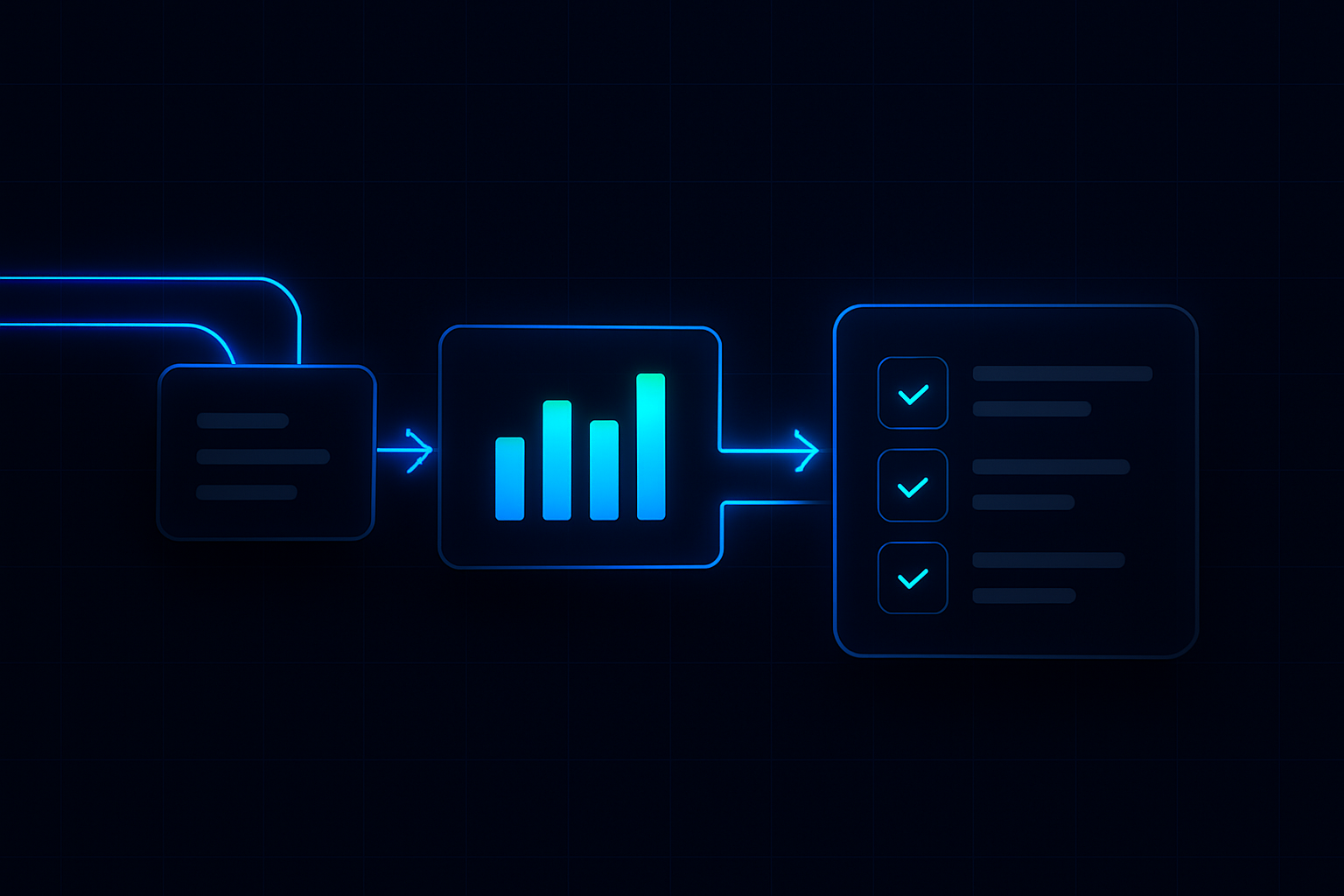
ReplyOS treats enquiry handling as revenue infrastructure. Signals come in across WhatsApp, SMS, web chat, and email. The system helps teams detect intent, route to the right owner, and track progression to booking confirmation and downstream outcomes.
Benchmarks should live inside that flow. When KPIs sit on stages, you get practical levers for daily operations — not abstract charts. This post shows how to structure a benchmark set around the ReplyOS pipeline so you can find, and fix, the gaps that cost revenue.
System chain for benchmarked operations
- 1
Detect
Capture signals from WhatsApp, SMS, web chat, and email; identify intent and required ownership in the ReplyOS system.
- 2
Calculate
Assess intent value and stage risk; combine SLA status, routing history, and progression likelihood for conversion visibility.
- 3
Guide
Present the next best operational step to the owner — reply, route, or follow up — keeping staff in full control of the message.
- 4
Confirm
Anchor success on booked outcomes; track confirmation events and downstream results, including Treatment Recovery and Reputation Shield flows.
ReplyOS pipeline: benchmark what moves bookings
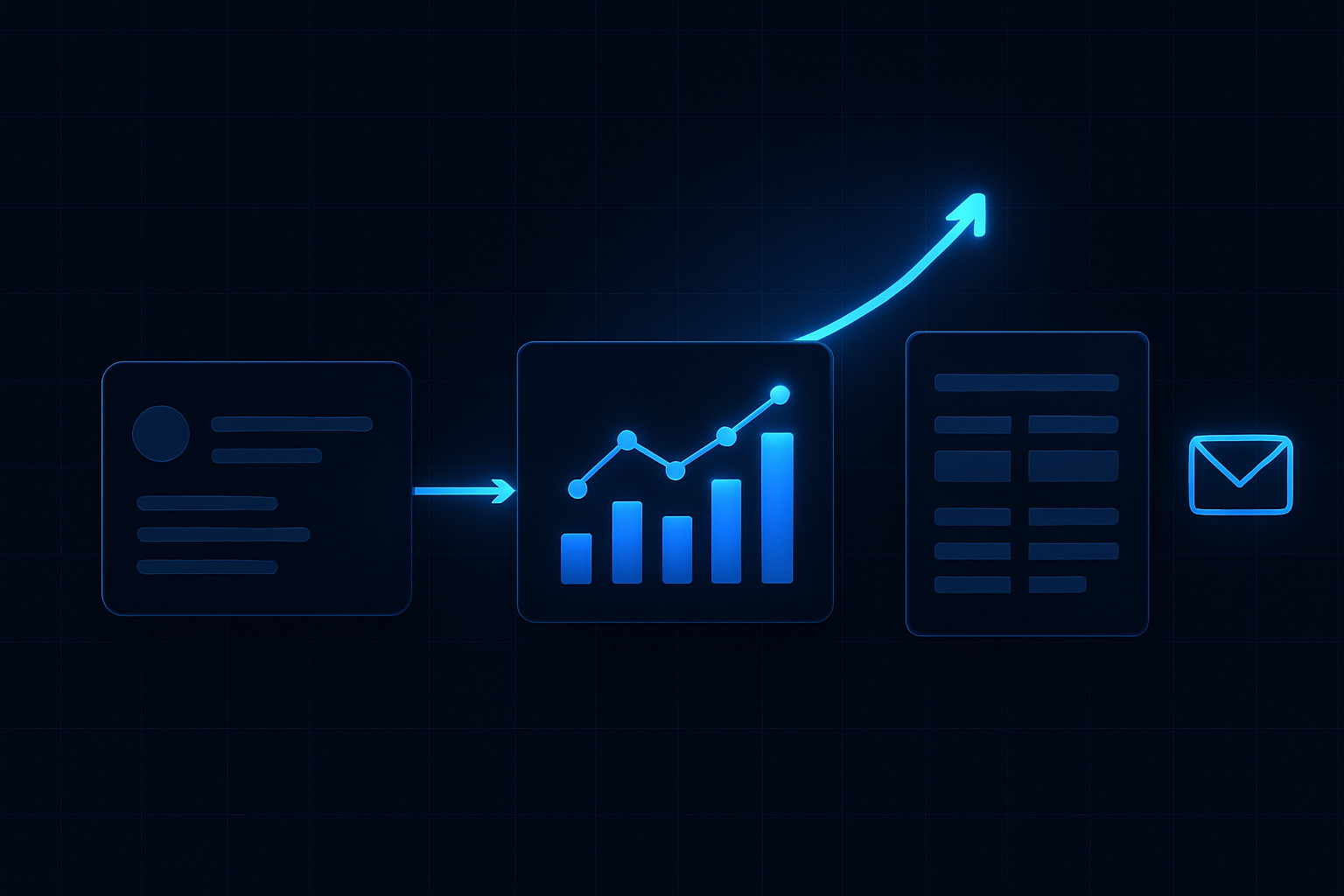
The ReplyOS pipeline anchors benchmarks to movement, not message counts. Signals enter through WhatsApp, SMS, web chat, and email. The system helps teams detect intent and route fast. Each thread progresses through structured stages toward booking confirmation and recorded outcomes.
This creates conversion visibility. You can see where threads progress and where they stall. When KPIs map to these stages, you get operational levers: triage quality, routing speed, follow‑up reliability, and confirmation discipline.
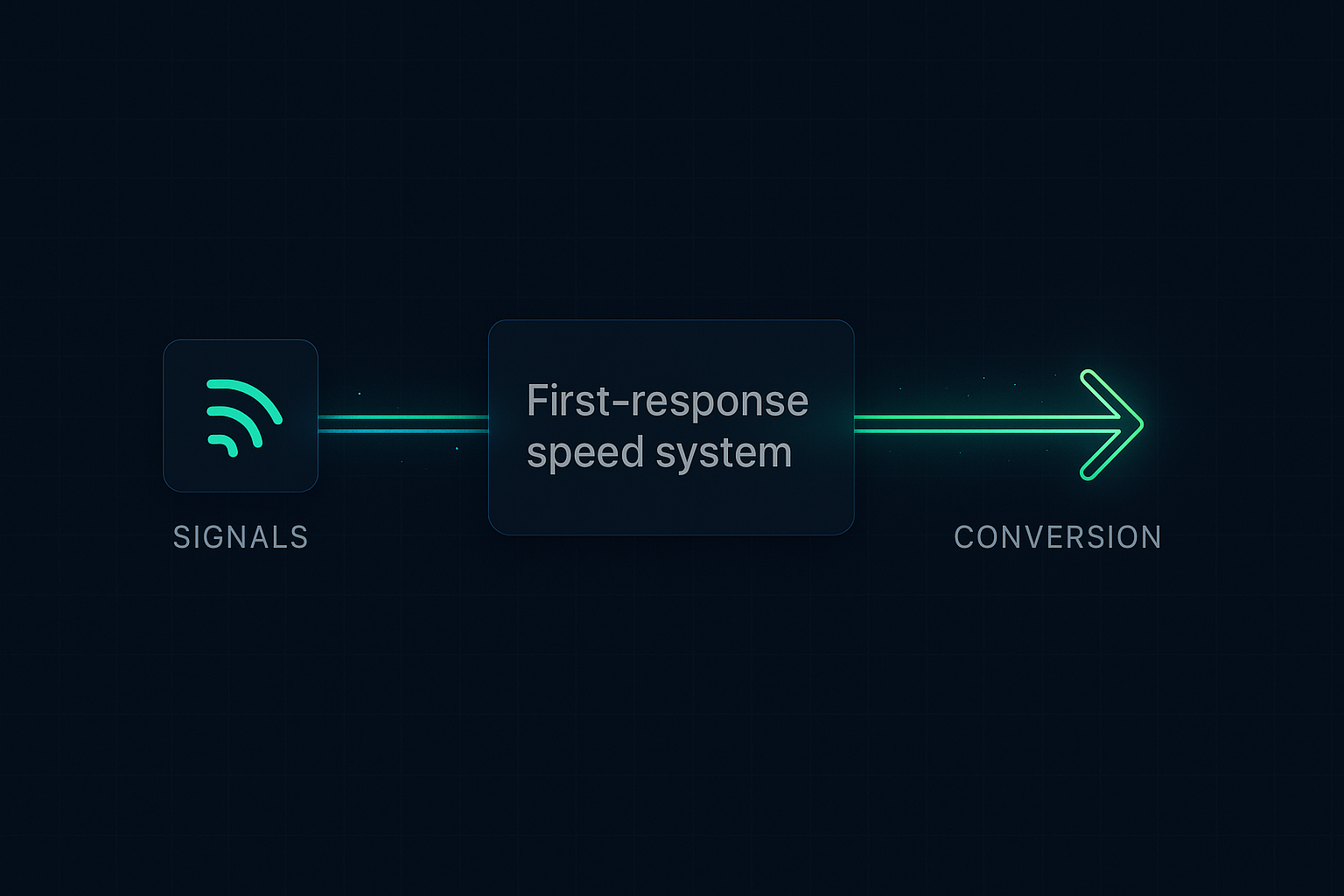
Treat it as revenue infrastructure: a simple chain — signals → processing → conversion → revenue. Benchmarks should ask one question: did this stage move the patient closer to a booking? If not, fix the stage, not the spreadsheet.
ReplyOS brings practical pipeline control to day‑to‑day operations, so leakage points become visible and addressable.
The current approach to KPIs hides booking performance
The current approach to KPIs often rewards volume. “Messages handled.” “Average handle time.” Neat metrics, weak insight. None of these prove movement toward a booking.
Inbox totals hide real performance. A fast first reply that never routes to the right owner still fails the booking. A long thread with no clear next step is just activity. Without stage‑level tracking, you can’t see the blind spot between first contact and confirmation.
Benchmarks must live where ownership changes. Triage, routing, confirmation — these are handoffs. Measurable, operable, and tied to revenue. Shift the scorecard there.
Find revenue leakage with stage‑level conversion visibility
You can’t fix what you can’t see. ReplyOS gives teams visibility into conversion and pipeline stages so revenue leakage shows up in plain sight.
Look for four common leaks and link each to a KPI:
- Capture gaps: enquiries never reach the team (channel capture rate).
- Slow or low‑quality first responses: replies lack intent alignment (SLA by intent value).
- Mis‑routing: enquiries sit with the wrong owner (routing speed and reassignment rate).
- Stalled follow‑ups: threads drift before confirmation (progression to booking confirmation).
Aftercare matters too. Treatment Recovery helps surface and follow up unbooked treatment plans to recapture revenue. Reputation Shield runs post‑treatment feedback flows to intercept unhappy patients before public reviews, and steer satisfied patients to leave a review — staff always control any reply. Both extend the benchmark beyond the appointment, into outcomes that protect and grow revenue.
Commercial operations benchmarking: build a practice‑ready KPI set
Start lean. Build a benchmark you can run daily without a new meeting.
Suggested KPI set mapped to the ReplyOS system:
- Channel capture rate (WhatsApp, SMS, web chat, email): are signals entering the pipeline?
- First‑response SLA coverage by intent value: did high‑intent threads get a timely, relevant first reply?
- Routing speed to the right owner: how fast did we put the thread in capable hands?
- Progression from intent‑qualified to booking confirmation: are we moving value to revenue?
- Treatment Recovery follow‑up rate on unbooked plans: are we closing the loop on clinical acceptance?
- Reputation Shield resolution ratio: are we catching issues privately and directing happy patients to reviews?
Where editorial governance is required, enable draft‑first workflows so content updates follow a controlled review, without slowing the pipeline.
Modelled example: the weekly review cadence that sticks
Modelled example: A practice runs a one‑week baseline. Every morning before the first clinical slot, the front desk triages new enquiries in ReplyOS, labels intent, and routes owners. Midday, leads clear stalled threads older than a set age. Friday, the team reviews stage metrics and decides one change to trial next week.
What changes? Maybe a shorter first reply that proposes two times. Maybe a stricter rule on owner routing for high‑value intent. Maybe a tighter follow‑up window for unbooked plans using Treatment Recovery. The team keeps ownership; ReplyOS supplies the visibility.
Within two weeks, the KPI set settles. Leaders track stage movement, not inbox volume. Operators work the day with confidence: detect, route, progress, confirm. Light process, clear pipeline control.
KPI
Channel capture rate
What it answers
Are enquiries entering one system?
Where in ReplyOS
Channel capture logs (WhatsApp, SMS, web chat, email)
Note
Baseline benchmark; missing capture is silent loss.
KPI
Intent‑qualified share
What it answers
How much inbound demand is high intent?
Where in ReplyOS
Intent detection and QA labels
Note
Signals quality; pairs with SLA and routing.
KPI
Routing speed to owner
What it answers
How fast do we assign capability?
Where in ReplyOS
Operational handoff events
Note
Faster, correct routing supports earlier confirmation.
KPI
First‑response SLA coverage (by intent)
What it answers
Are timely replies reaching the right value tiers?
Where in ReplyOS
SLA monitors by stage and channel
Note
Layer SLA with intent to avoid vanity speed.
KPI
Booking confirmation rate
What it answers
Are qualified threads becoming bookings?
Where in ReplyOS
Confirmation events and outcomes
Note
Anchor metric for performance reviews.
KPI
Treatment Recovery follow‑up rate
What it answers
Are unbooked plans being surfaced and pursued?
Where in ReplyOS
Treatment Recovery module
Note
Recaptures value on higher plans.
KPI
Reputation Shield resolution ratio
What it answers
Are post‑treatment issues resolved privately?
Where in ReplyOS
Reputation Shield follow‑up flows
Note
Protects reputation; routes happy patients to reviews.
Operate the benchmark where revenue moves
Most enquiries are wasted. You just don’t see it. Put KPIs on the stages, get conversion visibility, and operate the ReplyOS pipeline like revenue infrastructure.

What makes a KPI a benchmark in the ReplyOS pipeline?
It must attach to a stage that moves an enquiry toward booking confirmation. Track it consistently across channels, review it weekly, and use it to change operator behaviour — not just display a chart.
Can we include aftercare metrics without overcomplicating the scorecard?
Yes. Add two post‑treatment signals: Treatment Recovery follow‑up on unbooked plans and Reputation Shield resolution outcomes. They extend visibility into revenue protection without bloating the daily run sheet.
Does ReplyOS automate booking decisions?
No. ReplyOS helps teams detect intent, route enquiries, and respond with clearer operational visibility. Staff maintain control over all replies and confirmations.
Can this help with regulatory expectations?
ReplyOS provides structured visibility and draft‑first content workflows that can support operational governance. For regulatory context, refer to public guidance from bodies like the Care Quality Commission and NHS England. This is not an endorsement or certification of ReplyOS.
How do we start benchmarking without historical data?
Run a one‑week baseline. Capture all signals in ReplyOS, apply intent labels, route owners, and measure stage movement. Use that baseline to set your first targets and iterate weekly.
Next step
See ReplyOS in action
Explore how ReplyOS captures and converts patient enquiries across every inbound channel.
View platform overviewContinue reading