Practice Growth
Never Miss the After‑Hours Moment: Capture Every Enquiry into a Pipeline You Control
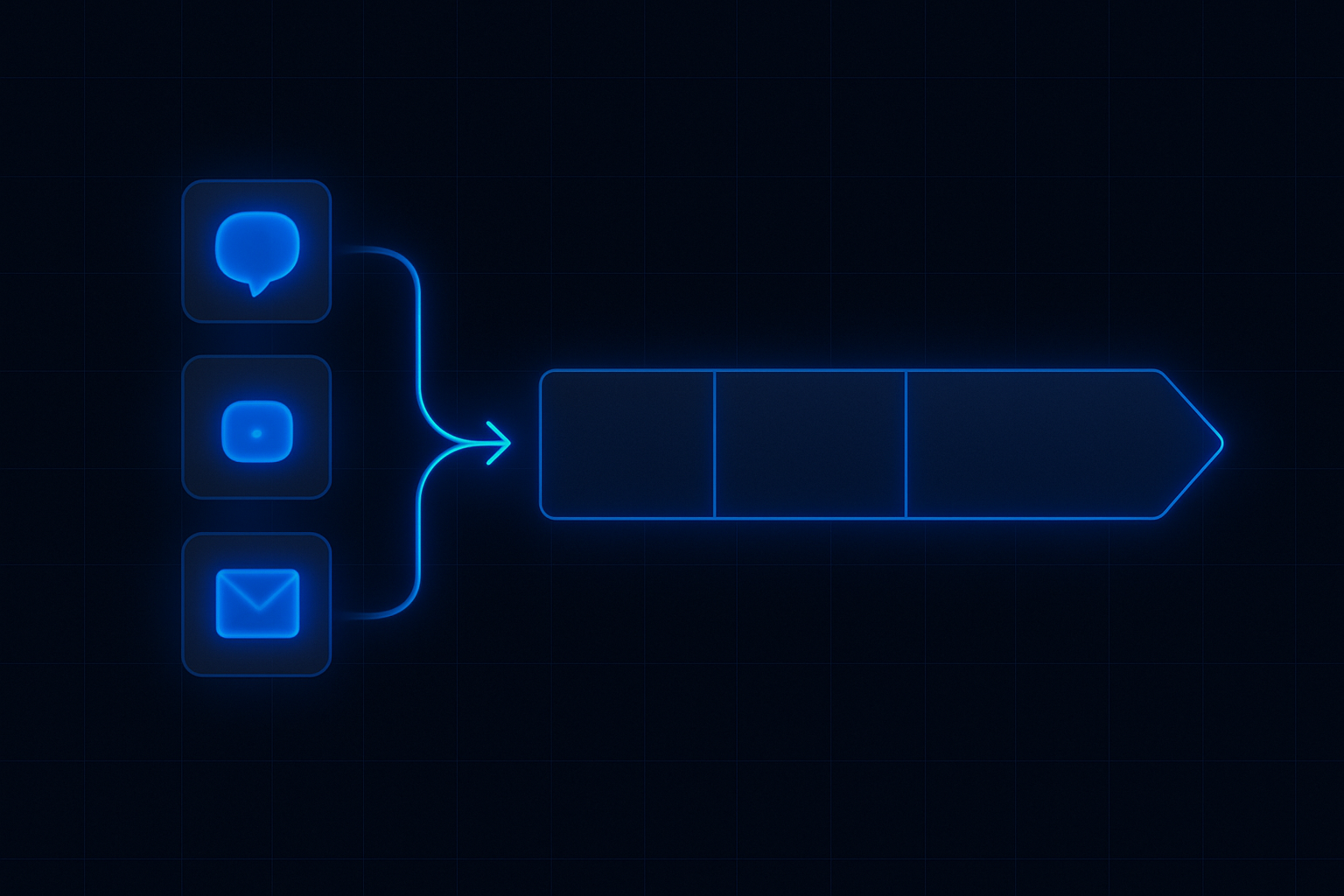
Most enquiries arrive when the phone is busy or the door is closed. ReplyOS captures WhatsApp, SMS, web chat, and email into a single pipeline so teams detect intent, route fast, and move every conversation toward booked outcomes—with visible control over leakage.
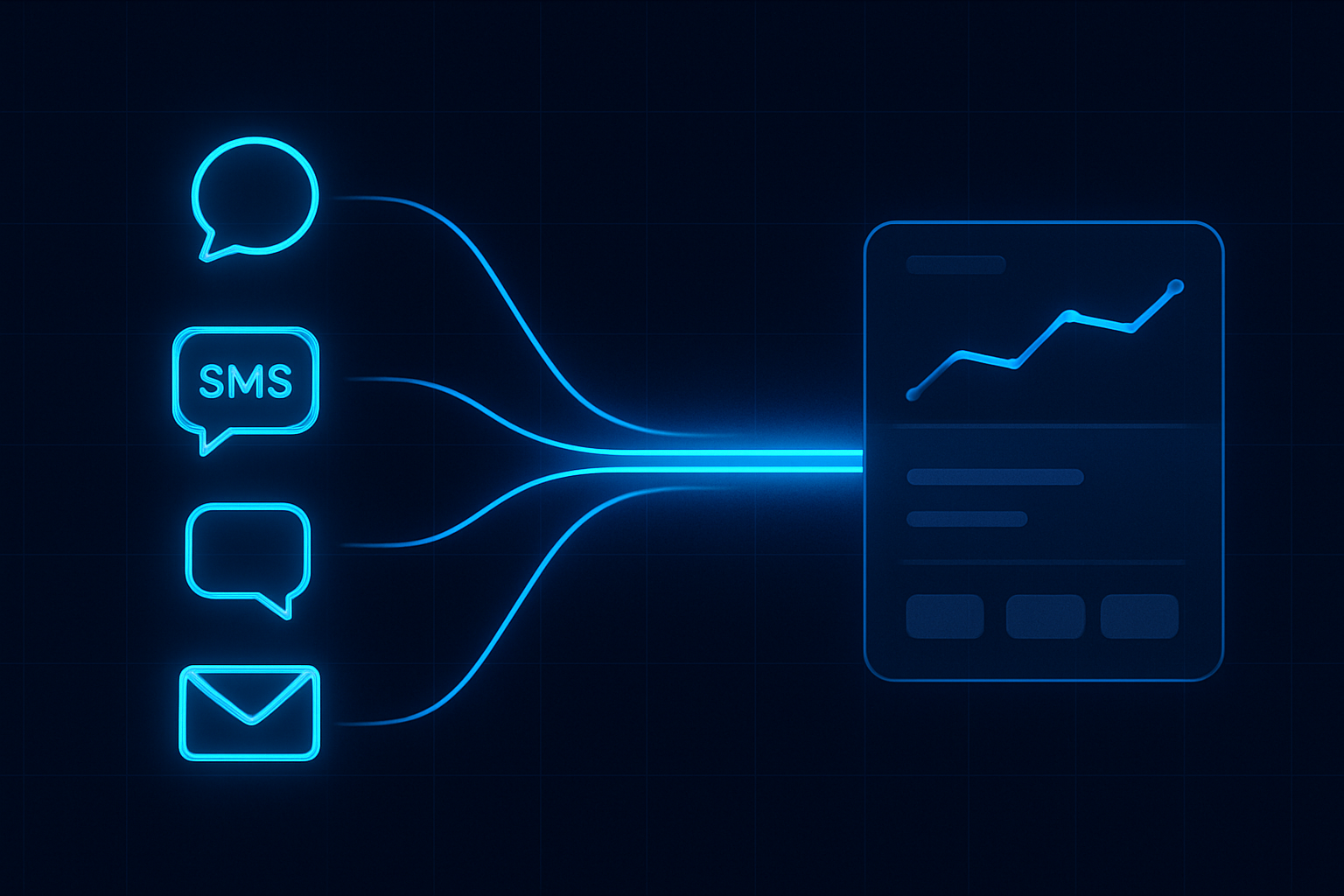
Most enquiries are wasted. You just don’t see it. The phone rolls to voicemail. Messages land in separate apps. No one owns the next step. That’s silent revenue leakage.
ReplyOS turns signals into revenue. It captures WhatsApp, SMS, web chat, and email in one place, helps teams detect intent, route enquiries, and track progress to booking confirmation. You get practical visibility across conversion stages, so leakage points are easier to spot and fix.
This is enquiry intelligence for conversion‑led growth. Signals → processing → conversion → revenue.
ReplyOS operating model
Detect → Calculate → Guide → Confirm
Each stage is a system hand-off in the ReplyOS pipeline, from first signal to confirmed booking action.
Detect
New threads from WhatsApp, SMS, web chat, and email are captured with context so nothing is missed overnight.
Calculate
Classify intent (new patient, treatment enquiry, admin) and urgency to set priority and owner.
Guide
Use structured conversation tracking and draft‑first content (where enabled) to keep replies consistent across channels.
Confirm
Move the thread to a clear booking status, record the outcome, and hand off any downstream steps with visibility.
Detect → Calculate → Guide → Confirm
The after‑hours gap is silent leakage
After hours is not quiet. It’s invisible. Calls roll to voicemail. Web chat pings get missed. WhatsApp and SMS sit unread. Teams come in to a mess of signals with no single view. The result is slow responses, duplicate effort, and avoidable drop‑off.
A phone‑first model can’t scale this. Channel fragmentation breaks ownership. Without a pipeline, you can’t see conversion, only messages. That’s why bookings slip.
ReplyOS is designed to capture these signals into one pipeline and give operators practical control over routing, follow‑up, and confirmation.
ReplyOS pipeline: capture after‑hours and route to confirmation
The ReplyOS pipeline gives teams a single view from first message to booking confirmation. It supports enquiry‑to‑booking workflows used in day‑to‑day operations.
- Capture: WhatsApp, SMS, web chat, and email land in one place.
- Detect: Identify intent and urgency. Separate new patient requests from admin.
- Route: Assign the right owner. Support front‑desk handoff.
- Track: See progress to confirmation and downstream outcomes.
This is pipeline control you can scale: consistent handling, clearer visibility, and fewer stalls.
Set up capture and routing for consistency at scale
Start with capture. Connect WhatsApp, SMS, web chat, and email so every after‑hours signal lands in one queue. That removes the channel blind spot.
Next, define intent tags and routing rules. Keep it simple: new patient, treatment enquiry, existing patient admin. Assign owners by slot (morning triage) or line of service. ReplyOS supports operational handoff for front‑desk teams, so each thread has a named owner.
Use draft‑first content workflows (where enabled) to keep messaging on‑brief. Short templates help maintain clarity without losing the human voice.
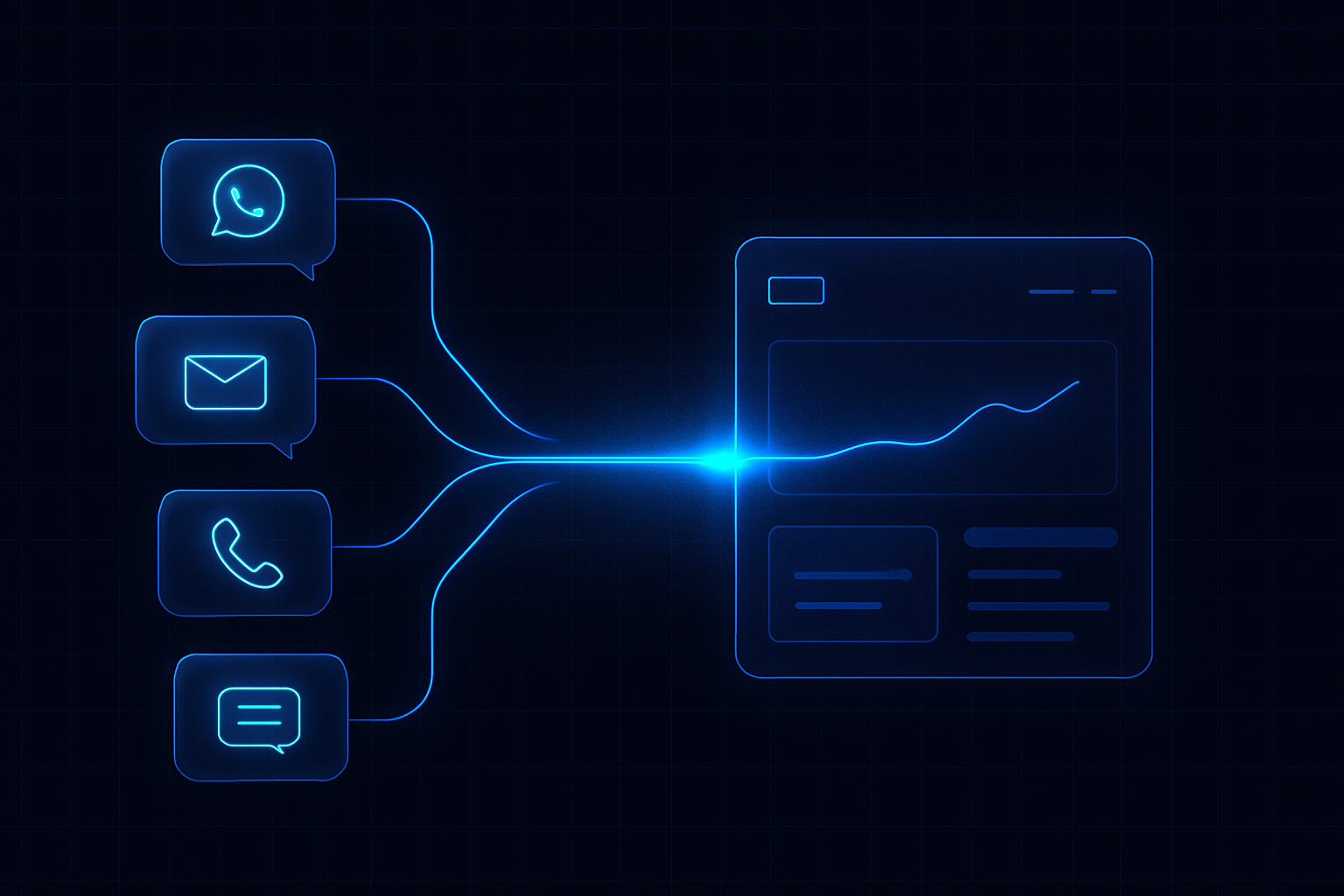
Triage after‑hours messages before the day starts
Example workflow: run a 15‑minute morning triage before the first clinical slot.
- Open the ReplyOS pipeline view. Filter for new overnight threads.
- Detect and tag intent. Prioritise new patient treatment enquiries.
- Route ownership to the front‑desk agent on duty.
- Use approved drafts (where enabled) to reply with clear next steps.
- Move the thread to a held confirmation or scheduled call‑back status.
This creates a daily habit that scales. Same process, any volume. The channel no longer dictates the outcome.
Stage
Capture
Signal example
Voicemail transfer, WhatsApp DM, web chat form, email enquiry
Operational risk if missed
No record, duplicate callbacks, frustrated patients
ReplyOS control
Unified capture across WhatsApp, SMS, web chat, and email
Stage
Detect
Signal example
"New patient tooth pain" vs "existing patient reschedule"
Operational risk if missed
Wrong queue, slow response
ReplyOS control
Intent classification and context to set priority
Stage
Route
Signal example
Assign front‑desk owner
Operational risk if missed
No clear ownership, stalled thread
ReplyOS control
Operational handoff with visible assignment
Stage
Guide
Signal example
Share availability, prep info, pricing context
Operational risk if missed
Mixed messages, long threads
ReplyOS control
Draft‑first content workflows (where enabled) for consistency
Stage
Confirm
Signal example
Secure the booking or callback window
Operational risk if missed
Verbal yes without confirmation
ReplyOS control
Progress tracking to confirmed status and outcome
Stage
Post‑visit
Signal example
Satisfaction follow‑up
Operational risk if missed
Public negative review risk
ReplyOS control
Reputation Shield routes unhappy patients privately; staff keep reply control (Pro and above)
Stage
Unbooked plans
Signal example
Proposed treatment not booked
Operational risk if missed
Lost intent and silent drop‑off
ReplyOS control
Treatment Recovery surfaces and supports follow‑up (higher plans)
See the stall, fix the stall: visibility drives better follow‑up
Pipeline visibility changes behaviour. When every thread has a status, owners act faster and leaders see where bookings stall.
Modelled example: a practice reviews stalled threads weekly. They find slow handoffs on Fridays and unclear pricing replies. They tighten ownership for weekend cover and update draft replies. The stall rate drops the following week. No promises—just better control through visibility.
This is how you scale: the same operating model across channels, with signals processed the same way every time.
Treatment Recovery and Reputation Shield work downstream of capture
After‑hours capture gets you to the first booking. Treatment Recovery helps you find revenue you’ve already earned the right to follow up—unbooked treatment plans that went cold. Reputation Shield helps protect hard‑won trust after care by routing unhappy patients privately and guiding happy ones toward reviews. In both cases, staff stay in control of every reply.
How does ReplyOS help with after‑hours messages?
ReplyOS is designed to capture inbound enquiries across WhatsApp, SMS, web chat, and email into one pipeline. Teams can detect intent, route ownership, and track progress toward booking confirmation with clearer operational visibility.
Will ReplyOS replace my front desk?
No. ReplyOS supports teams with structured guidance and visibility. Staff stay in control of every reply and decision. The system helps reduce missed or stalled enquiries; it does not replace professional judgment.
Can we keep messaging consistent across channels?
Yes. ReplyOS supports draft‑first content workflows for editorial governance where enabled. This helps teams keep replies clear and consistent while maintaining a human voice.
How do we handle unhappy patients after treatment?
Reputation Shield provides a post‑treatment follow‑up that helps intercept unhappy patients before public negative reviews and routes satisfied patients toward leaving a review. Staff always control any reply. Available on Pro and above.
What about unbooked treatment plans that go cold?
Treatment Recovery helps surface and support follow‑up on unbooked treatment plans so teams can recapture revenue that might otherwise be lost. Available on higher plans.
Does this help with regulatory requirements?
ReplyOS is not a regulatory certification tool. For context on UK healthcare standards, see public guidance from NHS England and the Care Quality Commission; do not treat this as endorsement of any software.
Next step
See ReplyOS in action
Explore how ReplyOS captures and converts patient enquiries across every inbound channel.
View platform overview