Patient Communication
Catch Issues Privately, Earn Reviews Publicly: Post‑Treatment Control with Reputation Shield
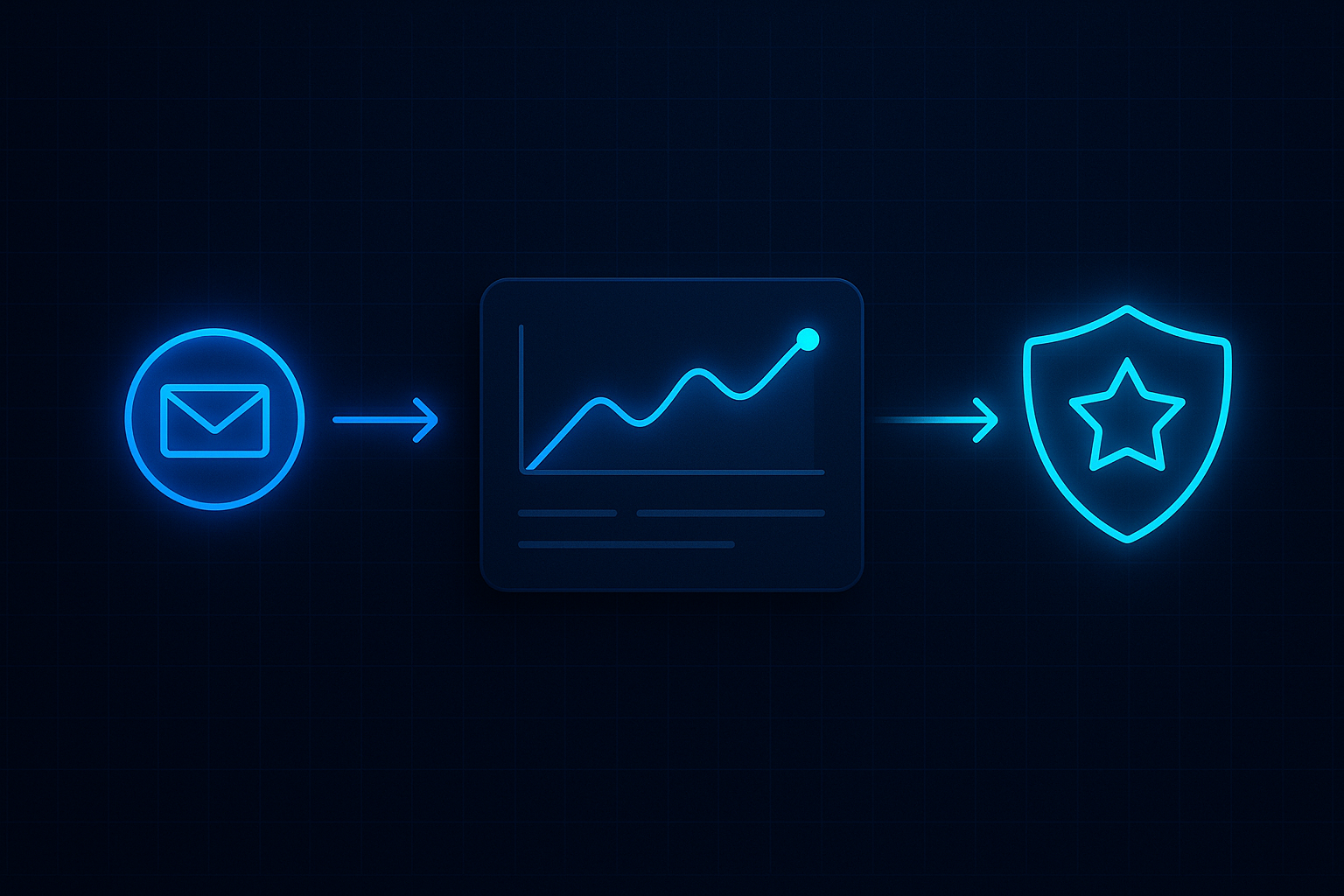
Most review pain is preventable. ReplyOS Reputation Shield helps practices follow up after treatment, catch issues before they go public, and route happy patients to leave a review — with staff always in control inside the ReplyOS pipeline.
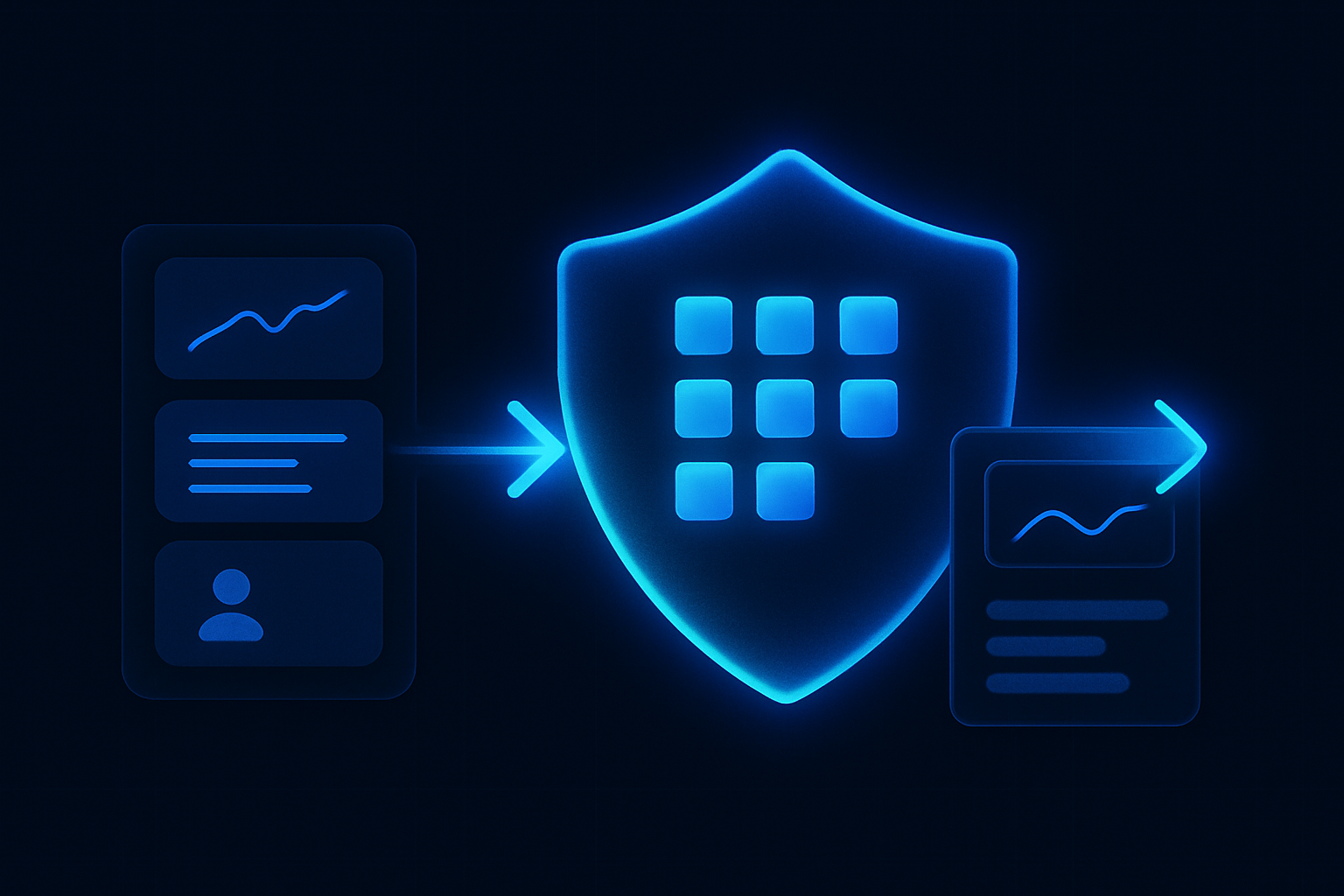
Most reviews are written when your team is busy elsewhere. The signal is there; the system isn’t. ReplyOS turns post‑treatment signals into a controlled process you can run daily.
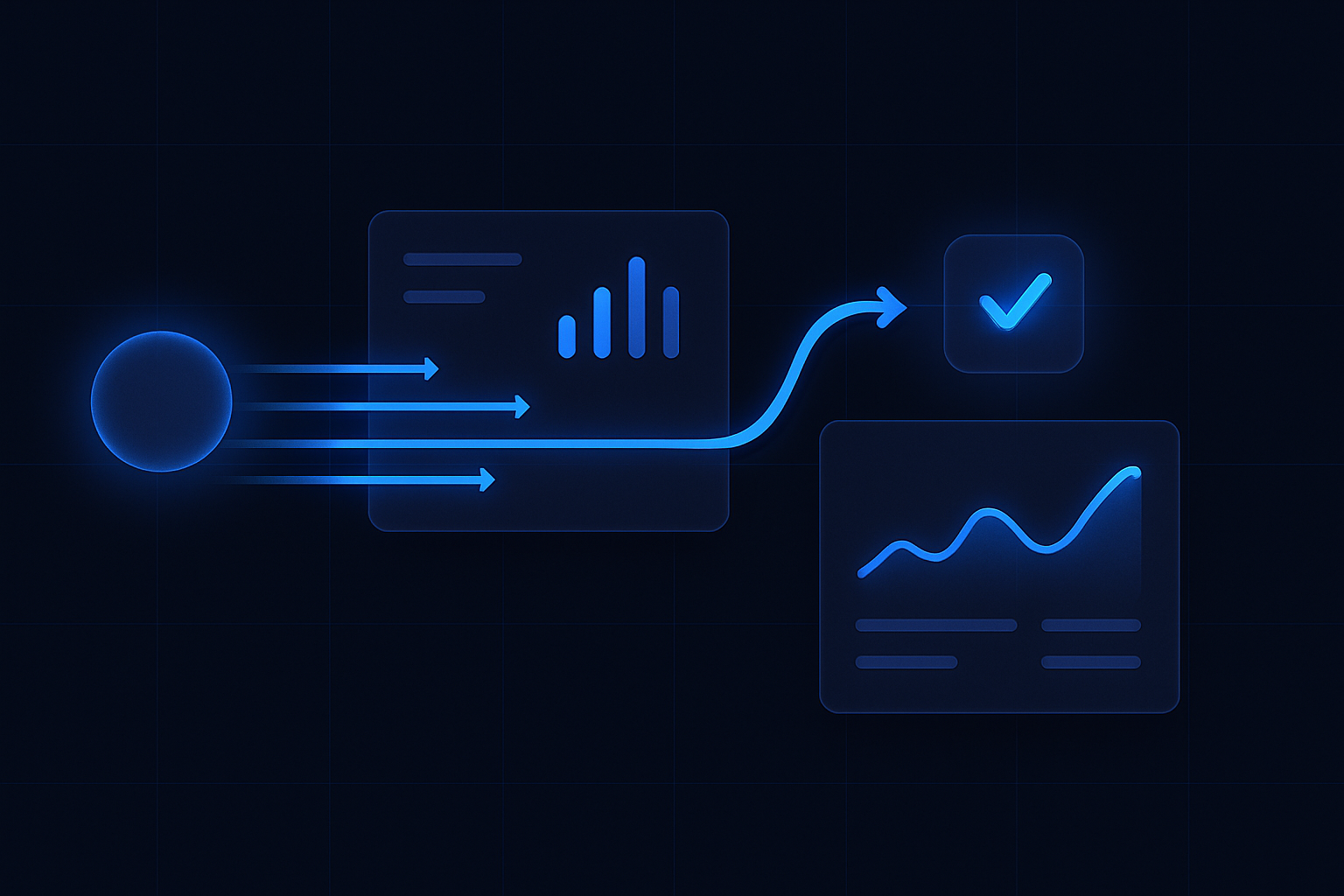
Signals → processing → conversion → revenue. That is the ReplyOS operating model. For reputation work, it means structured follow‑ups, sentiment routing, and clear handoffs—so issues get resolved privately and happy patients find the review link without friction.
ReplyOS operating model
Detect → Calculate → Guide → Confirm
Each stage is a system hand-off in the ReplyOS pipeline, from first signal to confirmed booking action.
Detect
Capture post‑treatment signals across WhatsApp, SMS, web chat, and email; spot sentiment and intent.
Calculate
Determine routing—private recovery path or public review path—using structured statuses your team controls.
Guide
Serve the right draft‑first message and handoff notes so staff can personalise and send with confidence.
Confirm
Track the outcome—issue resolved, follow‑up booked, or review link completed—inside the ReplyOS pipeline.
Detect → Calculate → Guide → Confirm
ReplyOS pipeline: reputation routed like revenue
Reputation is not a side channel. It is a stage in your growth pipeline. The ReplyOS pipeline gives you practical control from first enquiry to booked outcome—and onward to post‑treatment follow‑up.
Inside the ReplyOS system, patient replies are captured across WhatsApp, SMS, web chat, and email. Intent is detected, sentiment is routed, and progress is tracked. Your team sees exactly where a follow‑up sits: pending check‑in, private issue flagged, review link sent, review confirmed.
This is operational clarity. No hunting through inboxes. No guessing who replied. Just a single pipeline that converts care moments into trust signals you can stand behind.
Contrast: Inbox follow‑up vs the ReplyOS operating model
Old way: inbox chaos. Follow‑ups sit in WhatsApp threads, email drafts, and sticky notes. You only hear about problems when they hit Google.
New way with the ReplyOS operating model: one controlled pipeline. Detect signal, calculate next action, guide the reply, confirm outcome. Every post‑treatment moment is processed like revenue work.
The contrast is stark. Inboxes hide leakage. Pipelines expose it. ReplyOS gives teams visibility into stages so weak handoffs, late replies, and missing review links are easy to spot and fix.
Reputation Shield in practice: follow up, intercept, and route to review
Reputation Shield is designed to run after every treatment. It triggers a quick, channel‑appropriate check‑in. If the patient signals concern, the thread is routed to a private resolution path with visible ownership for the front desk or clinician support. If the patient is satisfied, the team can route them to leave a review, with staff still in control of the message.
Staff always control any reply. Draft‑first workflows help teams stay on‑tone without losing judgment. You maintain the human element; ReplyOS adds structure and visibility.
Outcome: fewer surprises on public platforms and a steadier flow of authentic reviews you can point to when patients research care options.
Operational impact: time back for the front desk
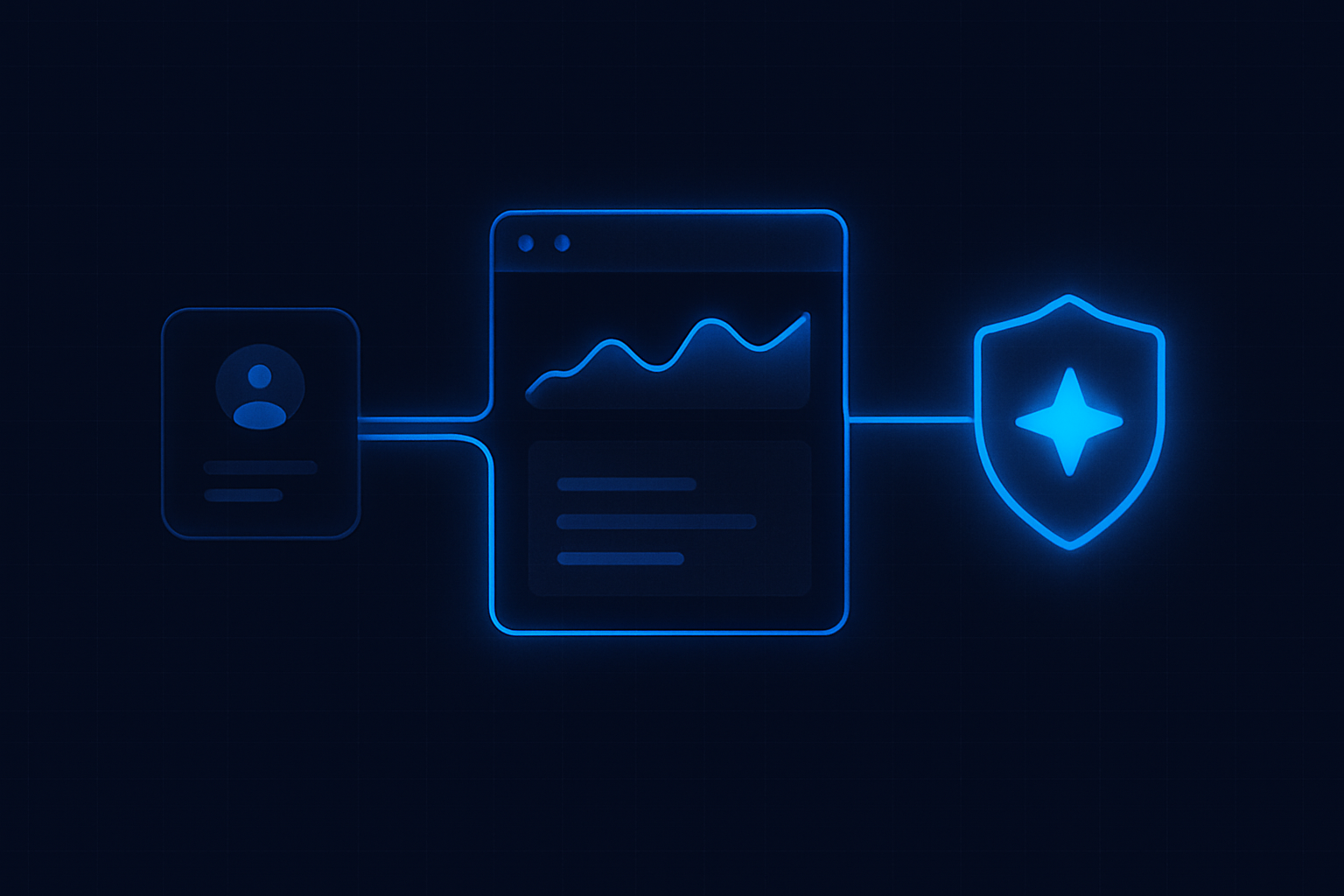
Front desks are stretched. Reputation work often loses to ringing phones. The ReplyOS operating model helps teams get time back by removing the hunt‑and‑peck work: capture is automatic, status is visible, next action is suggested.
Templated drafts speed up consistent replies across WhatsApp, SMS, web chat, and email. Threads that stall are flagged for a second attempt. Ownership is clear, so nothing sits unattended.
You keep control. ReplyOS supports the team with structure and visibility so routine follow‑ups don’t consume the whole morning.
Stage
Check‑in sent
Signal
Post‑treatment message delivered
Team action
Draft personalised and send
Outcome
Patient replies
Example cadence
Day 0
Stage
Private recovery
Signal
Concern detected
Team action
Assign owner; send resolution path; offer follow‑up slot
Outcome
Issue resolved or appointment booked
Example cadence
Day 0‑1
Stage
Review request
Signal
Positive sentiment
Team action
Send review link with simple steps
Outcome
Review left
Example cadence
Day 1
Stage
Second attempt
Signal
No response
Team action
Automated nudge prepared; staff approve and send
Outcome
Reply received
Example cadence
Day 2‑3
Stage
Exception queue
Signal
Stalled after nudge
Team action
Escalate in weekly review
Outcome
Clear next action assigned
Example cadence
Weekly
Governance without friction
Governance matters. Many providers operate under public expectations for transparent patient experience, as outlined in NHS England guidance and the Care Quality Commission’s information for providers. ReplyOS does not replace clinical judgment or certify compliance. It helps teams run a consistent, staff‑controlled follow‑up process with clear records.
Draft‑first content workflows support editorial oversight where enabled. That means your approved phrasing is ready to go, and any sensitive replies can be checked before sending—without losing speed.
Don’t leave reviews to chance
The post‑treatment moment is a signal‑rich window. Process it through the ReplyOS pipeline and you turn fragile sentiment into durable trust.

Example workflow: morning triage that holds
Example workflow: Run a 10‑minute morning triage inside the ReplyOS system.
Open the reputation view in the ReplyOS pipeline. Send any unsent check‑ins from last clinic day. Review private recovery threads first and assign owners. Approve review‑request drafts where sentiment is already positive. Push any stalled threads into the exception queue for end‑of‑week review.
Modelled example: A practice that standardises this cadence often reports fewer surprises and more predictable reviews because status and ownership are obvious to the whole team.
Does Reputation Shield post replies automatically?
No. Staff always stay in control of any reply. ReplyOS supports draft‑first workflows so your team can review, personalise, and send quickly across WhatsApp, SMS, web chat, and email.
Can we route only happy patients to Google reviews?
Yes. Reputation Shield helps teams identify sentiment and route satisfied patients toward leaving a review, while privately following up with anyone who signals a concern.
How does this fit with our compliance obligations?
ReplyOS does not provide regulatory certification or guarantees. It helps teams run a consistent follow‑up process with clearer records. For regulatory context, consult public guidance from NHS England and the Care Quality Commission; no endorsement of ReplyOS is implied.
Will this replace our front desk?
No. ReplyOS supports teams with structure, routing, and visibility. It does not replace staff or clinical judgment.
Can we customise the follow‑up timing and wording?
Yes. Teams can use draft‑first content and set cadences aligned to your operating model, then track outcomes inside the ReplyOS pipeline.
Next step
See ReplyOS in action
Explore how ReplyOS captures and converts patient enquiries across every inbound channel.
View platform overviewFor the product definition of post-treatment review protection, see Reputation Shield.