Practice Growth
Protect Your Capacity: Cut No‑Shows with Confirmation Control in the ReplyOS Pipeline
No‑shows aren’t random. They’re pipeline failures. Use the ReplyOS pipeline to capture signals across WhatsApp, SMS, web chat, and email, route follow‑ups, and lock in confirmation so capacity turns into booked revenue.
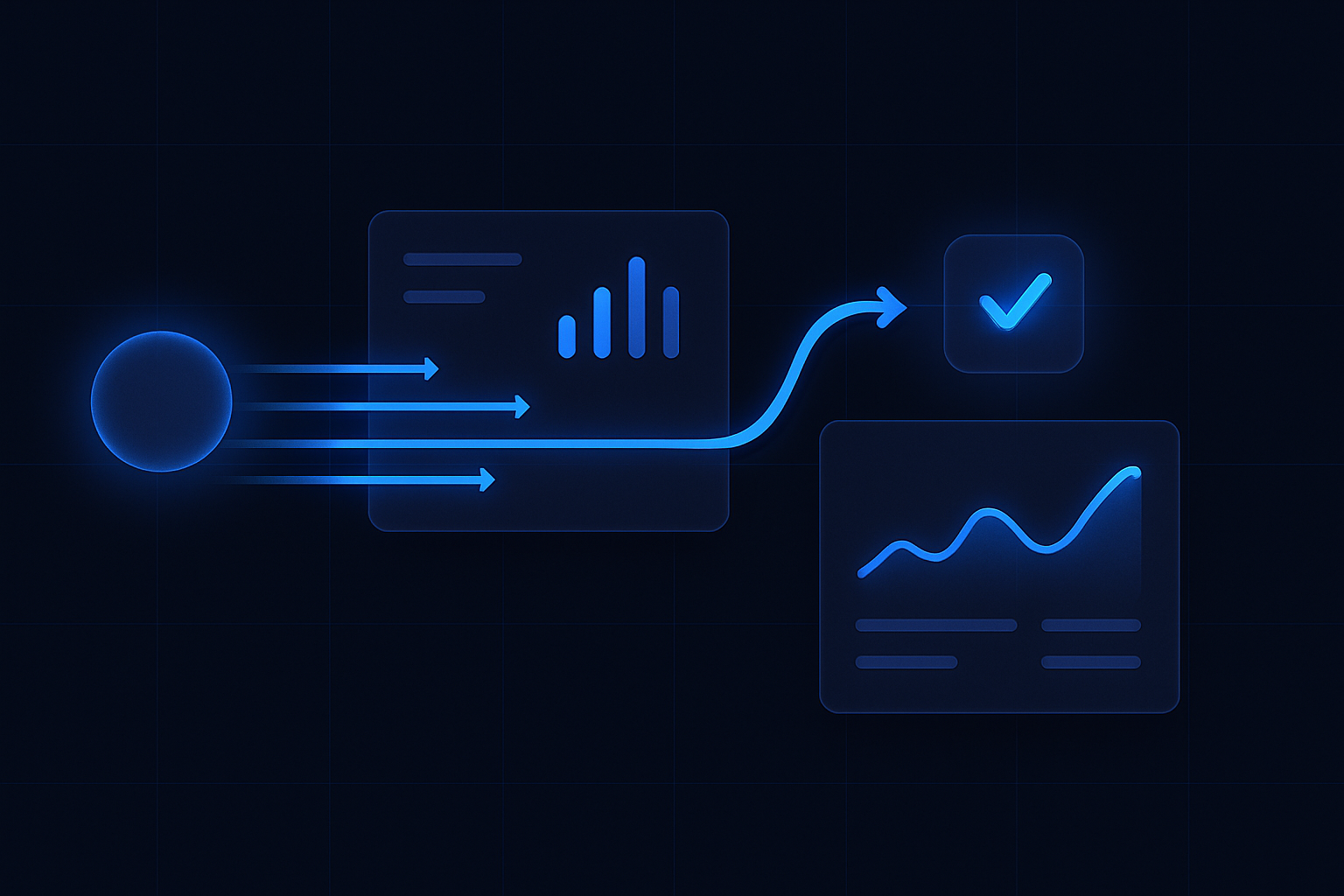
Most enquiries are wasted. You just don’t see it. Messages arrive on WhatsApp, SMS, web chat, and email. Replies happen, but ownership blurs. Confirmation lags. The calendar looks full; the chair stays empty.
ReplyOS is revenue infrastructure for enquiry‑to‑booking control. It’s designed to capture inbound messages, detect intent, route follow‑ups, and track progress to booking confirmation with practical visibility. That’s how capacity becomes predictable, not hopeful.
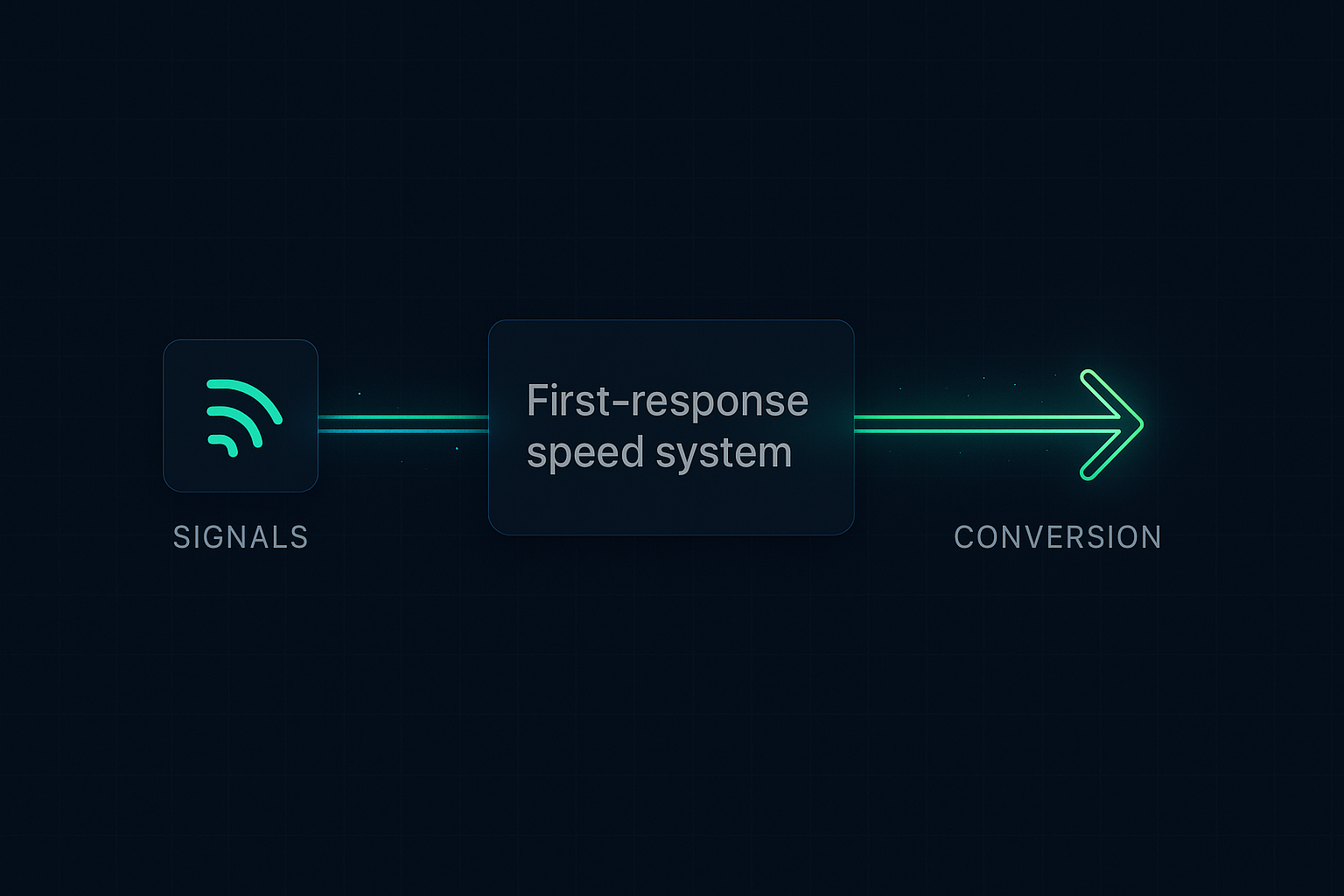
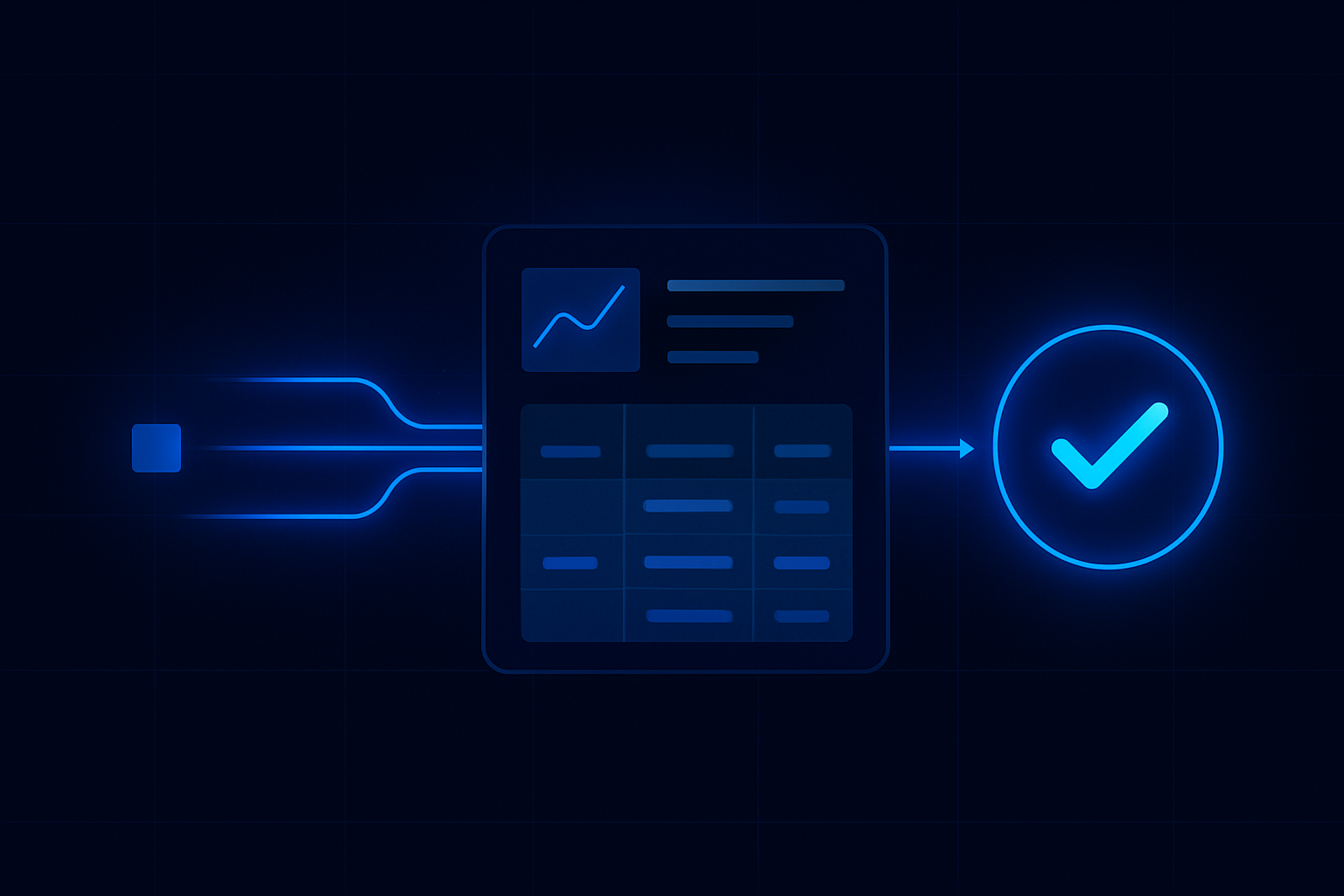
Signals → processing → conversion → revenue. Treat confirmation as a stage, not a courtesy reminder.
ReplyOS operating model
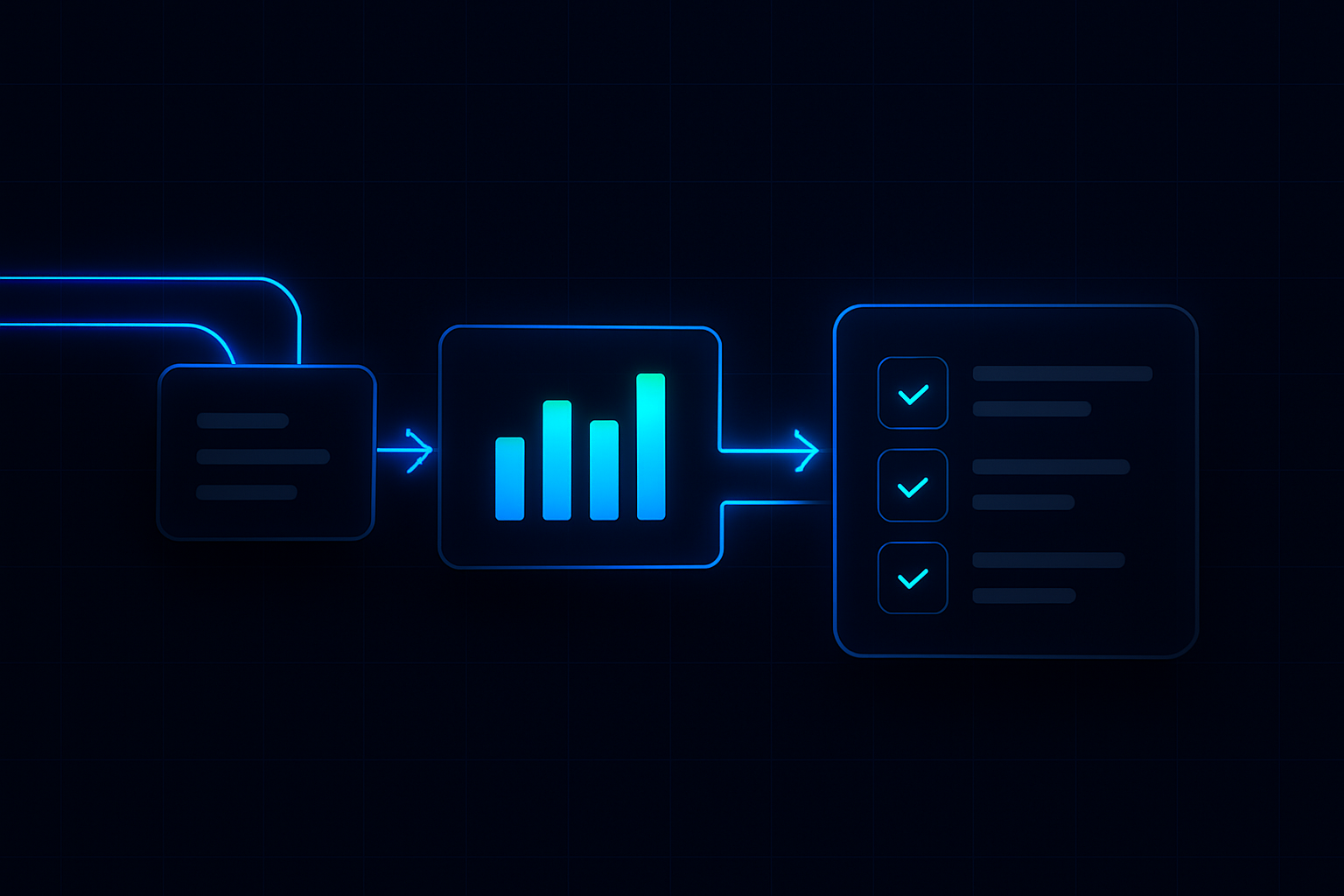
Detect → Calculate → Guide → Confirm
Each stage is a system hand-off in the ReplyOS pipeline, from first signal to confirmed booking action.
Detect
Capture signals across WhatsApp, SMS, web chat, and email; identify intent and appointment context.
Calculate
Assess capacity impact and booking stage; see where confirmation is missing or at risk.
Guide
Route ownership and provide next‑best follow‑up so the right person sends the right message on the right channel.
Confirm
Record explicit confirmation and status; track exceptions and handoffs until the slot is secured.
Detect → Calculate → Guide → Confirm
ReplyOS pipeline: confirmation that protects capacity
The ReplyOS pipeline turns multi‑channel noise into a controllable booking path. It’s designed to capture inbound enquiries across WhatsApp, SMS, web chat, and email. Teams detect intent, route to the right owner, and track progress to a confirmed status — with visibility into conversion and pipeline stages so leakage points are easier to spot.
With confirmation tracked as a distinct stage, front desk teams see which threads are pending, which need a prompt, and which are secured for the day. That’s operational control, not inbox roulette.
ReplyOS supports enquiry‑to‑booking workflows for day‑to‑day operations. You can use it to coordinate reminders and confirmations across channels while keeping staff in control of every reply.
Reminders vs. confirmation control
Reminders are not confirmation. A reminder is a message. Confirmation is a controlled stage with clear ownership and a recorded outcome.
Old habit: send a courtesy text and hope. Threads split across channels, and you “think” it’s fine because the message went out. On the day, the slot evaporates.
ReplyOS shift: capture every conversation in one system, route follow‑ups, and track confirmation status visibly. If a patient replies on WhatsApp while a colleague emails, the pipeline still shows one truth — confirmed, pending, or at risk. That’s the difference between a calendar that looks full and a day that runs full.
Build a confirmation cadence the team can run
Illustrative operating model: split roles across capture, routing, and confirmation. Morning triage handles new enquiries before the first clinical slot. Midday sweep clears pending confirmations. End‑of‑day run chases at‑risk tomorrow slots across WhatsApp, SMS, and email — all tracked in the ReplyOS pipeline so nothing hides in a personal inbox.
Modelled example: a practice reviews stalled threads weekly to improve follow‑up reliability. Over several weeks, fewer cases sit in a “pending confirmation” state for more than 24 hours. The result is steadier days and less last‑minute scrambling.
ReplyOS supports these routines with structured conversation tracking, status visibility, and operational handoff — practical guidance alongside human decisions.
Stage
Enquiry captured
Before (illustrative)
Modelled example: 100%
After confirmation control (illustrative)
Modelled example: 100%
Stage
Reached and engaged
Before (illustrative)
Modelled example: 70%
After confirmation control (illustrative)
Modelled example: 75%
Stage
Provisional booking
Before (illustrative)
Modelled example: 55%
After confirmation control (illustrative)
Modelled example: 58%
Stage
Confirmed booking
Before (illustrative)
Modelled example: 40%
After confirmation control (illustrative)
Modelled example: 50%
Stage
Day‑of attendance
Before (illustrative)
Modelled example: 34%
After confirmation control (illustrative)
Modelled example: 46%
Forecast the day with confirmation signals
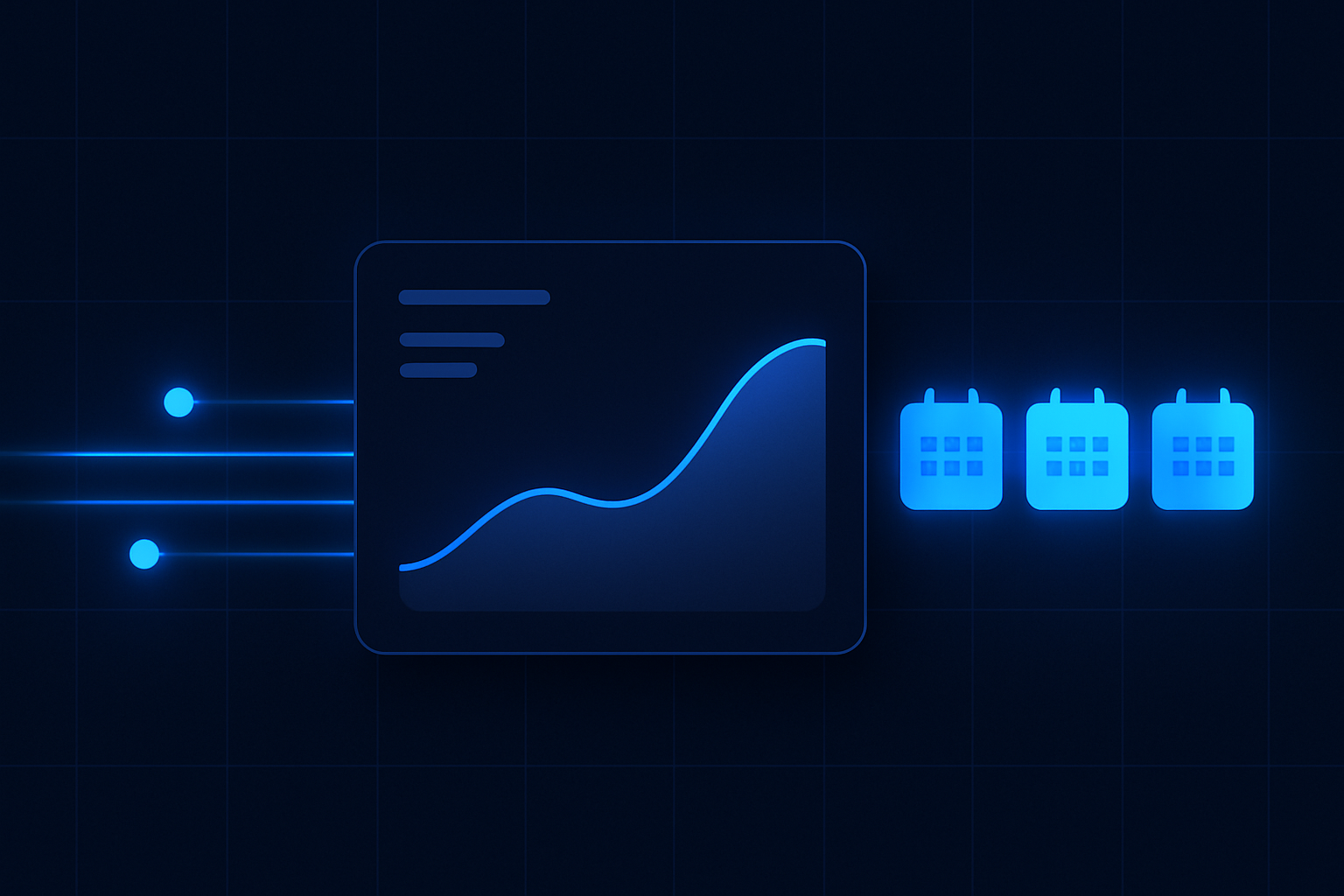
Capacity‑aligned growth needs a short‑horizon forecast you can trust. With ReplyOS, confirmation status becomes a practical signal for tomorrow and next week. If pending confirmations rise, you know exactly where to focus.
Use the ReplyOS system to see which lists to work: new enquiries that haven’t scheduled, provisional bookings missing confirmation, and at‑risk appointments that need a same‑day nudge. This is forecast through operations — not a spreadsheet guess, but a status‑driven plan your team can act on.
Estimated scenario: by standardising confirmation checkpoints and routing, avoidable drop‑off falls. More of your “booked” slots convert into attended appointments because ownership got clearer and follow‑ups happened on time.
Own confirmation. Protect capacity.
No‑shows aren’t patient mysteries. They’re pipeline misses. Treat confirmation as a stage you can see and own in the ReplyOS pipeline.
Close the loop: recovery and reputation
ReplyOS includes Treatment Recovery, which helps practices surface and follow up unbooked treatment plans on higher plans. That recaptures revenue that often hides after the initial consult.
Reputation Shield (available on Pro and above) adds structured post‑treatment follow‑up that helps catch unhappy patients before a public negative review and routes satisfied patients toward leaving a review — with staff always in control of any reply. While this sits after attendance, it strengthens your end‑to‑end operating rhythm and closes the loop.
ReplyOS also supports draft‑first content workflows for editorial governance where enabled, so teams can shape standard confirmation language before it goes live. Cleaner language, clearer responses, fewer misunderstandings that lead to last‑minute cancellations.
Does ReplyOS replace our reminder system?
ReplyOS is designed to capture enquiries across WhatsApp, SMS, web chat, and email, and to help teams detect intent, route follow‑ups, and track confirmation as a stage. Many teams use ReplyOS to coordinate reminders and confirmations in one place while staff stay in control of any reply.
How does ReplyOS help reduce no‑shows without over‑promising automation?
ReplyOS supports structured visibility and ownership. Teams see pending confirmations, stalled threads, and at‑risk appointments, then act on them. It helps reduce missed or stalled enquiries through routing and status tracking; humans still make the final decisions.
Can I see where confirmation is leaking?
Yes. The ReplyOS pipeline gives visibility into conversion and handoff stages. You can spot where enquiries pause, where handoffs fail, and which confirmations haven’t been secured.
Where do Treatment Recovery and Reputation Shield fit?
Treatment Recovery helps surface and follow up unbooked treatment plans (higher plans). Reputation Shield provides a post‑treatment follow‑up that helps intercept unhappy patients before public negative reviews and routes happy patients toward reviews (Pro and above). Both features support revenue control around the core booking workflow.
We’re a multi‑channel practice. Can ReplyOS track confirmations across all of them?
ReplyOS captures WhatsApp, SMS, web chat, and email conversations and can be used to track progress toward booking confirmation across those channels. Staff retain control of every message and can run draft‑first content workflows where enabled.
Next step
See ReplyOS in action
Explore how ReplyOS captures and converts patient enquiries across every inbound channel.
View platform overview
Continue reading