
Most enquiries are wasted. You just don’t see it. Threads stall. Handoffs drop. No one knows where the booking died.
ReplyOS fixes this. We capture inbound across WhatsApp, SMS, web chat, and email. We detect intent. We route. We guide the conversation and confirm the booking. Every step is tracked, visible, and operational.
This is revenue infrastructure for enquiry-to-booking workflows. Signals → processing → conversion → revenue.
At a glance
Key takeaways
Enquiries are revenue signals. Capture them across WhatsApp, SMS, web chat, and email.
Run a system: Detect → Calculate → Guide → Confirm.
Track structured progress to booking confirmation. Expose revenue leakage.
Route with operational control. Support front desk handoff without losing context.
Use draft-first content workflows to govern responses and protect quality.
Get practical pipeline visibility from first enquiry to booked outcome.
Where the current approach fails
Most AI replies are cosmetic. They answer. They don’t advance the booking. No tracking. No routing. No confirmation signal.
Ad hoc inboxes hide leakage. Messages live in WhatsApp, SMS, web chat, and email. Duplicates multiply. Threads stall. Teams guess.
If you can’t see the pipeline, you can’t control the leak.
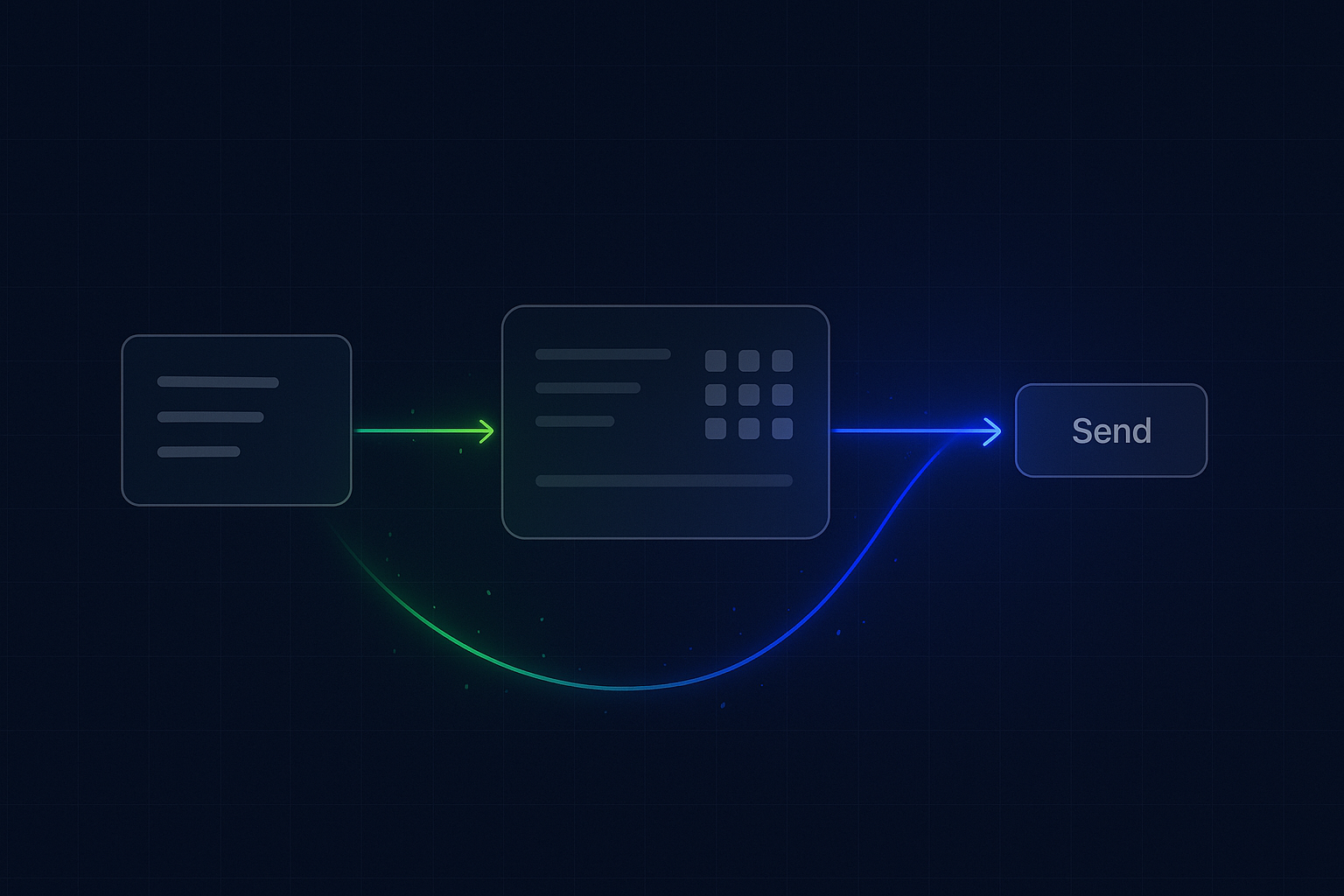
Detect → Calculate → Guide → Confirm
ReplyOS runs a simple operating model.
Detect: Capture signals across WhatsApp, SMS, web chat, and email. Identify intent, contact, and deduplicated thread.
Calculate: Score urgency, pick routing, set next step, and assign a status. Build the path to confirmation.
Guide: Respond with structured prompts and approved drafts. Move the conversation through pre-screen, availability, and slot offer.
Confirm: Lock the booking, record the signal, and track downstream outcomes.
This is enquiry intelligence as revenue infrastructure.
Operational control over the pipeline
Guide. Track. Adapt.
Guide with approved templates and context-aware replies. Keep tone, detail, and policy consistent.
Track structured status: New → Triaged → Info Collected → Slot Offered → Pending Confirm → Confirmed (or Closed). See movement, not chatter.
Adapt in real time. Reroute stalled threads. Tighten drafts. Standardise steps. Reduce avoidable drop-off.
Unified capture and triage
- Capture across channels: WhatsApp, SMS, web chat, and email inbox. Auto-thread by contact. De-duplicate repeat pings.
- Normalise metadata: source, campaign (if any), time, and language.
- Auto-acknowledge on capture. Set expectations. Ask a single clarifying question to surface intent.
- Expose a unified queue. Sort by status, intent, and SLA.
- Escalate high-intent or urgent medical requests to front desk immediately (configurable routing).
Intent detection and routing
- Detect primary intent: new booking, reschedule, pricing, referral, clinical query, admin.
- Route by intent and availability. Assign owner with clear SLA.
- Provide suggested replies and required fields (e.g., date of birth, reason, location).
- Flag risks: unclear intent, multi-party thread, missing info, or no-reply.
- Keep context across channel switches (e.g., web chat to SMS).
Structured conversation tracking to booked outcome
- Define conversion markers: Info Collected, Slot Offered, Confirmed.
- Use structured prompts to collect prerequisites (e.g., referral code, insurance note, consent).
- Offer slots with response shortcuts. Capture acceptance clearly.
- Track confirmation as a distinct event. Attach downstream outcome (attended, cancelled, no-show) when available.
- Expose thread health: time since last reply, next action owner, and reason for hold.
Draft-first editorial workflows
- Draft-first content. Create, review, and approve message templates before publish.
- Lock sensitive wording. Enable contextual variables only where needed.
- Track who changed what, when, and why. Keep an audit trail.
- Run lightweight approvals for new or escalated scenarios.
- Protect quality without slowing high-intent conversions.
Operational handoff without losing the thread
- Front desk takeover with full context. No copy-paste. No reset.
- Keep the structured status. Human replies still move the pipeline.
- Use playbooks: phone-out fallback, voicemail script, and follow-up timers.
- Snap back to automation for routine steps (e.g., appointment reminder).
- Preserve accountability with owner, SLA, and next action.
Stage
Captured enquiries
Illustrative count/ratio
Modelled example: 100 (illustrative)
What ReplyOS tracks
Channel, source, deduped contact
Where leakage hides
Uncaptured threads, channel silos
Stage
Detected booking intent
Illustrative count/ratio
Modelled example: 60% (illustrative)
What ReplyOS tracks
Intent tags, required info gaps
Where leakage hides
Vague asks, missing clarifiers
Stage
Routed within SLA
Illustrative count/ratio
Modelled example: 80% of intented (illustrative)
What ReplyOS tracks
Owner, SLA, handoff timestamp
Where leakage hides
Queue blind spots, reassign delays
Stage
Slot offered
Illustrative count/ratio
Modelled example: 75% of routed (illustrative)
What ReplyOS tracks
Offer sent, options, expiry
Where leakage hides
Draft quality, unclear next step
Stage
Confirmed booking
Illustrative count/ratio
Modelled example: ~28 (illustrative)
What ReplyOS tracks
Clear confirm signal + downstream status
Where leakage hides
No-reply after offer, lost context
Operational visibility supports safer workflows
Healthcare operations need auditability and clear handoffs. Draft-first approvals and structured tracking support safer communication and oversight. For UK contexts, governance expectations from NHS England and the Care Quality Commission emphasise consistent processes and provider accountability. ReplyOS provides operational visibility and audit trails to support those goals. (General references: NHS England; Care Quality Commission)
Guide, measure, and close the gap
Modelled example: A practice reviews stalled threads every Friday. They filter for “Slot Offered” older than 48 hours with no reply. They send an approved nudge on SMS, then escalate to front desk phone-out if still silent after 24 hours. Result: tighter follow-up discipline and fewer abandoned near-confirms.
Illustrative scenario: Standardising the intake step (ID + reason + preferred time window) reduces back-and-forth, shortens time-to-offer, and lowers avoidable drop-off. The change is measured in ReplyOS by tracking time in status and the share of threads reaching “Slot Offered.”
Practical move today: Define your confirmation signal. Make it explicit. Track it. Everything else orbits around it.
Which channels does ReplyOS capture?
WhatsApp, SMS, web chat, and email. All enquiries land in one unified, deduplicated queue with status visibility.
How does intent detection work?
ReplyOS identifies likely intent from message content and context, then applies routing rules. Teams can refine tags, required fields, and escalation paths to fit their workflow.
Does this replace the front desk?
No. ReplyOS supports operational handoff. Automation handles routine steps. Front desk takes over complex cases with full context and preserves structured tracking.
How do we know a booking is confirmed?
You define the confirmation signal (e.g., explicit acceptance of a named slot). ReplyOS records the event and locks the status. Downstream outcomes (attended, cancelled, no-show) can be attached when available.
Can we control message quality?
Yes. Use draft-first content workflows. Create and approve templates, lock critical wording, and track changes. Teams get consistent replies without losing speed.
How do we measure revenue leakage?
Watch time-in-status, stalled threads, and drop-offs between stages (e.g., Info Collected → Slot Offered). ReplyOS exposes where progress stops so you can adjust routing, drafts, or follow-up cadence.
What about regulatory expectations in healthcare?
ReplyOS offers operational visibility, audit trails, and approval workflows that support good governance. For UK contexts, see general guidance from NHS England and the Care Quality Commission for provider responsibilities and oversight expectations.
Next step
See ReplyOS in action
Explore how ReplyOS captures and converts patient enquiries across every inbound channel.
View platform overview