Most enquiries are wasted. You just don’t see it. Messages arrive across WhatsApp, SMS, web chat, and email. Threads stall. Ownership blurs. Confirmations slip. The result is lost value—and, too often, a public review that could have been prevented with a quick, consistent follow‑up.
ReplyOS is revenue infrastructure for enquiry‑to‑booking workflows. It captures inbound messages, helps detect intent, routes to the right owner, and tracks conversation progress to booking confirmation and downstream outcomes. With practical pipeline visibility, teams see leakage as it forms, not after it hurts performance or reputation.
ReplyOS operating model
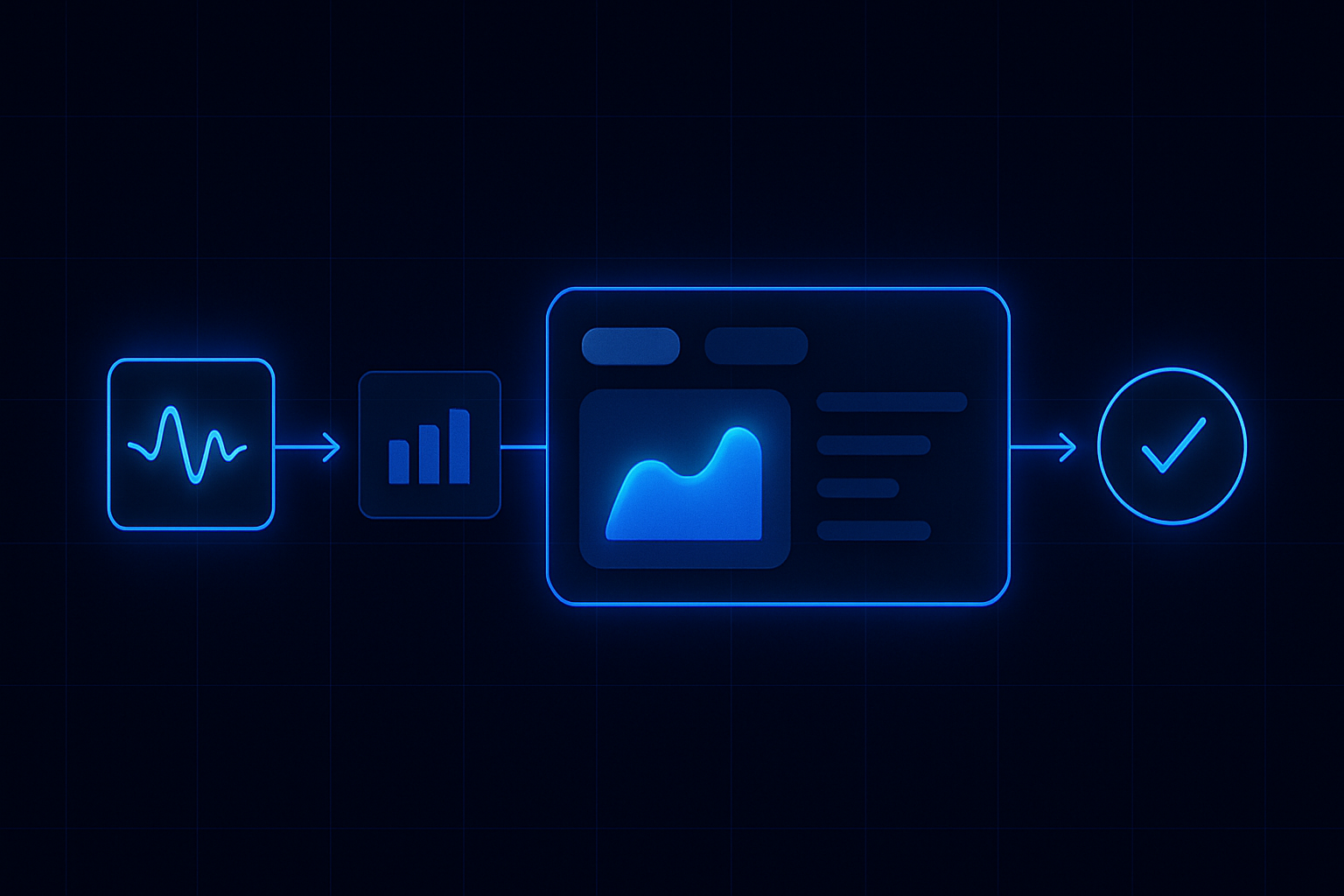
System steps: Detect → Calculate → Guide → Confirm
Each stage is a system hand-off in the ReplyOS pipeline, from first signal to confirmed booking action.
Detect
Capture inbound across WhatsApp, SMS, web chat, and email; recognise intent so the conversation starts in the right lane.
Calculate
Place the thread in a clear stage; weigh urgency and risk so the next action is obvious.
Guide
Route with context, surface suggested responses, and support front‑desk handoff without losing history.
Confirm
Close the loop with a booked outcome and record the status change so capacity and revenue are visible.
Detect → Calculate → Guide → Confirm
ReplyOS pipeline: Detect → Calculate → Guide → Confirm
The ReplyOS pipeline is a simple operating model that turns signals into revenue. It’s built for day‑to‑day work, not slides. Your team needs clarity at speed, not another dashboard to babysit.
Detect: Capture inbound across WhatsApp, SMS, web chat, and email. Identify intent quickly—consult request, price check, follow‑up, or confirmation.
Calculate: Establish where the enquiry sits in your revenue path. What’s the next best step? What’s the risk of stalling? Who owns it now?
Guide: Route with context and suggested actions so the right person moves it forward. Front desk handoffs are clear. Response templates can be draft‑first where governance is enabled.
Confirm: Lock in outcomes. Track booking confirmation, deposit capture where applicable, and any downstream results. This is where leakage ends and revenue is counted.
Where follow‑up leakage hides—and why you don’t see it
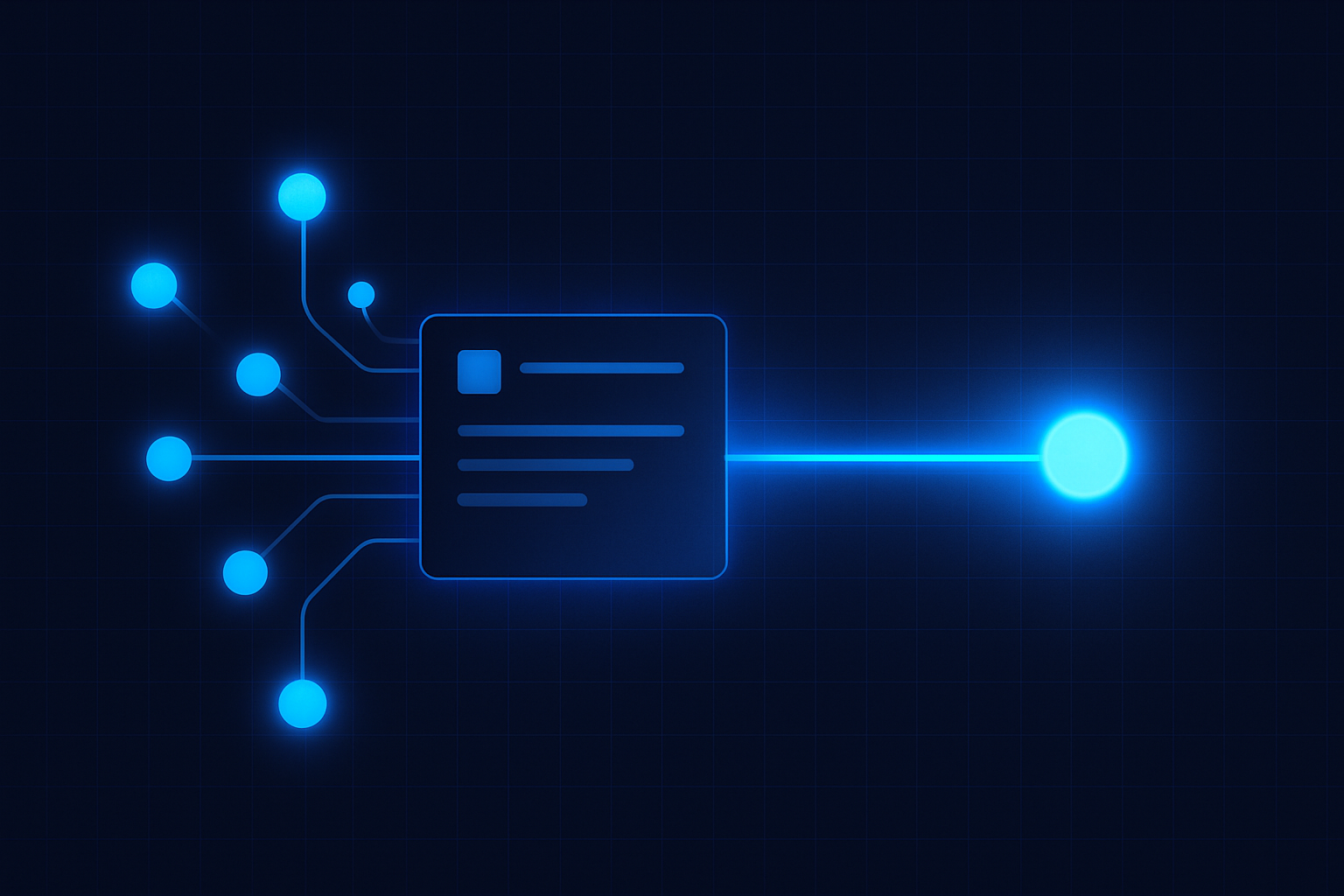
Leakage hides where you track the least. Inboxes don’t show stage control; they show messages. Without a pipeline, you miss three things: intent clarity, ownership, and next steps.
The most common failure modes are basic but costly. First response is slow because triage is ad‑hoc. Tone and detail vary by channel, which confuses patients. Handoffs between roles are loose, so no one notices when a thread stalls. Confirmations are handled late, leaving room for no‑shows and last‑minute reshuffles.
ReplyOS gives teams structured conversation tracking and status visibility. You can see which enquiries are new, active, awaiting patient response, awaiting staff action, confirmed, or closed. That makes it obvious where missed follow‑up lives. Route it, nudge it, or close the loop with a clear outcome. Do it consistently and your reputation benefits because issues are handled before they become public problems.
Leakage point
Missed first response
Symptom
Patient follows up or goes silent
Signal in ReplyOS
Unseen new enquiry across channels
Operational action
Detect → route owner → send draft‑first response
Leakage point
Stalled thread
Symptom
Modelled example: No reply in > 24 hours
Signal in ReplyOS
Thread status stuck on “awaiting staff”
Operational action
Calculate risk → guide next step → set reminder
Leakage point
Unbooked treatment plan
Symptom
Clinically proposed, not scheduled
Signal in ReplyOS
Open plans with no follow‑up
Operational action
Treatment Recovery follow‑up (higher plans)
Leakage point
No confirmation loop
Symptom
Verbal yes, no recorded confirmation
Signal in ReplyOS
No stage change to “confirmed”
Operational action
Guide confirmation message → mark confirmed
Leakage point
Post‑treatment risk
Symptom
Frustration turns into a public review
Signal in ReplyOS
Negative sentiment in follow‑up
Operational action
Reputation Shield intercept; staff craft reply (Pro and above)
From signals to booked outcomes: structured tracking beats speed alone
You need more than a faster reply. You need a visible path to a booked outcome.
ReplyOS is designed to track conversation progress toward booking confirmation and downstream outcomes. Each thread carries context: original channel, stated intent, owner, status, and next step. That structure means teams can see conversion and pipeline stages so leakage points are easier to spot.
Estimated scenario: process standardisation across channels can reduce avoidable enquiry drop‑off by removing guesswork, unifying tone, and setting clear handoffs. The goal is simple: keep momentum, confirm sooner, and protect capacity while issues are still private and fixable.
Reputation is a revenue signal: close the loop before it goes public
Reputation is not a marketing metric; it’s a revenue signal. Unreplied messages and clumsy handoffs feel like indifference. Patients share that frustration publicly.
ReplyOS includes Reputation Shield, a post‑treatment follow‑up that helps catch unhappy patients before they leave public negative reviews and routes satisfied patients toward leaving a review—your staff always stay in control of any reply (available on Pro and above). Keep the loop private, solve the issue, and direct positive sentiment to the right place.
Treatment Recovery complements this by surfacing unbooked treatment plans so you can follow up and recapture revenue (available on higher plans). Together, these loops protect both short‑term bookings and long‑term trust.
Editorial control without slowing the team
Draft‑first workflows in ReplyOS support editorial governance where enabled. Your team can standardise tone, facts, and timing before sending—especially useful for sensitive post‑treatment messages and pricing clarifications. Consistency reduces confusion and protects brand trust.
Make follow‑up a habit you can see
Example workflow: triage first, confirm early, review exceptions. Keep it simple so it runs every day.
Morning triage: ReplyOS captures overnight messages across WhatsApp, SMS, web chat, and email. Detect intent, route ownership, and send a draft‑first response if needed. Move anything promising straight to a confirmation path.
Midday sweep: Check threads awaiting staff action. Calculate risk for anything older than your threshold; guide the next step with a short, direct prompt. Keep momentum.
End‑of‑day review: Confirm that verbal yes becomes a recorded booking. Shift stages accordingly. Push open treatment plans to Treatment Recovery (higher plans). Trigger Reputation Shield for that day’s treatments (Pro and above) so follow‑up is timely and private.
Modelled example: a practice reviews stalled threads weekly to improve follow‑up reliability. The list is short, visible, and owned. Each item gets a single next step, not a meeting.
How does ReplyOS help us spot missed follow‑up across channels?
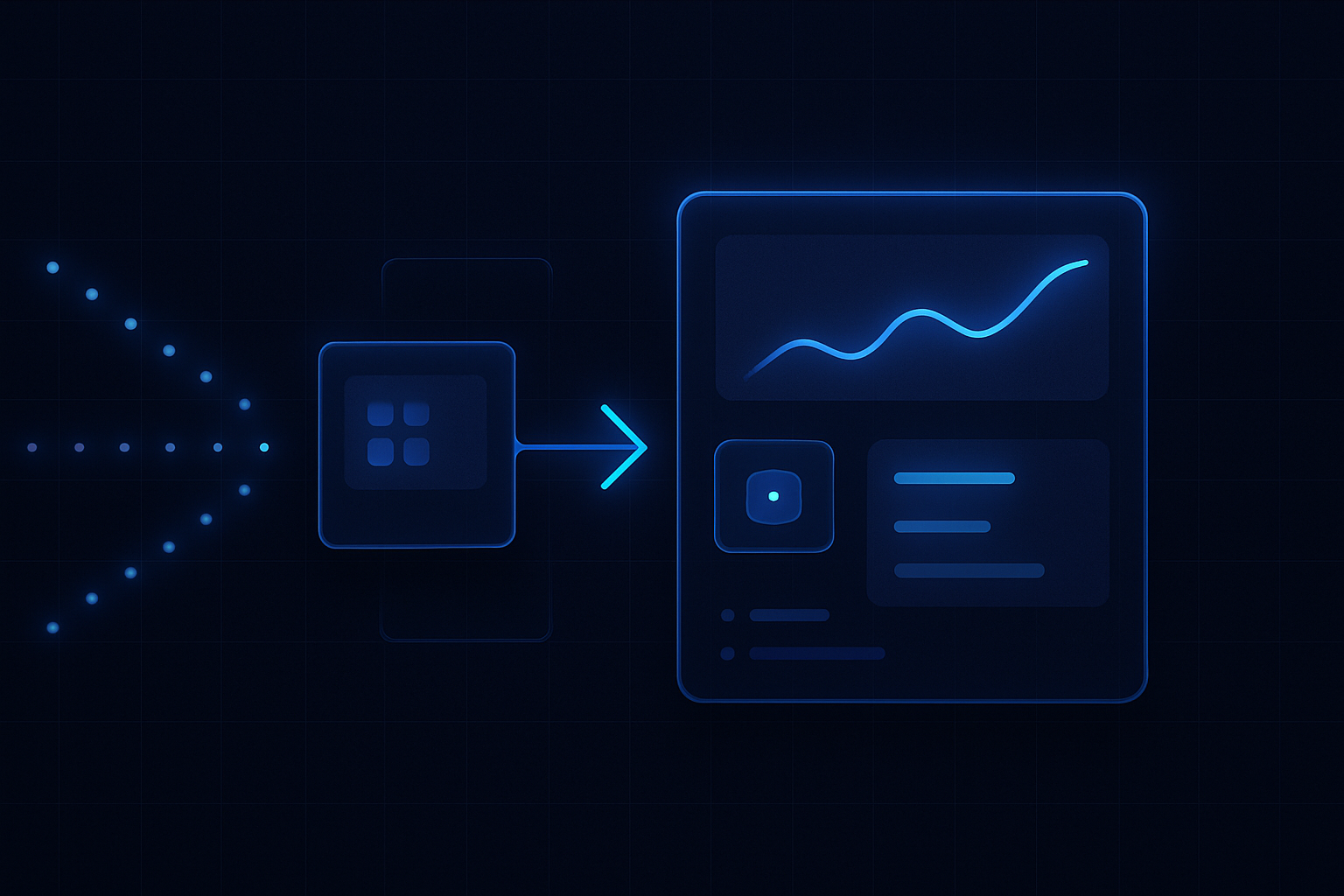
ReplyOS is designed to capture inbound enquiries across WhatsApp, SMS, web chat, and email, then present them in a single pipeline with clear statuses. That makes stalled or unassigned threads visible, so the team can route ownership and act before momentum is lost.
Will ReplyOS replace our front desk?
No. ReplyOS supports operational handoffs and gives visibility into the pipeline. Your team stays in control of decisions and replies. The system helps detect intent, route enquiries, and keep follow‑up consistent.
What about unhappy patients after treatment?
Reputation Shield helps practices intercept negative experiences privately and route satisfied patients toward leaving a review—staff always control any reply. Keeping the loop private helps protect reputation while issues are resolved. Available on Pro and above.
Can we recover unbooked treatment plans?
Yes. Treatment Recovery helps surface and follow up unbooked treatment plans so teams can recapture revenue that would otherwise be lost. This is available on higher plans.
How do we keep messages on‑brand without slowing replies?
ReplyOS supports draft‑first publishing and approval workflows where enabled. Your team can standardise tone and facts, then send promptly. This keeps governance tight and responses fast.
Next step
See ReplyOS in action
Explore how ReplyOS captures and converts patient enquiries across every inbound channel.
View platform overview