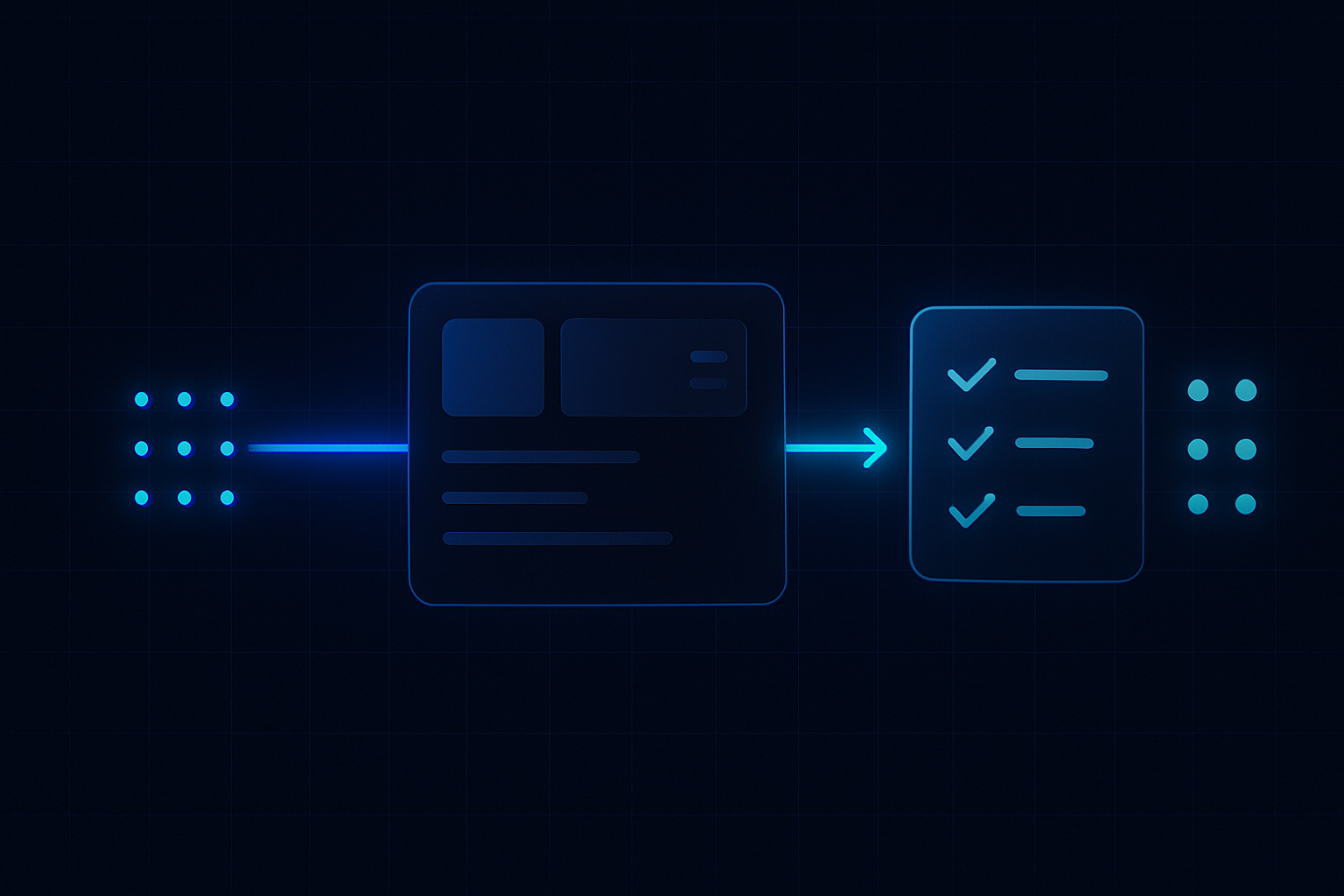
Enquiries land across WhatsApp, SMS, web chat, and email. Mixed ownership, slow routing, and unclear next actions drain value.
ReplyOS is designed to capture every inbound signal, detect intent, route ownership, and track progress to booking confirmation — with visibility you can run. This is the operating model for conversion-led growth operations.
System chain
- 1
Detect
Capture signals across WhatsApp, SMS, web chat, and email; recognise intent and urgency.
- 2
Calculate
Assess value and readiness; set the next action and expected owner.
- 3
Guide
Route to the right person with context; provide draft-first replies where governance applies.
- 4
Confirm
Close the loop with firm date/time; record downstream outcomes and follow-up paths.
ReplyOS operating model
The ReplyOS operating model is simple on purpose. One pipeline across WhatsApp, SMS, web chat, and email. Clear statuses. Clear owners. Clear next actions.
It works as revenue infrastructure for enquiry-to-booking workflows. Signals are captured. Intent is detected. Ownership is routed. Progress is tracked until confirmation and downstream outcomes are recorded.
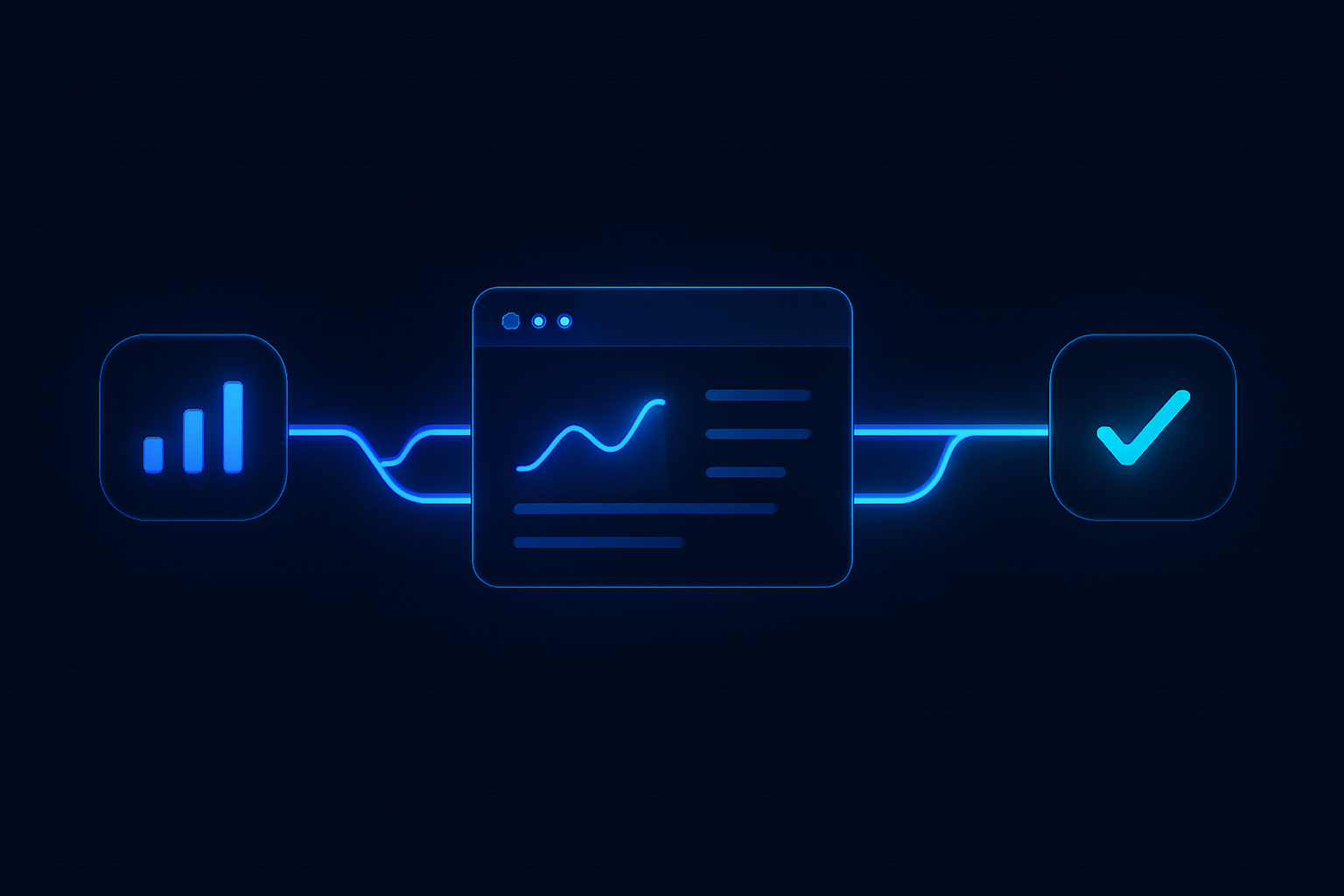
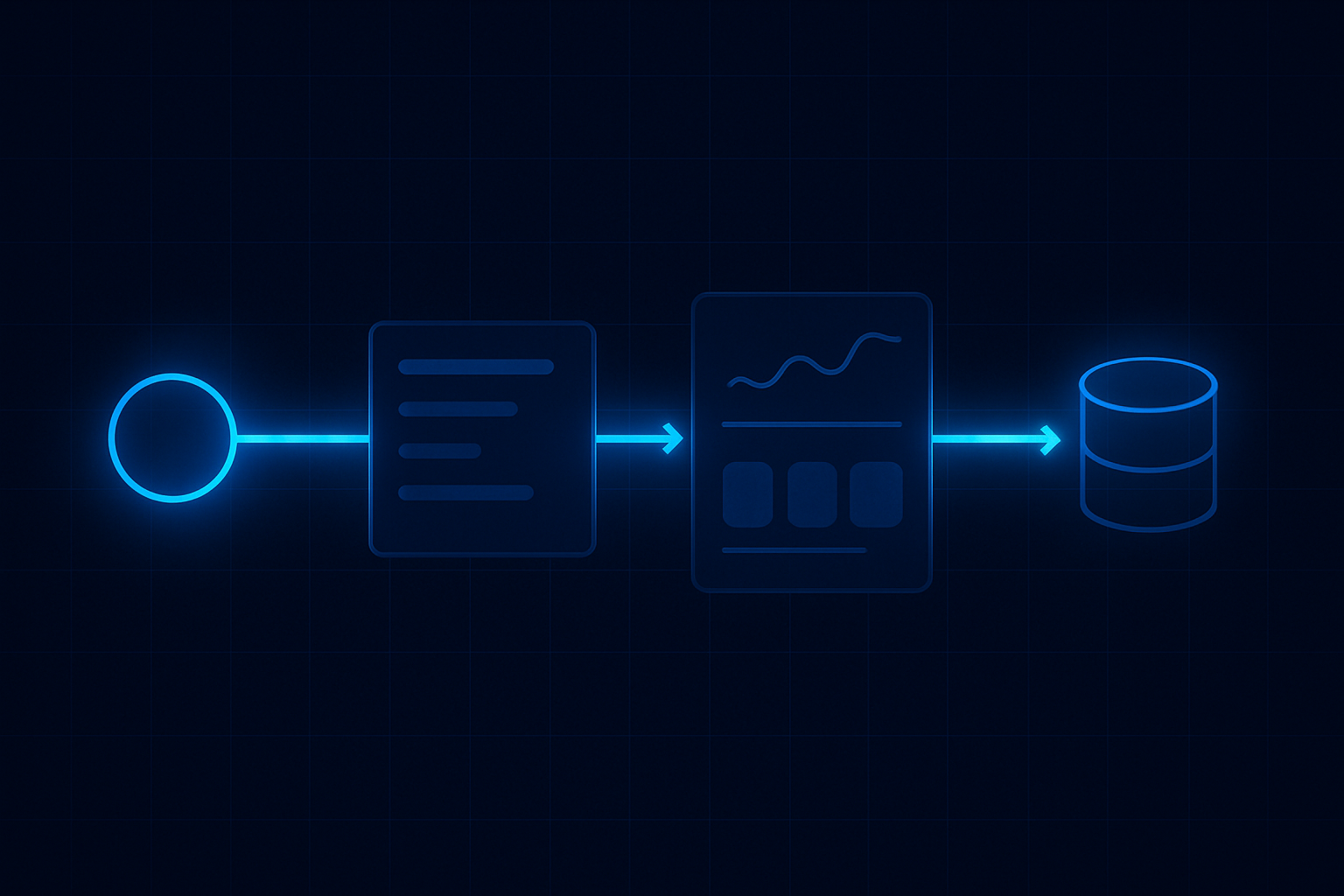
You run it like a system: Detect → Calculate → Guide → Confirm. Repeat daily. This discipline turns scattered messages into an auditable flow you can manage.
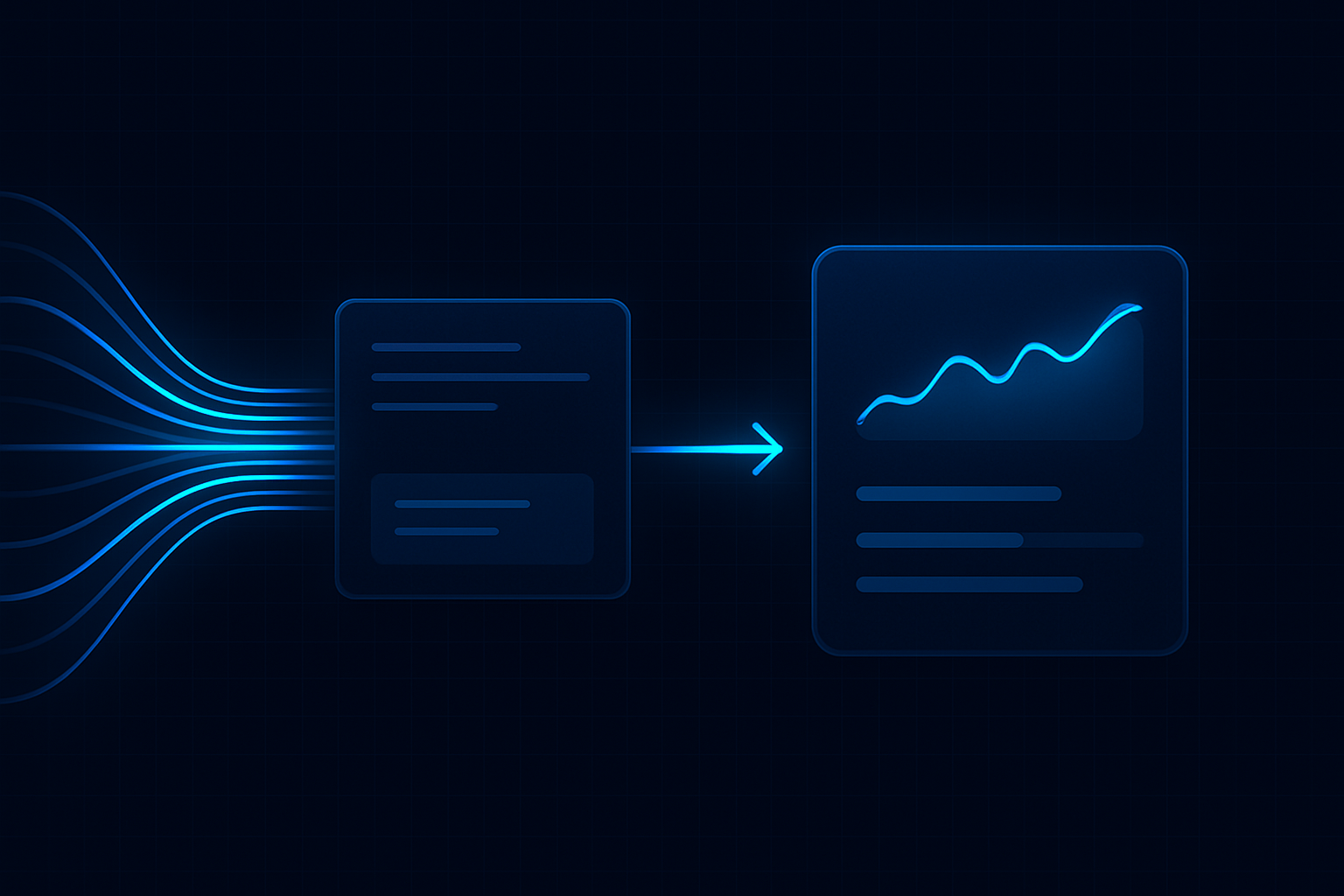
Find and fix revenue leakage
You can’t fix what you can’t see. The ReplyOS pipeline gives practical visibility into where threads stall and why. That’s where revenue leakage lives.
Most teams have a blind spot between first response and confirmation. Handoffs drift. Next actions are unclear. These are wasted enquiries hiding in plain sight.
ReplyOS surfaces status and ownership. You see which enquiries are waiting on the team, which are waiting on the patient, and which need escalation. Teams regain control and move work forward.
Stage
Capture
What signals look like
New enquiry via WhatsApp/SMS/web chat/email
Who owns it
Front desk or central capture
Progress metric
Captured → triaged
Stage
Intent
What signals look like
Questions on price, timing, or treatment plan
Who owns it
Qualified responder
Progress metric
Intent tagged → next action set
Stage
Routing
What signals look like
Clear owner assigned; SLA clock visible
Who owns it
Front desk/Coordinator
Progress metric
Handoff sent → accepted
Stage
Confirmation
What signals look like
Date/time agreed; confirmation sent
Who owns it
Front desk
Progress metric
Confirmed → pre-visit follow-up
Stage
Outcome
What signals look like
Attended/Rescheduled/No‑show recorded
Who owns it
Ops lead/Front desk
Progress metric
Outcome logged → downstream tasks
From signals to booked outcomes
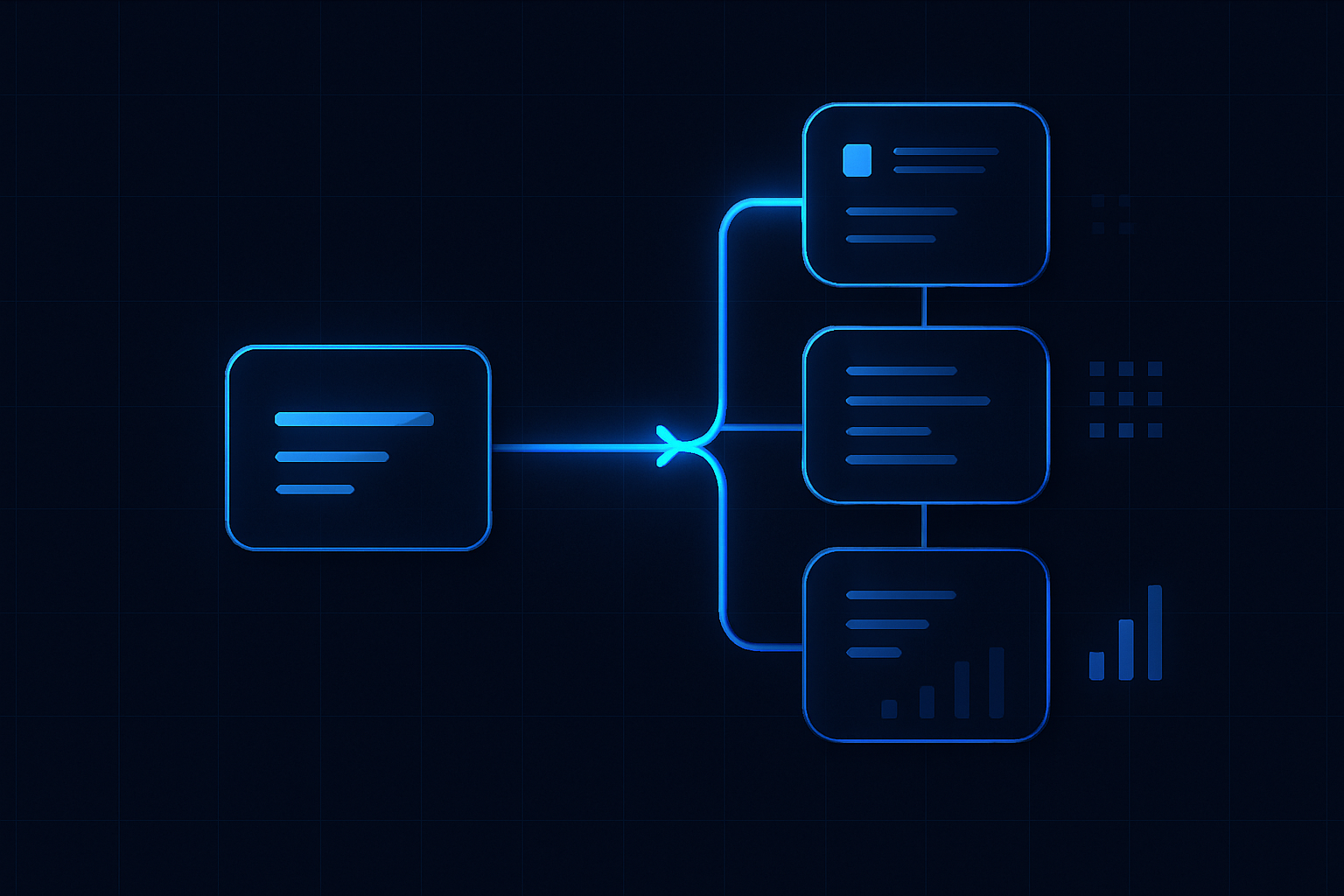
ReplyOS is designed to turn fragmented messages into a controlled booking flow. Signals enter. The system detects intent and proposes routing. The team confirms ownership and next action. Progress is visible.
Structured conversation tracking helps teams see movement toward booking confirmation, not just replies sent. When confirmation holds, downstream outcomes are recorded so value doesn’t disappear after the appointment.
This operating model supports front desk execution. Morning triage catches fresh demand. Midday review clears stalls. End‑of‑day wrap checks confirmations and missed-contact recovery. You run the same play, every day.
Example workflow: Morning triage to confirmation
Example workflow: A practice runs a morning triage before the first clinical slot. New signals from WhatsApp, SMS, web chat, and email are captured in the ReplyOS pipeline. The team detects intent and assigns ownership within minutes.
The coordinator calculates next actions: price queries get a precise, approved reply; treatment-plan questions go to the clinician inbox; ready-to-book patients go straight to a confirmation slot.
Guidance is visible. Owners accept tasks. Draft-first templates keep messaging consistent where governance is enabled. By early afternoon, confirmations are locked, and missed-contact threads are scheduled for a second touch.
End-of-day, outcomes are recorded. Treatment Recovery flags unbooked treatment plans to follow up on higher plans. Reputation Shield runs a post-treatment check-in later, intercepting unhappy patients privately and routing satisfied ones toward leaving a review — staff always approve any reply on Pro and above.
Extend control after the booking
Treatment Recovery and Reputation Shield extend the operating model beyond confirmation. Recovery helps surface and follow up unbooked treatment plans on higher plans. Reputation Shield provides post‑treatment follow‑up that intercepts unhappy patients and guides satisfied patients to reviews — staff always control the reply on Pro and above.
How is ReplyOS different from a generic CRM or shared inbox?
ReplyOS is designed around enquiry intelligence and booking workflows. It captures signals across WhatsApp, SMS, web chat, and email, detects intent, routes ownership, and tracks progress to booking confirmation with stage visibility. It supports day‑to‑day operations, not just contact storage.
Does ReplyOS replace our staff?
No. ReplyOS supports teams with structured guidance, draft‑first content workflows where enabled, and status visibility. Human owners make decisions; the system helps them act consistently and faster.
Can we use ReplyOS for after‑hours capture?
Yes. ReplyOS captures inbound messages across WhatsApp, SMS, web chat, and email into one pipeline so threads are triaged and progressed when the team is back on shift.
Is ReplyOS a regulatory compliance tool?
ReplyOS is revenue infrastructure for enquiry-to-booking workflows. It is not presented as regulatory certification. Providers should continue to follow relevant guidance (for example, NHS England or CQC context in the UK) without implying endorsement or certification of software.
How do Treatment Recovery and Reputation Shield fit the model?
Treatment Recovery helps practices surface and follow up unbooked treatment plans to recapture revenue (available on higher plans). Reputation Shield runs a post‑treatment follow‑up that intercepts unhappy patients before public reviews and routes satisfied patients toward leaving a review — staff always approve any reply (Pro and above).
Next step
See ReplyOS in action
Explore how ReplyOS captures and converts patient enquiries across every inbound channel.
View platform overview