Most enquiry work breaks between channels and handoffs. Messages arrive; ownership doesn’t. The result: slow responses, missed follow‑ups, and invisible drop‑off.
ReplyOS is revenue infrastructure for enquiry‑to‑booking operations. It’s designed to capture WhatsApp, SMS, web chat, and email into one place, help teams detect intent, route enquiries, and track progress to confirmation and downstream outcomes.
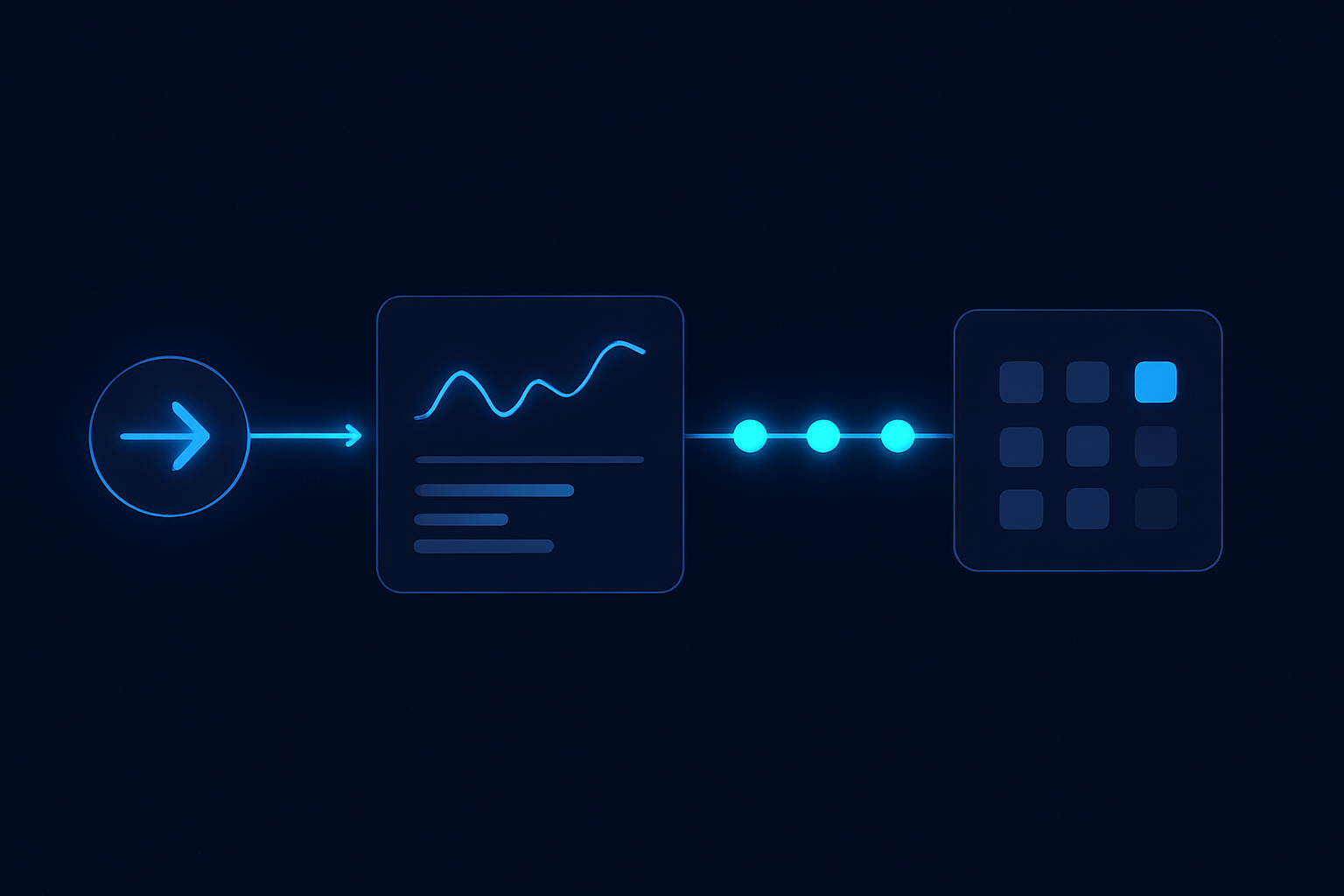
Deploy it once. Operate it daily. Signals → processing → conversion → revenue.
System chain
- 1
Detect
Capture signals from WhatsApp, SMS, web chat, and email; identify intent and urgency.
- 2
Calculate
Apply routing and ownership based on intent, capacity, and stage rules inside the ReplyOS pipeline.
- 3
Guide
Support the team with structured next actions and status visibility so handoffs don’t break.
- 4
Confirm
Close the loop with a clear booked outcome and trigger post‑treatment follow‑up where relevant.
ReplyOS pipeline
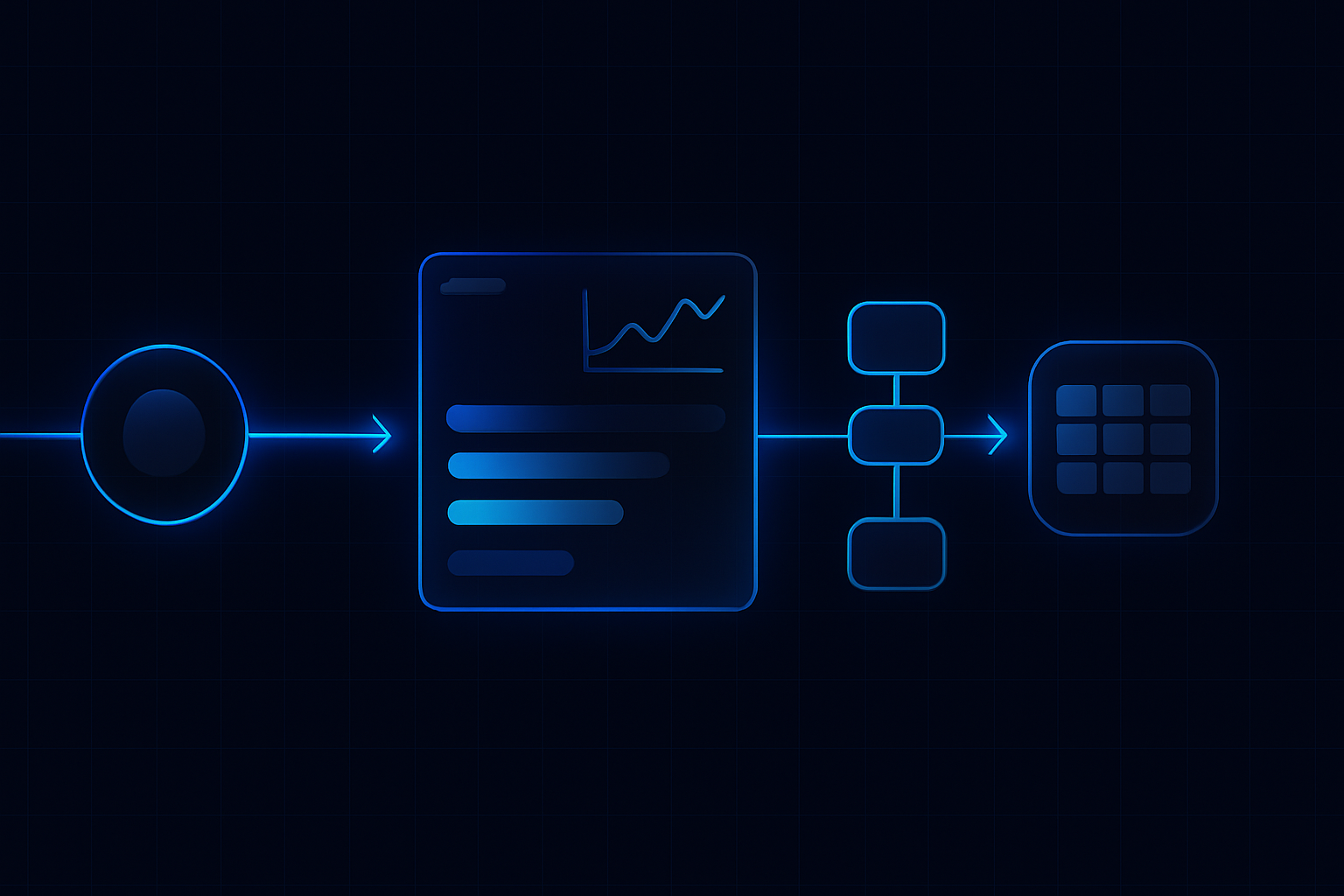
The ReplyOS pipeline is a practical path from first signal to booked outcome. It pulls enquiries from WhatsApp, SMS, web chat, and email into a single queue, then applies structured status tracking so you can see movement, handoffs, and stalls.
At intake, the ReplyOS system helps teams detect intent and route to the right owner. Through the middle, it maintains visibility of conversion stages so leakage points are easier to spot. At the end, it supports confirmation and follow‑through, including post‑treatment operations where Reputation Shield can help teams intercept issues privately and route satisfied patients toward reviews (staff always stay in control of any reply).
This is not a theoretical model. It is daily operating structure: one queue, clear ownership, visible stages, and measurable next actions.
At a glance
Key takeaways
Connect WhatsApp, SMS, web chat, and email into one capture point you control.
Use structured conversation tracking to see progress to booking confirmation and downstream outcomes.
Route by intent so the right owner acts fast; reduce missed or stalled enquiries through visibility.
Operate with Detect → Calculate → Guide → Confirm; turn signals into revenue.
Make leakage visible with pipeline stages; fix handoffs, timing, and follow‑ups where they fail.
Use Treatment Recovery to surface and follow up unbooked treatment plans (higher plans).
Run Reputation Shield to follow up post‑treatment and route happy patients toward reviews while staff retain reply control (Pro and above).
Adopt draft‑first editorial workflows where governance matters before publishing any message.
Deployment moves that hold: baseline implementation
Deployment is a sequence, not a sprint. Start with capture, then enforce status discipline, then refine routing. Keep ownership simple and observable.
Recommended baseline moves:
- Connect channels: WhatsApp, SMS, web chat, and email inbox capture into one ReplyOS queue.
- Define statuses that mirror your day: New → In Conversation → Ready to Book → Confirmed → Post‑Treatment.
- Establish routing rules that reflect intent and owner (front desk, treatment coordinator, clinician callback).
- Set a triage rhythm: morning sweep before the first clinical slot; lunchtime and end‑of‑day passes to clear the board.
- Wire confirmation: standardise how you capture a booked outcome and trigger the next operational step.
Pipeline stage
Capture across channels
Primary owner
Front desk
Signal captured
New WhatsApp/SMS/web chat/email
ReplyOS status
New
Routing / next step
Assign owner by intent
Pipeline stage
Initial qualification
Primary owner
Front desk
Signal captured
Key questions answered
ReplyOS status
In Conversation
Routing / next step
Escalate if clinical input needed
Pipeline stage
Treatment plan shared
Primary owner
Coordinator
Signal captured
Plan sent but unbooked
ReplyOS status
Ready to Book
Routing / next step
Trigger Treatment Recovery (where enabled)
Pipeline stage
Booking confirmation
Primary owner
Front desk
Signal captured
Date/time agreed
ReplyOS status
Confirmed
Routing / next step
Send confirmation + pre‑visit info
Pipeline stage
Post‑treatment follow‑up
Primary owner
Front desk
Signal captured
Feedback signal
ReplyOS status
Post‑Treatment
Routing / next step
Run Reputation Shield (Pro and above)
Expose the blind spot, stop revenue leakage
Every team has a blind spot. It’s usually the middle of the funnel—after first response, before confirmation. That’s where revenue leakage hides.
ReplyOS makes the middle visible. Structured statuses show which enquiries are active, which are waiting on the patient, and which need a nudge. Treatment Recovery helps surface unbooked treatment plans so coordinators can follow up and recapture revenue on higher plans. Reputation Shield runs post‑treatment follow‑up so you catch issues privately and route happy patients toward leaving a review, with staff always in control of any reply.
Wasted enquiries shrink when ownership is clear and the board stays live. Most ai replies won’t fix this alone; disciplined operations will. ReplyOS supports that discipline with the pipeline you can run.
Most enquiries are wasted. You just don’t see it. Put every signal in one pipeline, assign an owner, and confirm the booking. ReplyOS turns signals into revenue.
Field adoption in motion: Modelled example
Modelled example: Morning triage. Before the first clinical slot, the front desk sweeps New enquiries across WhatsApp, SMS, web chat, and email in ReplyOS, assigns owners, and sends first responses. The visible queue prevents day‑long drift.
Illustrative example: Reduce response delay. Teams that standardise a first‑hour reply see stronger intent progression. ReplyOS helps by centralising capture and surfacing waiting threads so nothing idles off‑screen.
Modelled example: Weekly stalled‑thread review. The coordinator checks “Ready to Book” threads that haven’t moved. Treatment Recovery highlights unbooked plans on higher plans; the team follows up with a human message, not a blast. Small, consistent actions recover value without noise.
Which channels does ReplyOS capture?
ReplyOS is designed to capture inbound enquiries across WhatsApp, SMS, web chat, and email into one visible queue.
How does routing work without over‑automating clinical decisions?
ReplyOS helps detect intent and route to the right owner, while keeping humans in control of booking and clinical judgment. It supports handoffs; it does not replace staff.
Can we see where enquiries stall?
Yes. ReplyOS gives teams visibility into conversion and pipeline stages so leakage points are easier to spot and address.
What if treatment plans are sent but not booked?
Treatment Recovery (available on higher plans) helps surface unbooked treatment plans so teams can follow up and recapture potential revenue.
How do we manage post‑treatment reviews without risking negative posts?
Reputation Shield (Pro and above) runs a post‑treatment follow‑up that helps intercept unhappy patients privately and routes satisfied patients toward leaving a review. Staff always control any reply.
Can we run approvals before messages go out?
Where enabled, ReplyOS supports draft‑first publishing and approval workflows for editorial governance.
Next step
See ReplyOS in action
Explore how ReplyOS captures and converts patient enquiries across every inbound channel.
View platform overview