Most group operators run blind. Enquiries flow into dozens of inboxes. Some get fast replies. Others stall. You only see the result when diaries look thin.
ReplyOS is revenue infrastructure for enquiry-to-booking. It captures signals, reads intent, routes ownership, and tracks to confirmation. At group level, that means practical control over the stages that decide if revenue lands — or leaks.
This is how a group operations director runs the day with the ReplyOS pipeline.
ReplyOS operating model
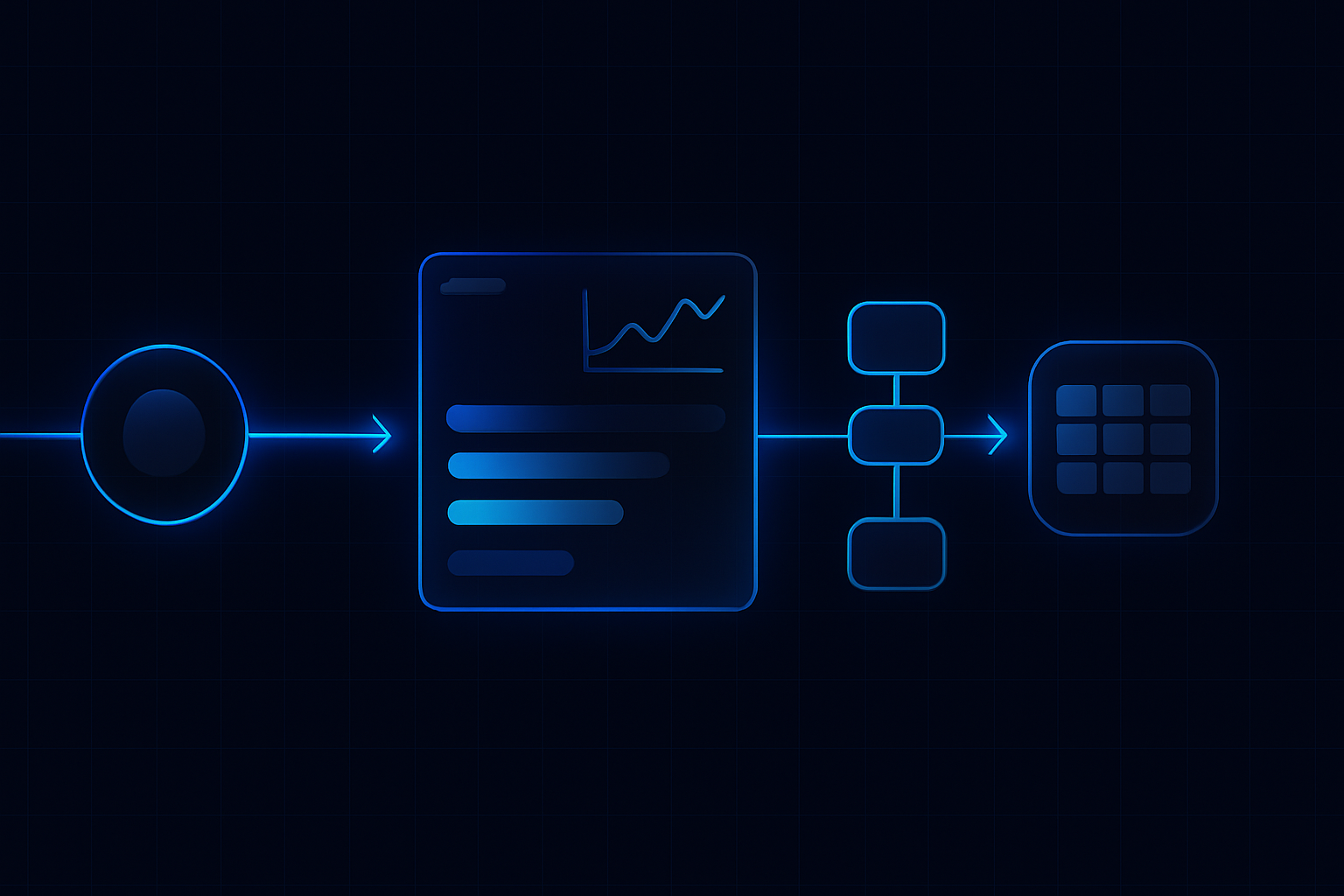
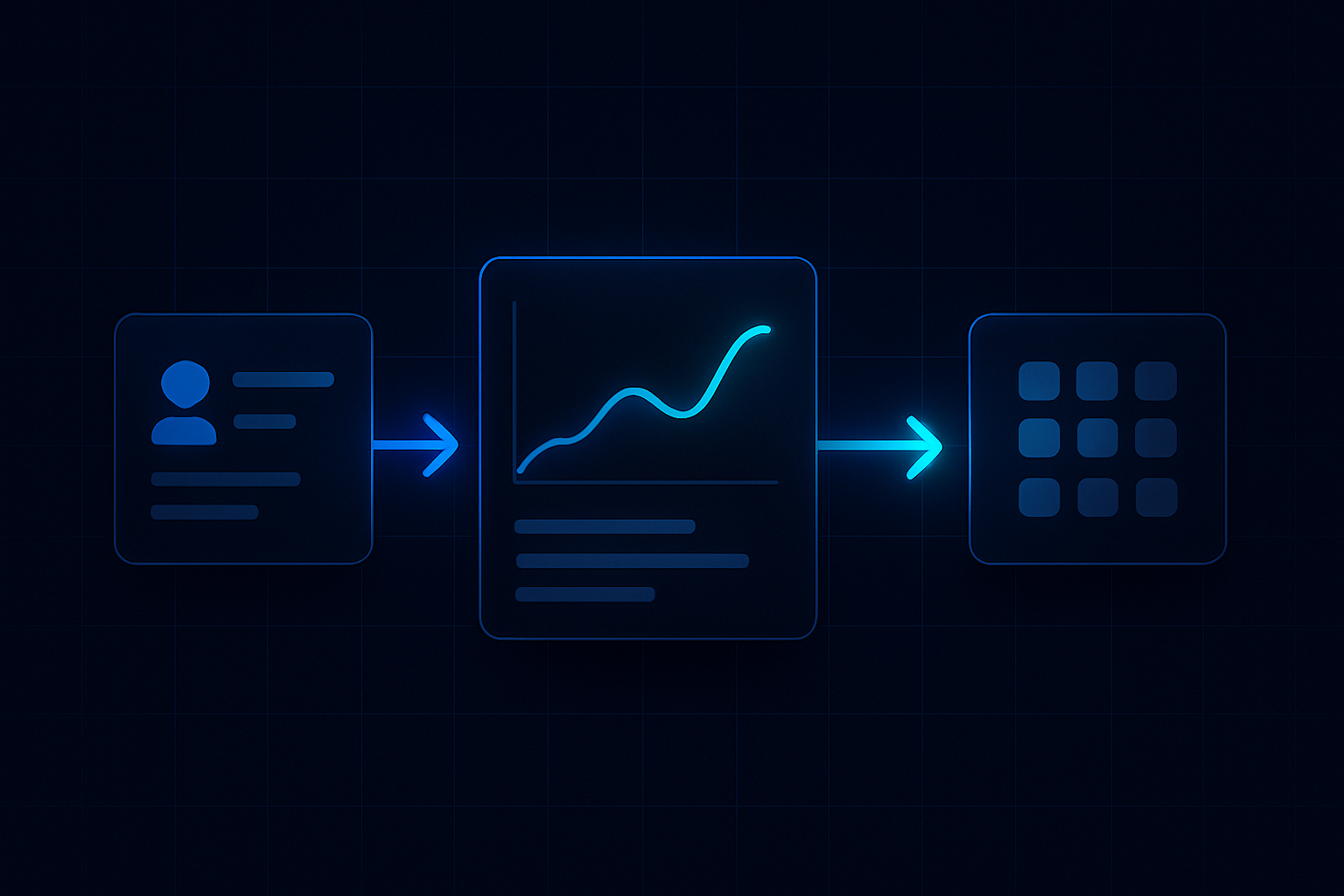
Detect → Calculate → Guide → Confirm
Each stage is a system hand-off in the ReplyOS pipeline, from first signal to confirmed booking action.
Detect
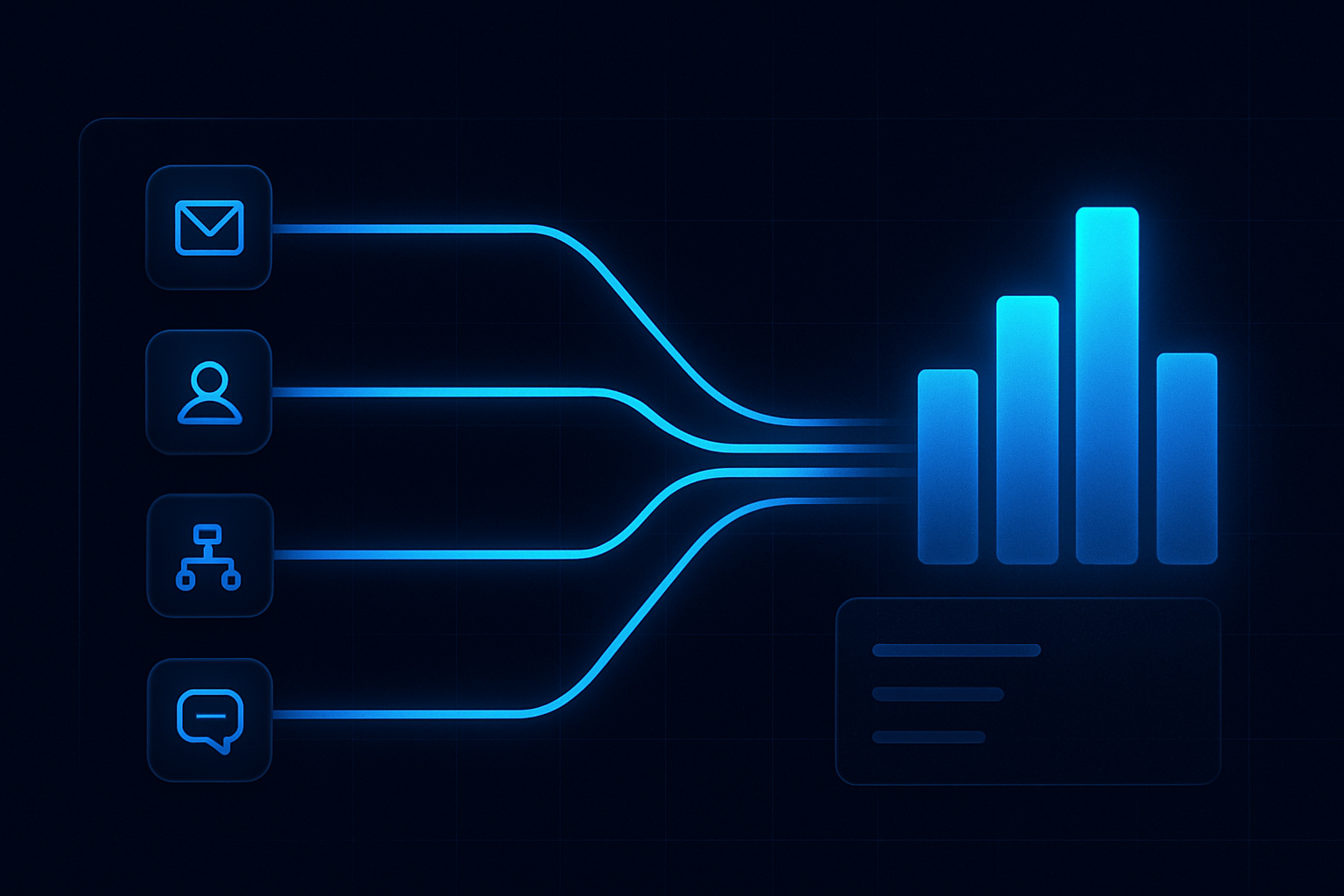
Capture signals across WhatsApp, SMS, web chat, and email. Identify enquiry type and stage.
Calculate
Assess intent and urgency, apply SLAs, and select the right owner using the group’s routing rules.
Guide
Support the human reply with templates, context, and status visibility. Enable operational handoff to front desk teams when needed.
Confirm
Progress the conversation to a booked outcome and record downstream results for leakage diagnostics.
Detect → Calculate → Guide → Confirm
The group blind spot: wasted enquiries and revenue leakage
Your current approach is fragmented. Each practice manages WhatsApp, SMS, web chat, and email in its own way. Some do morning triage. Some don’t. Templates vary. SLAs drift. You cannot compare like-for-like or coach a reliable fix.
Result: wasted enquiries and revenue leakage. You just don’t see it in time. A missed reply here, a slow handoff there, a patient who goes quiet after a price question — repeated across the group.
The blind spot is not marketing. It’s routing and confirmation. That’s where intent either progresses or dies, and where front-desk workload needs support, not guesswork.
The fix is one standard pipeline, visible to sites and to HQ, with the same definitions, owners, and status states. Signals → processing → conversion → revenue.
ReplyOS pipeline for group HQ
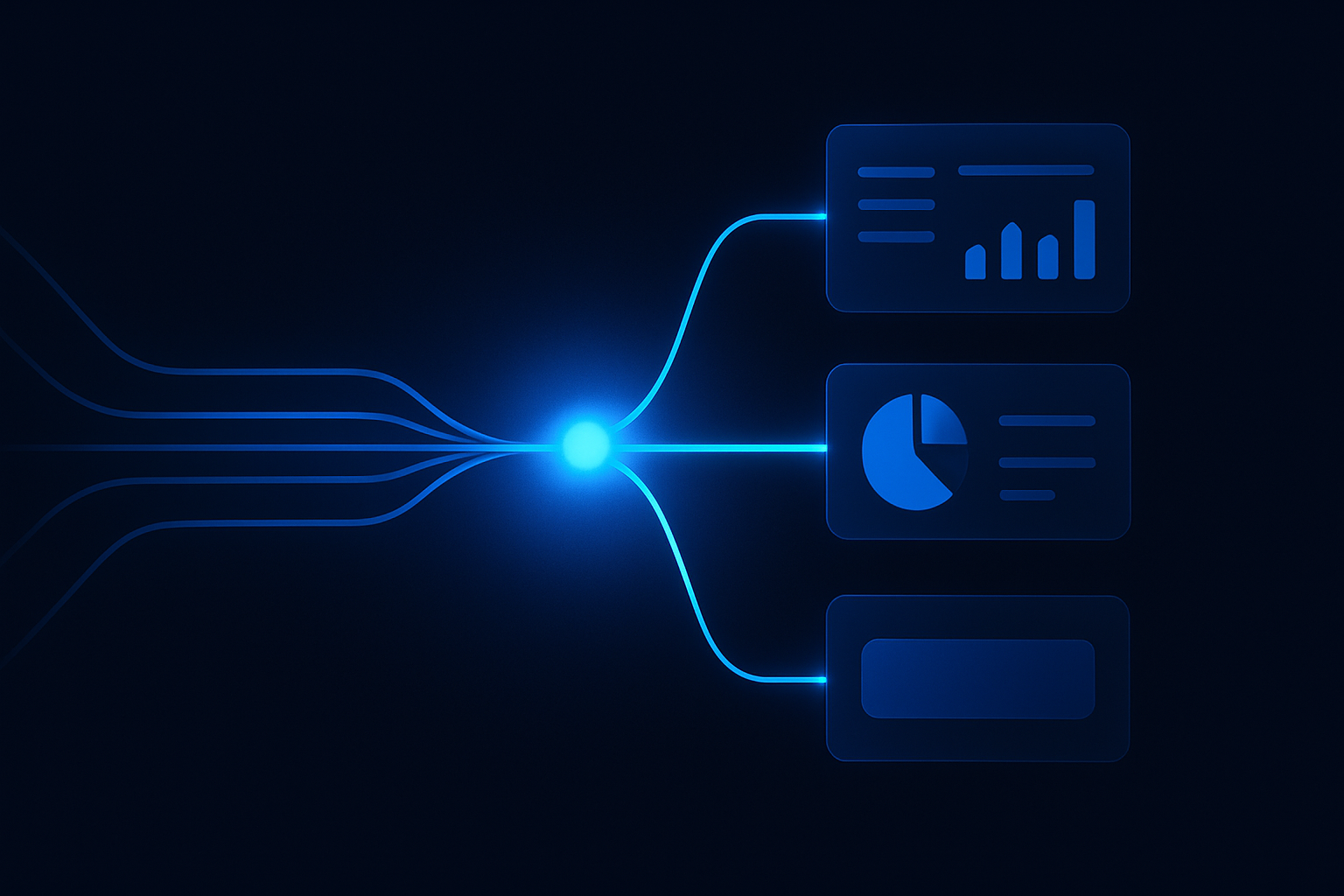
ReplyOS is designed to capture inbound enquiries across WhatsApp, SMS, web chat, and email. The pipeline gives every practice and HQ the same structure: detect intent, route to the right owner, and track the conversation to booking confirmation and downstream outcomes.
On the Scale plan for dental groups, the HQ layer adds a practical command centre:
- One inbox across the group where a reply from HQ behaves like being inside that practice (its templates, its AI settings, its SLA)
- A live group overview (open, never replied, past SLA right now) and period KPIs per practice with a needs‑attention list
- A league table on shared definitions, and a leakage scorecard ranked by practice with main causes (no response, slow response, lost after a reply, out‑of‑hours)
- Reputation by practice via Reputation Shield post‑treatment follow‑up — staff always stay in control of any reply
- Standards and targets pushed from a chosen standard practice, with drift detection when a site changes something
- A weekly Monday digest, printable board pack, and CSV exports for group admins, plus a directory, team management, and an audit log
You run the same pipeline everywhere. Sites see clarity. HQ sees control. Everyone speaks the same operational language: Detect → Calculate → Guide → Confirm.
Operational impact across the group: triage to confirmation
Here’s the practical shift once the pipeline runs across the group.
HQ gains real‑time control. You can see never‑replied and past‑SLA by practice, right now. You can reply from HQ using each site’s local templates and SLA rules. It still feels local to the patient.
Front desks gain structure. Ownership and next actions are explicit. The ReplyOS system supports operational handoffs. Teams track status — new, engaged, waiting on patient, offer sent, confirmed — so leakage points are obvious.
Post‑treatment, Reputation Shield helps intercept unhappy patients privately and route satisfied ones toward public reviews, with staff always in control of any reply. On higher plans, Treatment Recovery helps surface and follow up unbooked treatment plans. This is revenue infrastructure for day‑to‑day operations, not a dashboard for dashboards’ sake.
Metric
Never replied (live)
What it shows
Immediate risk in capture-to-first-reply
Where in ReplyOS
Group overview
Group action
Triage now; coach site on capture coverage
Metric
Past SLA (live)
What it shows
Breach risk by practice and channel
Where in ReplyOS
Group overview
Group action
Escalate; adjust routing or staffing
Metric
First reply to booked
What it shows
Conversion through the core pipeline
Where in ReplyOS
Practice dashboards & league table
Group action
Coach handoff patterns; align templates
Metric
Lost after a reply
What it shows
Drop-off after contact is made
Where in ReplyOS
Leakage scorecard
Group action
Review replies; improve guidance or offers
Metric
Out-of-hours
What it shows
Enquiries arriving when teams are offline
Where in ReplyOS
Leakage scorecard
Group action
Adjust after-hours capture and next-day triage
Metric
Unbooked treatment plans
What it shows
Latent opportunities post-consult
Where in ReplyOS
Treatment Recovery (higher plans)
Group action
Enable follow-up cadence; track outcomes
Metric
Post-treatment sentiment
What it shows
Risk and advocacy by practice
Where in ReplyOS
Reputation Shield
Group action
Intercept issues; encourage reviews, staff-led
Example scenario: run the week from HQ
Example workflow: Monday 08:15–09:00 HQ triage on ReplyOS.
- Open the group overview. Action the “never replied” list first. For each thread, reply from HQ using the practice’s templates. Set owner and status.
- Check “past SLA right now.” Re-route high‑intent threads to the right owner. Add a quick guidance note in the thread for the local front desk.
- Review the leakage scorecard. Pick the top two causes for the bottom‑quartile practices in the league table. Schedule a 15‑minute huddle with those sites to align handoffs.
- Scan Reputation Shield outcomes for the weekend. Intercept any unhappy signals privately. Route positive experiences toward reviews — staff remain in control of all replies.
- Export the board pack and share the weekly digest with practice leads. Keep definitions consistent.
Illustrative operating model: Separate capture, routing, and confirmation ownership. HQ owns capture coverage and routing consistency. Practices own confirmation. Everyone runs the same ReplyOS pipeline.
One pipeline. Every practice. Real booking control.
Group HQ on ReplyOS Scale is designed to give operators practical control over enquiry-to-booking — with visibility, routing discipline, and post‑treatment follow‑up. See plan details and a walkthrough for dental groups.
Does HQ override local teams?
No. ReplyOS supports operational handoffs and local ownership. From HQ you can reply as the local practice using its templates, AI settings, and SLAs, but practices still run confirmations and day‑to‑day communication.
Will ReplyOS replace our front desks?
No. ReplyOS supports teams with enquiry intelligence and structured guidance. Humans make booking and clinical decisions; ReplyOS gives visibility and reduces missed or stalled enquiries.
Can you guarantee revenue outcomes?
No. Outcomes depend on operations. ReplyOS is designed to help standardise capture, routing, and confirmation so leakage points are easier to spot and address.
How do we roll out to a group?
Each practice onboards with the same guided setup. The group layer sits on top. One subscription is banded by practice count. Standards and targets can be pushed from a chosen reference site with drift detection.
Does this cover compliance for NHS/CQC?
ReplyOS does not provide regulatory certification or guaranteed compliance. For context on public UK healthcare operations, see NHS England or the Care Quality Commission guidance. Do not treat that as endorsement of ReplyOS.
What about post‑treatment follow‑up and reviews?
Reputation Shield helps intercept unhappy patients privately and route satisfied patients toward leaving a review — staff always stay in control of any reply (available on Pro and above).
How do we rescue unbooked plans?
Treatment Recovery helps surface and follow up unbooked treatment plans so teams can recapture revenue (available on higher plans).
Which channels are captured?
ReplyOS is designed to capture inbound enquiries across WhatsApp, SMS, web chat, and email, with structured tracking and status visibility for each thread.
Next step
View platform overview
See the full operating model behind conversion, attribution, and growth visibility.
Open platform overview