The inbox shows messages. Revenue operations need movement. ReplyOS is designed to capture inbound enquiries across WhatsApp, SMS, web chat, and email—and turn those signals into a pipeline you can see, operate, and improve.
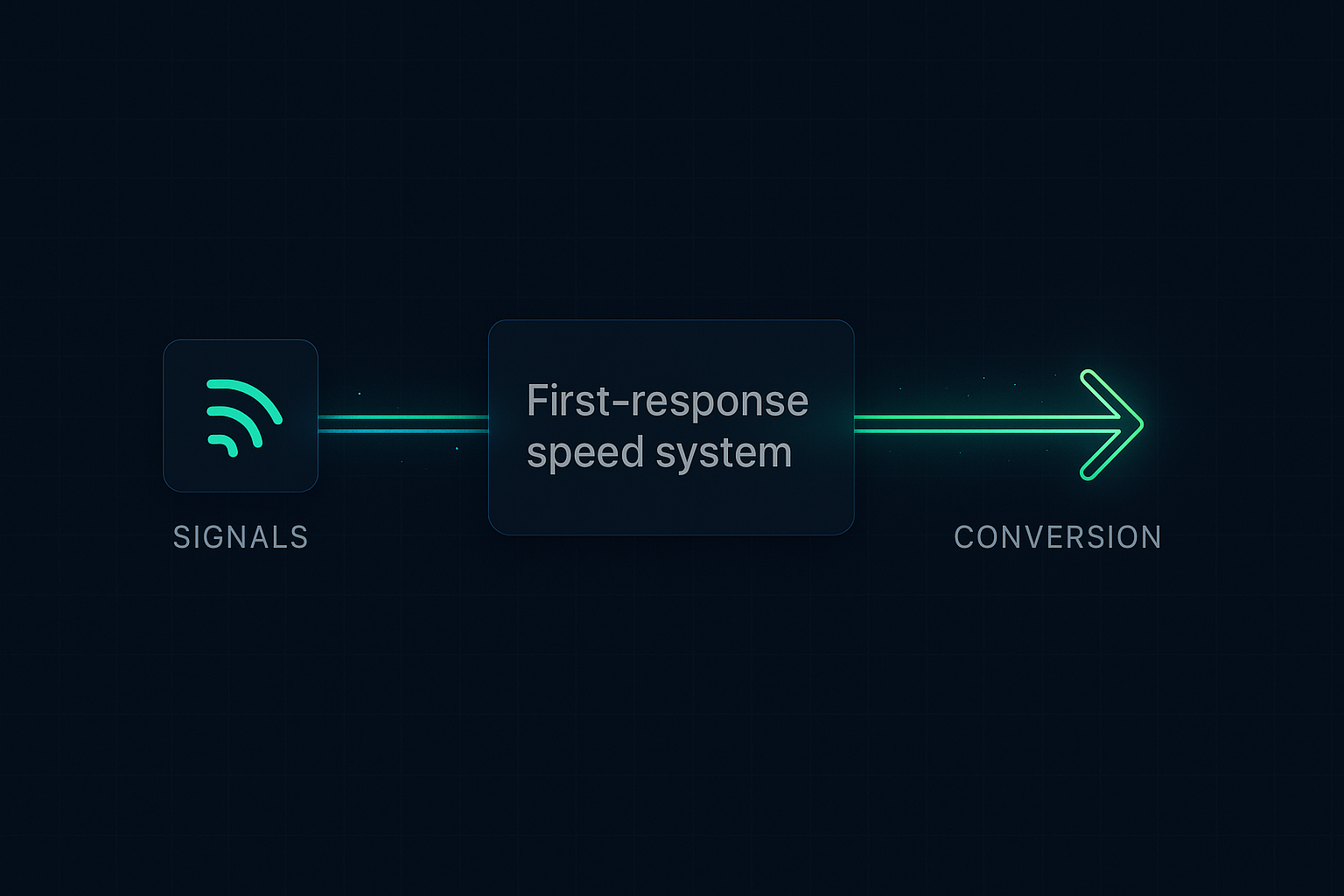
The pattern is simple: signals → processing → conversion → revenue. When teams get visibility into stages and handoffs, leakage stops being invisible. It becomes manageable work.
ReplyOS operating model
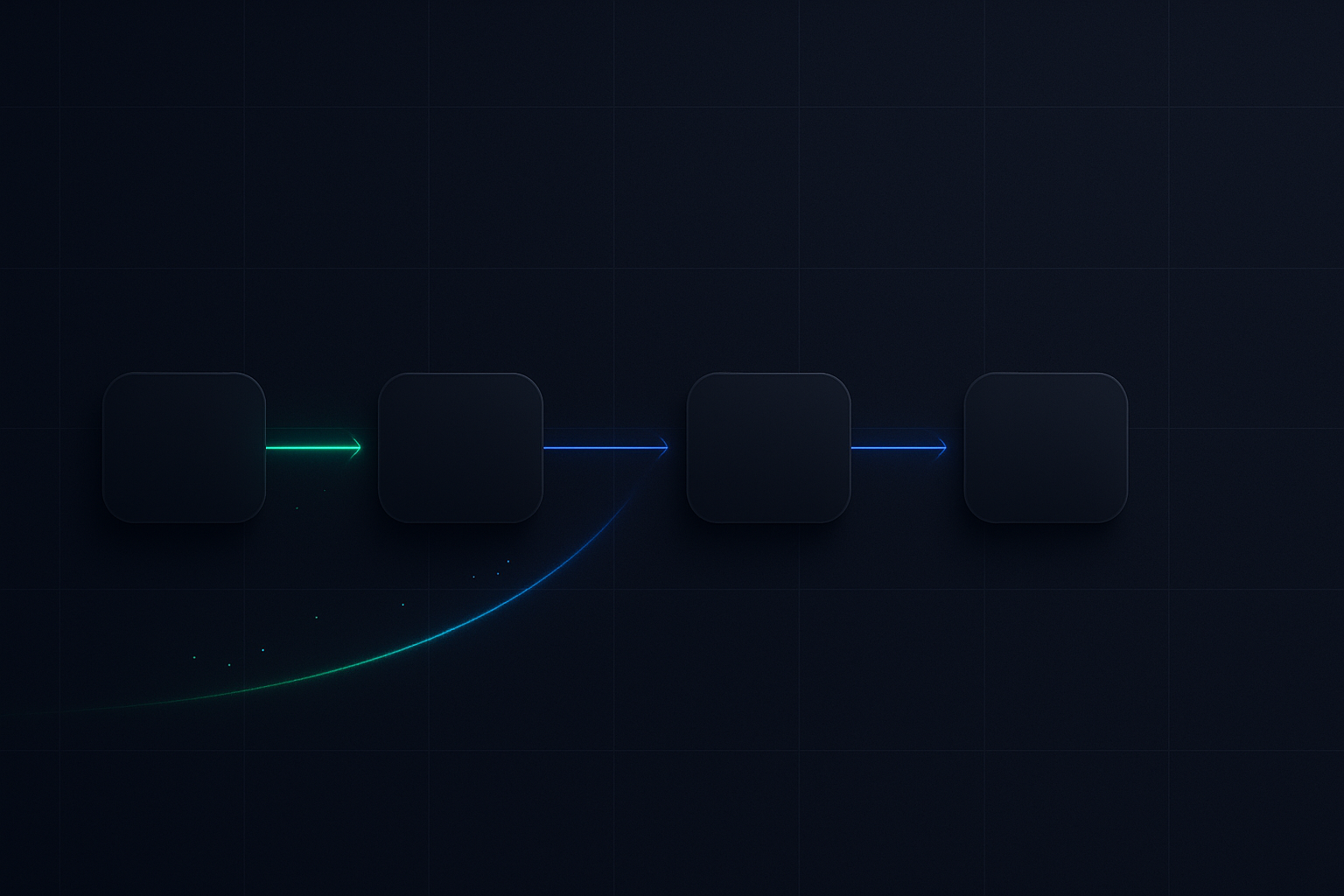
System sequence: Detect → Calculate → Guide → Confirm
Each stage is a system hand-off in the ReplyOS pipeline, from first signal to confirmed booking action.
Detect
Capture enquiries across WhatsApp, SMS, web chat, and email; identify intent, urgency, and key details at entry.
Calculate
Determine next best action, owner, and due time based on status and context; structure the path to booking.
Guide
Support operational handoffs with clear prompts and status; help front desk teams respond consistently across channels.
Confirm
Track progress to booking confirmation and note downstream outcomes; give visibility into where revenue moves—or stalls.
Detect → Calculate → Guide → Confirm
Inbox chaos vs pipeline control
The contrast: most teams still run inbox-first. Emails sit. WhatsApp threads drift. Web chats close with no next action. Ownership is fluid. Status is unknown. You only see what’s loud, not what matters.
Pipeline-first reverses that. ReplyOS can be used to detect intent at entry, route decisively, and track structured progress to booking confirmation. You see stages, not just messages. You see leakage before it costs you.
One operates on memory and goodwill. The other operates on a visible system with clear stages and owners.
If you don’t measure movement, you are managing anecdotes— not revenue.
ReplyOS pipeline
The ReplyOS pipeline is designed to bring every inbound enquiry into one operational flow. Capture across WhatsApp, SMS, web chat, and email. Classify intent. Route the owner. Track status through booking confirmation and downstream outcomes.
This isn’t a dashboard veneer on a shared inbox. It’s enquiry intelligence for conversion-led growth operations. Teams get visibility into conversion and pipeline stages so leakage points are easier to spot and address.
Operational handoff support helps front desk teams move enquiries forward with less guesswork. Draft-first content workflows are available where governance is needed before publishing or sending.
Result: practical control over revenue leakage, routing, and confirmation stages—without removing human judgment.
Stage
Capture
Typical leakage risk without structure
Channel silos; messages missed overnight
What gets missed without visibility
Unseen first contacts; duplicate threads
ReplyOS visibility
Unified capture across WhatsApp, SMS, web chat, and email; single view of new signals
Stage
Qualification
Typical leakage risk without structure
Intent unclear; slow triage
What gets missed without visibility
Wrong owner; low-priority drift
ReplyOS visibility
Intent detection and routing; clear owner and due action
Stage
Handoff
Typical leakage risk without structure
Context lost between people
What gets missed without visibility
Repeated questions; contradictory answers
ReplyOS visibility
Operational handoff support; shared status and notes
Stage
Confirmation
Typical leakage risk without structure
No close-out; back-and-forth stalls
What gets missed without visibility
False positives on ‘done’; no booking timestamp
ReplyOS visibility
Structured tracking to booking confirmation; explicit status
Stage
Follow-up
Typical leakage risk without structure
Stalled threads never resurface
What gets missed without visibility
Abandoned prospects; no reason codes
ReplyOS visibility
Stalled thread visibility; reason tagging to spot leakage patterns
Operational impact: from signals to booked outcomes
ReplyOS gives teams a way to see and act on movement. You can use structured conversation tracking to keep responses consistent across channels, reduce missed or stalled enquiries through visibility and routing, and make handoffs explicit.
This is revenue infrastructure for day-to-day operations. You get practical pipeline visibility from first enquiry to booked outcome. Leakage stops hiding in backlogs and side conversations. It shows up as a stage, an owner, and a next step.
The point isn’t to replace staff. It’s to support teams with structured guidance alongside human decisions—so progress is reliable, not heroic.
When progress is visible, improvement is simple work: tighten the slow stage, fix the repeatable error, codify the better reply.
Ownership that prevents leakage
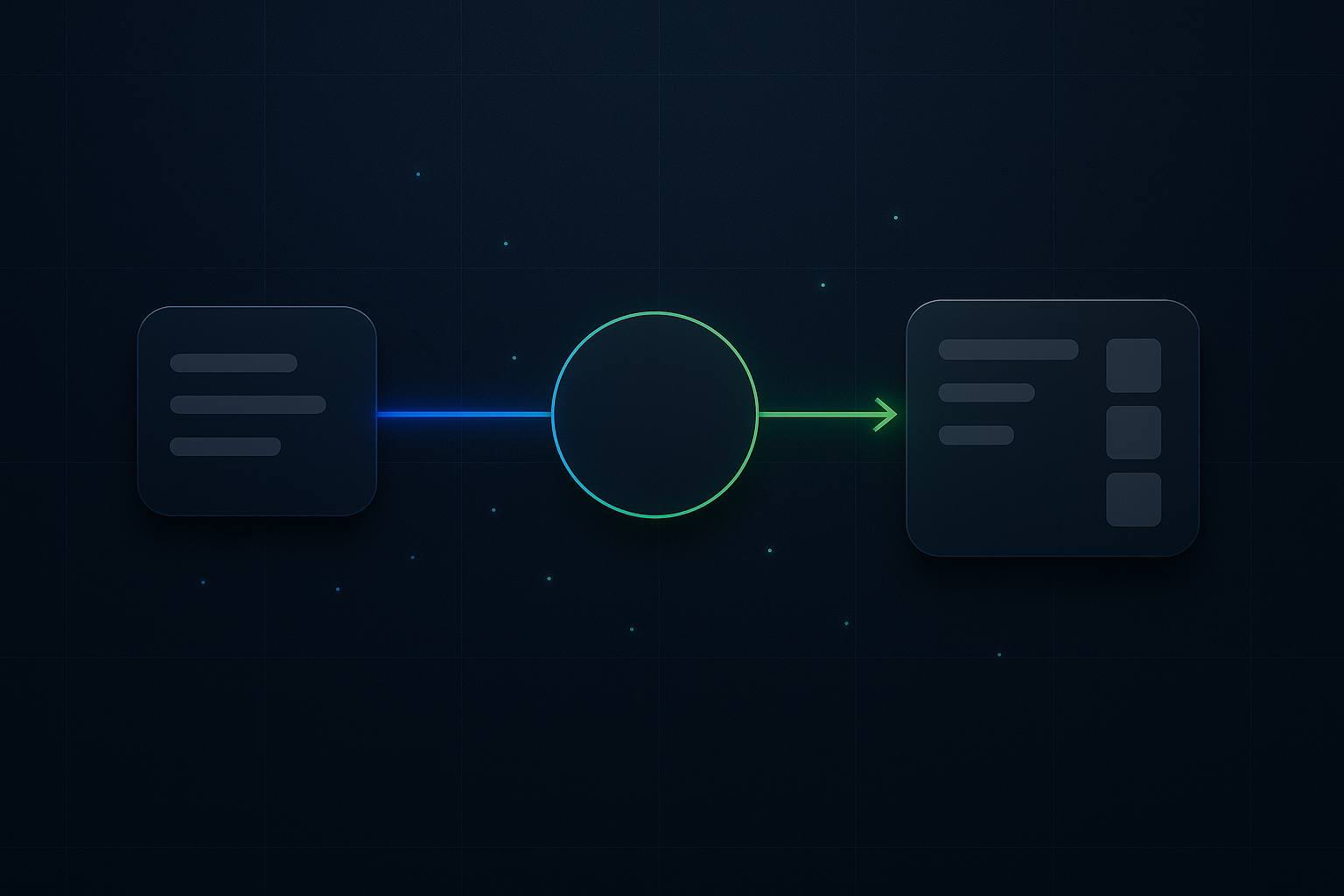
Illustrative operating model: split ownership by stage. One person (or small team) owns capture and first triage. Another owns routing and handoff with the front desk. A final owner monitors confirmation and close-out.
Why this works: context moves with the enquiry, not the person. Each owner has a narrow, measurable responsibility. The ReplyOS system keeps status consistent across channels and surfaces stalled threads without manual chasing.
This separation supports reliability. Enquiries don’t vanish when one person is busy. The pipeline moves because ownership is clear, and the platform shows the next step.
It also supports team learning. Weekly reviews of stalled threads help improve follow-up reliability and tighten response playbooks.
Example workflow: morning triage that sets the day
Example workflow: morning triage before the first clinical slot.
- Capture: Overnight WhatsApp, SMS, web chat, and email enquiries land in one ReplyOS view.
- Detect: Basic intent is identified so the right path is clear.
- Route: Ownership is set; due times are created for high-intent items.
- Guide: Front desk responses use structured prompts.
- Confirm: Bookings are closed out with status visible to the whole team.
The result is a predictable start to the day. New signals are processed; stalled threads surface for action; the booking board reflects reality, not hope.
Make movement visible. Stop silent leakage.
Most enquiries are wasted. You just don’t see it. ReplyOS turns signals into revenue by making the pipeline visible—and actionable.
Editorial control without operational drag
Governance matters in regulated and high‑stakes environments. ReplyOS supports draft-first content workflows for editorial approval before publishing or sending, where enabled.
That means teams can standardise replies and hold a clear editorial bar without slowing down the pipeline. Consistent language reduces confusion and improves handoffs. Draft-first does not replace clinical judgment; it supports operational clarity.
Combine this with pipeline visibility and you get a living playbook: faster responses, fewer contradictions, and better confirmation hygiene—across every channel you capture.
How is ReplyOS different from a shared inbox?
A shared inbox shows messages. ReplyOS is designed to run an enquiry-to-booking pipeline: capture across WhatsApp, SMS, web chat, and email; detect intent; route ownership; and track progress to confirmation with visibility into leakage points.
Does ReplyOS replace staff or automate booking decisions?
No. ReplyOS supports teams with structured guidance and visibility. It helps route, track, and standardise responses. Human judgment and oversight remain central to decisions and confirmations.
What outcomes can teams expect?
Teams can use ReplyOS to improve response consistency across channels, reduce missed or stalled enquiries through visibility and routing, and increase visibility into conversion and handoff stages. Results depend on operator decisions and process discipline.
Can we review stalled threads to improve reliability?
Yes. Modelled example: a practice reviews stalled threads weekly to strengthen follow-up reliability. ReplyOS makes stalled stages visible so teams can focus on the right fixes.
Does ReplyOS help with content governance?
Yes. Where enabled, draft-first content workflows support editorial approval before sending, so teams keep consistent language without slowing operations.
Next step
See ReplyOS in action
Explore how ReplyOS captures and converts patient enquiries across every inbound channel.
View platform overview