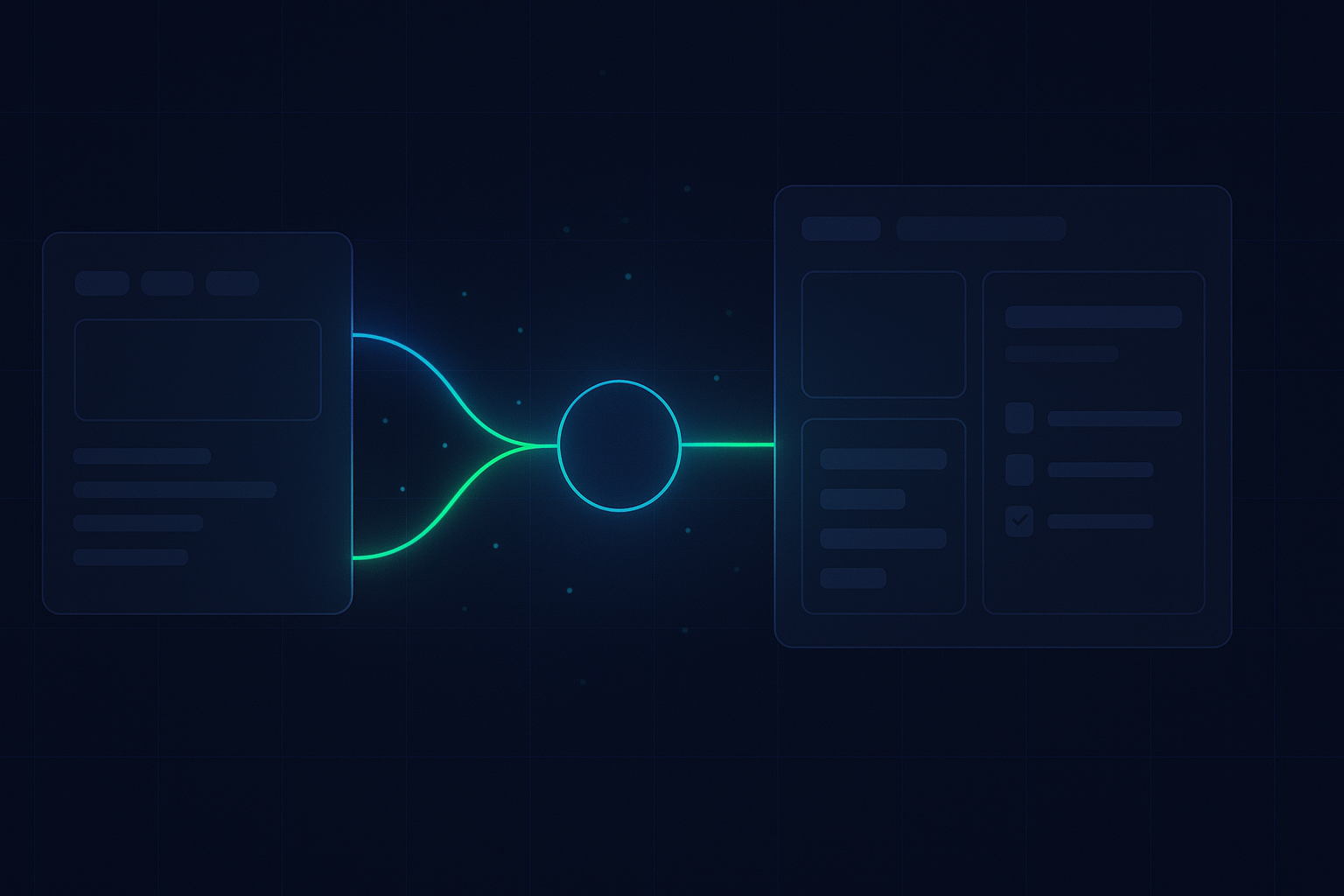
Most enquiries are wasted. You just don’t see it. Messages arrive on WhatsApp, SMS, web chat, and email. Then they drift. Handoff is fuzzy. Ownership is unclear. Bookings slip.
The ReplyOS pipeline brings discipline. It captures every inbound enquiry, helps your team detect intent, routes threads to owners, and tracks progress to booking confirmation. You get practical pipeline visibility so leakage points are easier to spot and fix.
ReplyOS operating model
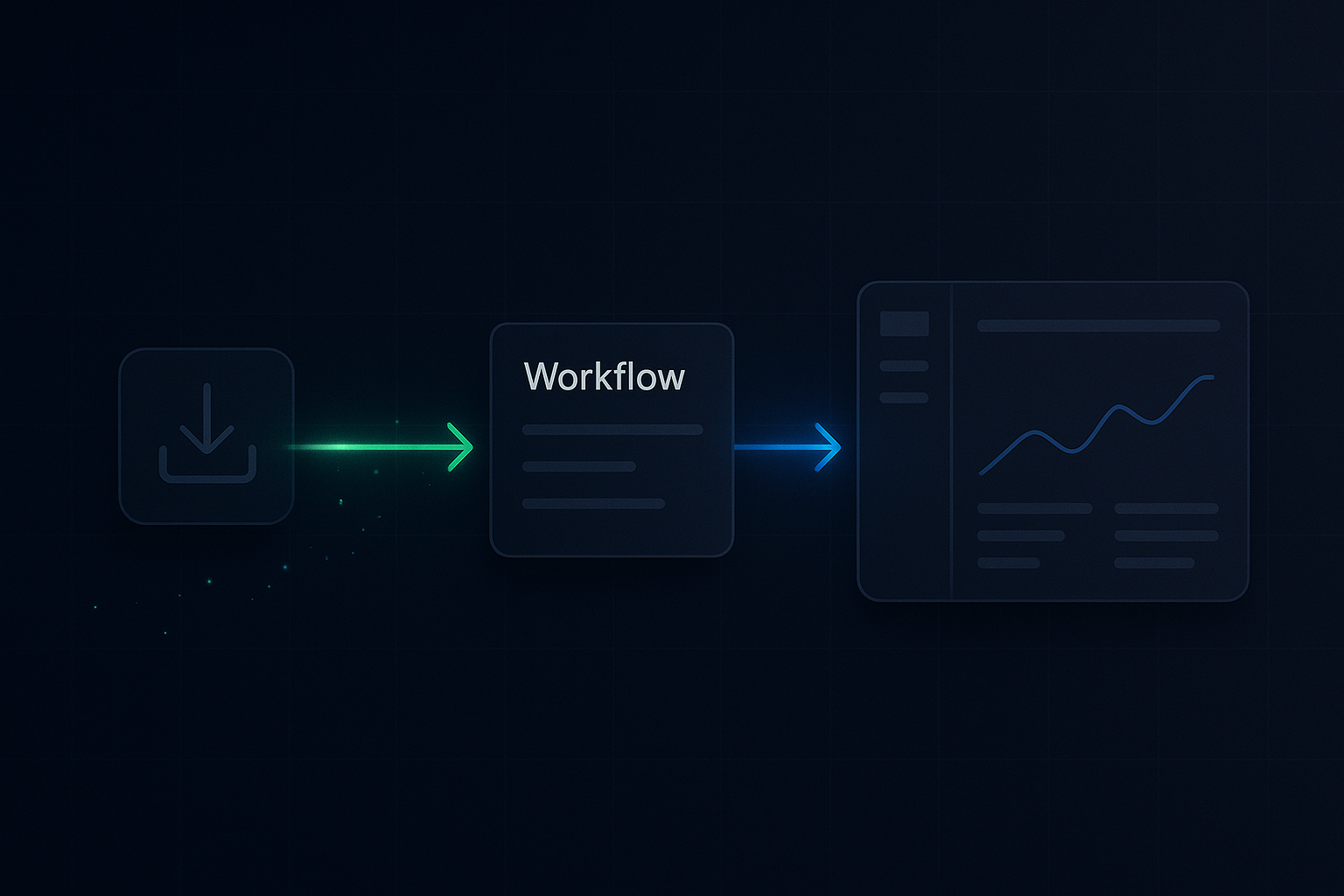
Detect → Calculate → Guide → Confirm
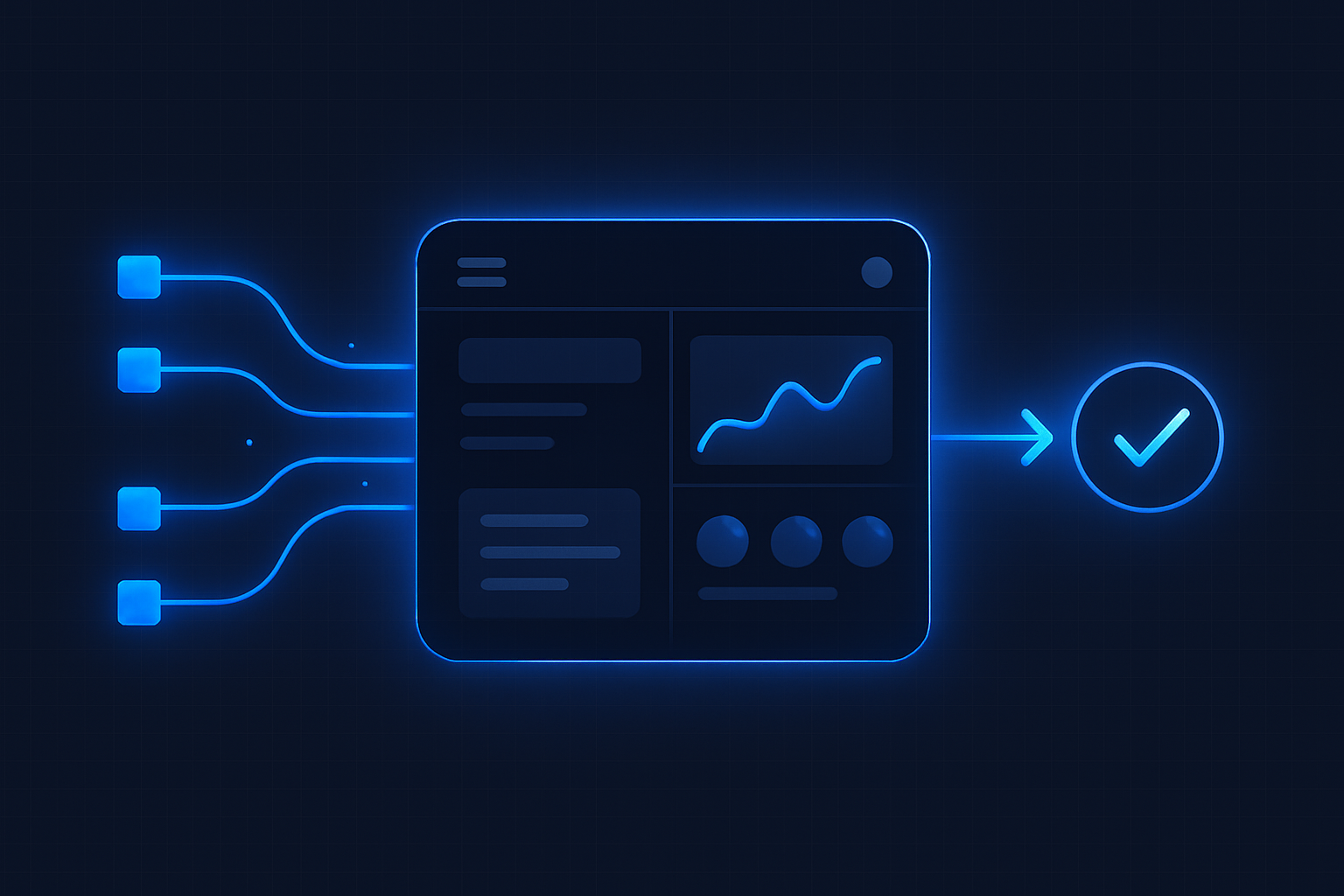
Each stage is a system hand-off in the ReplyOS pipeline, from first signal to confirmed booking action.
Detect
Capture inbound signals across WhatsApp, SMS, web chat, and email. Surface enquiry intent and stage.
Calculate
Assign priority based on signal strength, age, and required handoff. Expose leakage risk early.
Guide
Route to the right owner with a clear next step. Support front desk handoffs and reminders with structured conversation tracking.
Confirm
Move the thread to booking confirmation and record downstream outcomes for visibility and improvement.
Detect → Calculate → Guide → Confirm
ReplyOS pipeline: queue, handoff, ownership
The ReplyOS pipeline is revenue infrastructure for day‑to‑day booking operations. It is designed to capture inbound enquiries across WhatsApp, SMS, web chat, and email, then organise them into a structured queue.
From first message, teams get visibility into conversation status and conversion stage. Intent signals are detected, routed to the right owner, and progressed with a clear next step. You can track each thread through to booking confirmation and downstream outcomes, not just first reply.
Result: consistent processing across channels, fewer missed handoffs, and practical control over revenue leakage.
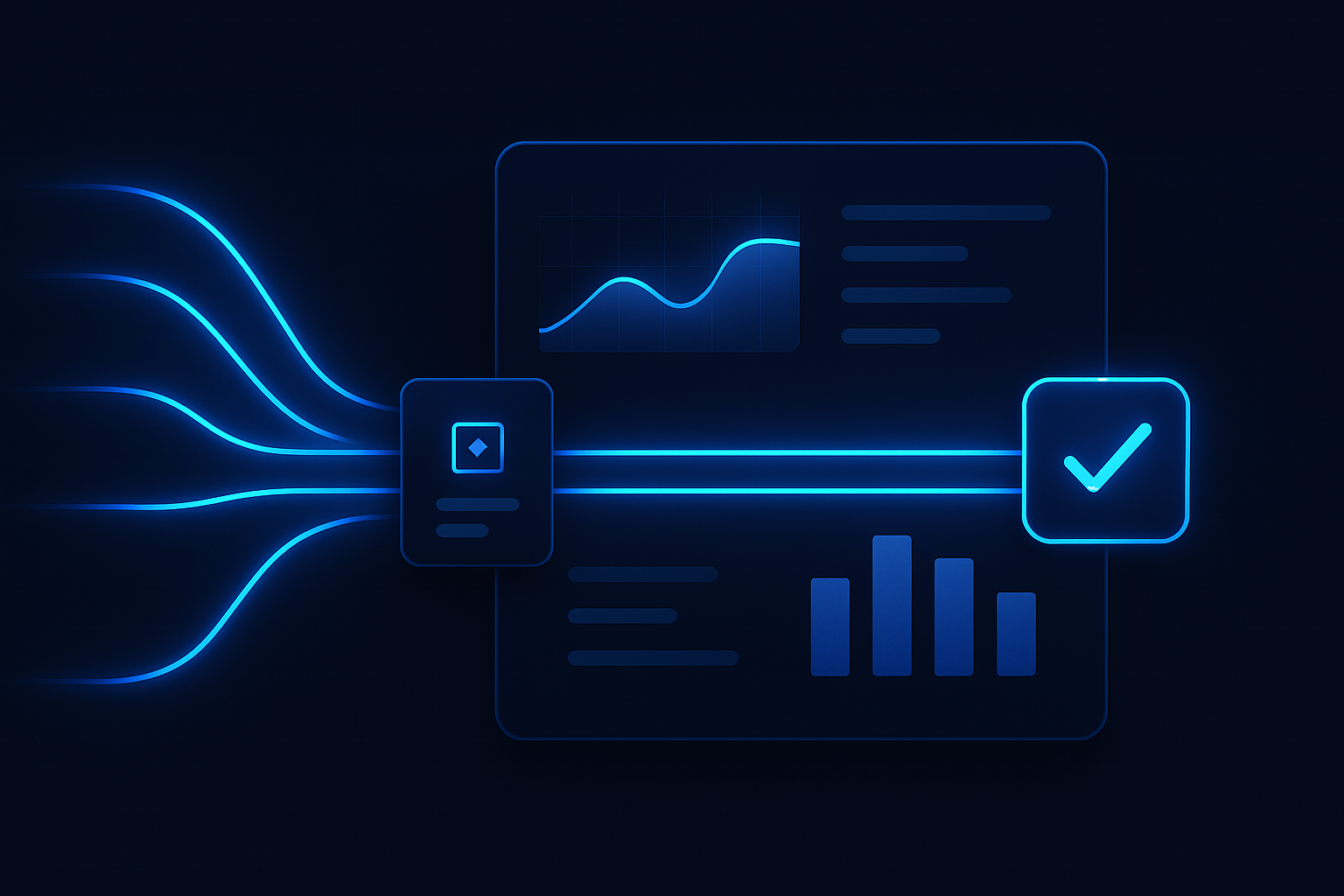
Contrast: inbox chaos vs queue discipline
Inbox chaos vs queue discipline. That’s the contrast.
In an inbox, messages look equal. Ownership is implied, not explicit. Threads slip between shifts. Follow‑ups depend on memory.
In a queue, every thread has a status, an owner, and a due time. Handoff is a documented move, not a hope. Ageing and exceptions are visible. The ReplyOS operating model turns scattered signals into a managed pipeline you can improve.
Outcome: fewer stalled enquiries, clearer next actions, and steadier movement to Confirm.
Ownership rules that hold
Ownership must be explicit. The ReplyOS system supports operational handoff so every thread has someone on point and a defined next action.
Set simple rules:
- Capture belongs to the channel monitor. Routing happens within a target window.
- Once routed, the owner holds the thread until Confirm or a documented pass‑back.
- If a patient asks to reschedule or needs clinical input, create a clear sub‑handoff with a due time.
With structured conversation tracking and status visibility, teams can reduce missed or stalled enquiries through better routing and consistent follow‑up.
Queue state
New, unassigned in WhatsApp
What it signals
Fresh intent; risk is early delay
Action in the ReplyOS pipeline
Assign owner, set next step, reply within your target window
Queue state
Assigned, no reply for 4+ business hours
What it signals
Potential stall; ownership unclear or overburdened
Action in the ReplyOS pipeline
Escalate or reassign; add a due time and template next step
Queue state
Patient asked for price, no follow‑up
What it signals
Leakage risk at value clarification
Action in the ReplyOS pipeline
Send approved draft info; move to availability and confirm
Queue state
Agreed to book, no date offered
What it signals
Commitment without closure
Action in the ReplyOS pipeline
Offer times, hold slot, push to Confirm
Queue state
Post‑treatment unhappy signal
What it signals
Reputation risk emerging
Action in the ReplyOS pipeline
Use Reputation Shield follow‑up; staff stay in control of any reply
Queue hygiene and exception handling
Queue hygiene keeps momentum. The ReplyOS pipeline makes ageing, exceptions, and stage leakage visible so you can act before intent cools.
Modelled example: a practice reviews stalled threads weekly to improve follow‑up reliability. Owners clear anything older than the agreed threshold. Exceptions are logged with a reason and next step.
Estimated scenario: process standardisation can reduce avoidable enquiry drop‑off by removing ambiguity at handoff. Even small reductions in delay often improve intent progression because patients get clarity faster.
Result: steadier conversion to booking and fewer surprises at the end of the day.
From signals to revenue: triage and close the loop
Illustrative operating model: morning triage of new enquiries before the first clinical slot. Capture across WhatsApp, SMS, web chat, and email is reviewed in a single queue. Owners are assigned. Exceptions are flagged. Anything with booking intent is moved straight to availability and confirmation.
Illustrative example: reducing response delay can improve booking intent progression. Short, consistent replies with clear next steps beat long, late replies every time. The ReplyOS system supports draft‑first content workflows, so approved messages ship fast while staff stay in control.
You run the stages. The ReplyOS pipeline gives you the visibility to do it with confidence.
After booking: keep ownership alive
Extend queue discipline beyond the first booking.
- Treatment Recovery (higher plans): surface and follow up unbooked treatment plans to recapture revenue.
- Reputation Shield (Pro and above): post‑treatment follow‑up that helps intercept unhappy patients before public negative reviews and routes happy ones toward leaving a review. Staff always stay in control of any reply.
Both operate within the same ReplyOS pipeline logic, so teams see signals, process them, and close the loop.
Does ReplyOS replace our front desk team?
No. ReplyOS supports teams with structured guidance and visibility. Staff remain in control of every decision and reply.
How does ownership work across channels?
ReplyOS captures WhatsApp, SMS, web chat, and email into one pipeline. Each thread gets a status, an owner, and a next step so handoff is explicit and trackable.
Can we track progress to confirmed bookings?
Yes. Teams can use ReplyOS to track conversation progress toward booking confirmation and downstream outcomes, so leakage points are easier to spot.
What about unhappy patients and reviews?
Reputation Shield (Pro and above) supports post‑treatment follow‑up to catch unhappy signals before they become public reviews and guide satisfied patients to leave feedback. Staff always control the reply.
Can we run draft‑first content approvals?
Yes. ReplyOS supports draft‑first publishing and approval workflows where enabled, so approved messages are ready for fast, consistent responses.
Is ReplyOS endorsed or certified by regulators?
No. Public bodies like NHS England and the CQC provide general guidance for providers, but there is no endorsement or certification of ReplyOS. ReplyOS does not guarantee regulatory compliance; teams retain professional responsibility.
Next step
See ReplyOS in action
Explore how ReplyOS captures and converts patient enquiries across every inbound channel.
View platform overview