Most enquiries are wasted. You just don’t see it. Slow first replies and fuzzy handoffs drain intent before anyone offers a clear next step.
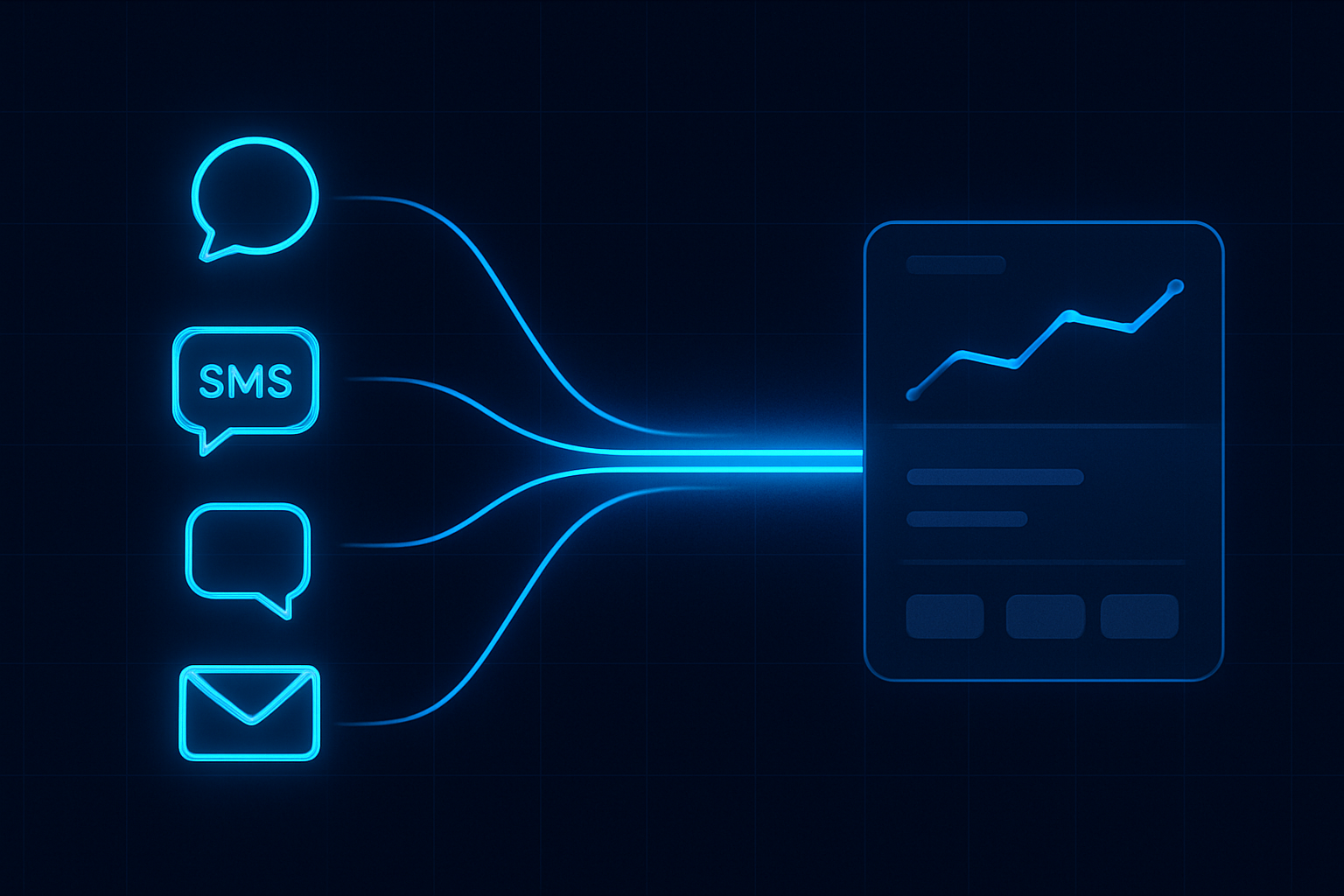
ReplyOS is designed to capture inbound enquiries across WhatsApp, SMS, web chat, and email, then give teams conversion visibility from first signal to confirmed booking. The result: enquiry intelligence, practical pipeline control, and fewer surprises at the point of confirmation.
This post shows how to run first-response speed as an operating system, not a one-off target. Signals → processing → conversion → revenue.
ReplyOS operating model
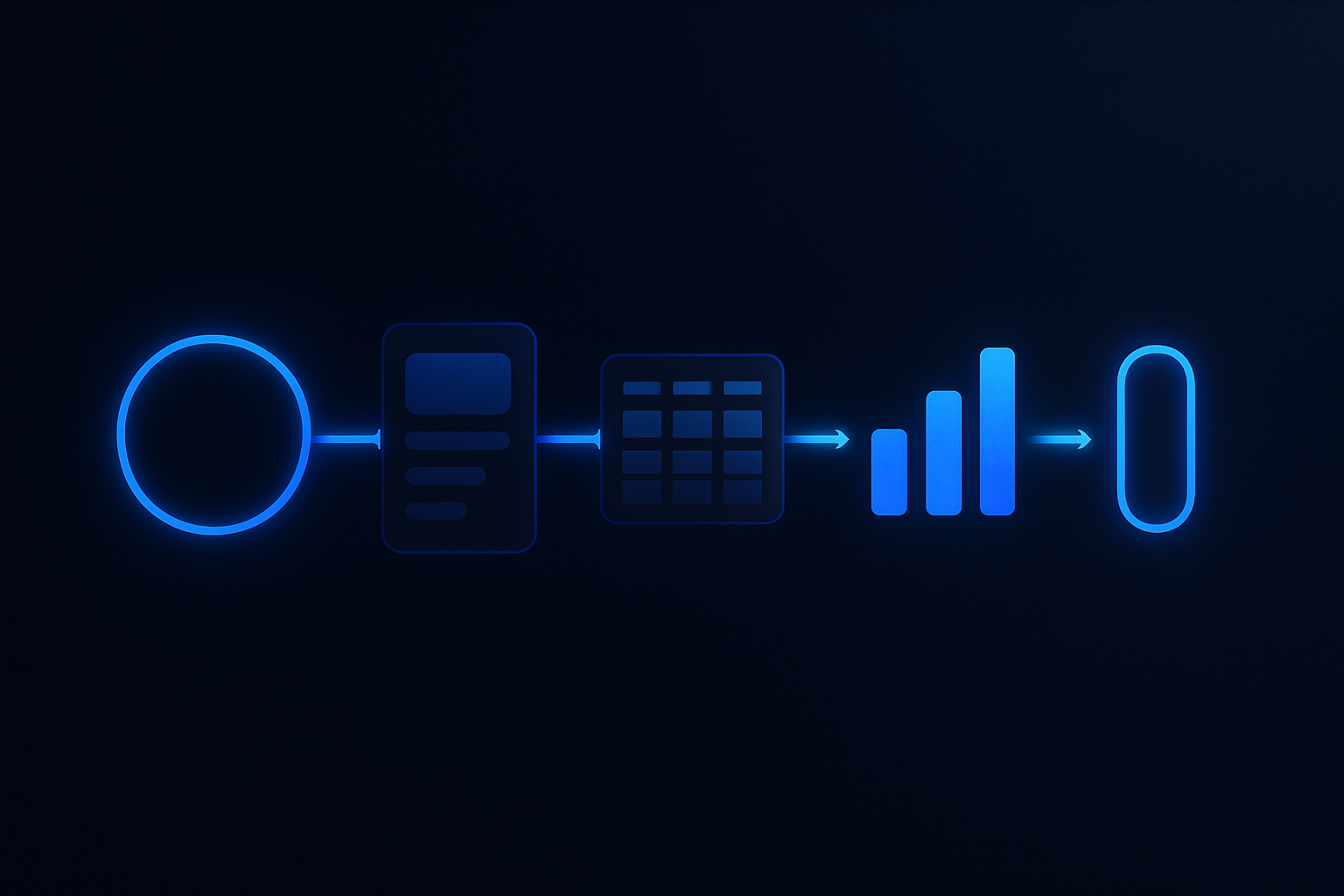
Detect → Calculate → Guide → Confirm
Each stage is a system hand-off in the ReplyOS pipeline, from first signal to confirmed booking action.
Detect
Capture every inbound signal and identify intent across WhatsApp, SMS, web chat, and email.
Calculate
Apply routing logic and SLA tiers (urgent booking, clinical question, admin/info) with working-hours rules.
Guide
Present the right next action to the right owner with clear context and draft-first messaging where governance is enabled.
Confirm
Move the thread to booked outcome and log downstream status so leakage points are visible for weekly review.
Detect → Calculate → Guide → Confirm
First-response speed: the hinge of booking momentum
Your first reply must do real work. It needs to recognise intent, land with the right owner, and create a next step. A stopwatch alone won’t do that.
Set a simple SLA that separates urgent booking intent from admin or info-seeking. Define who answers what, within how long, and what counts as a complete first response (not just a greeting, but a path to action).
In ReplyOS, you can see first-response performance across channels, by intent tier and time of day. That turns a soft goal into a steady drumbeat the team can keep.
And remember: most ai replies look fast but read thin. Speed without intent is noise. Your SLA should reward useful first moves, not auto-text volume.
ReplyOS pipeline
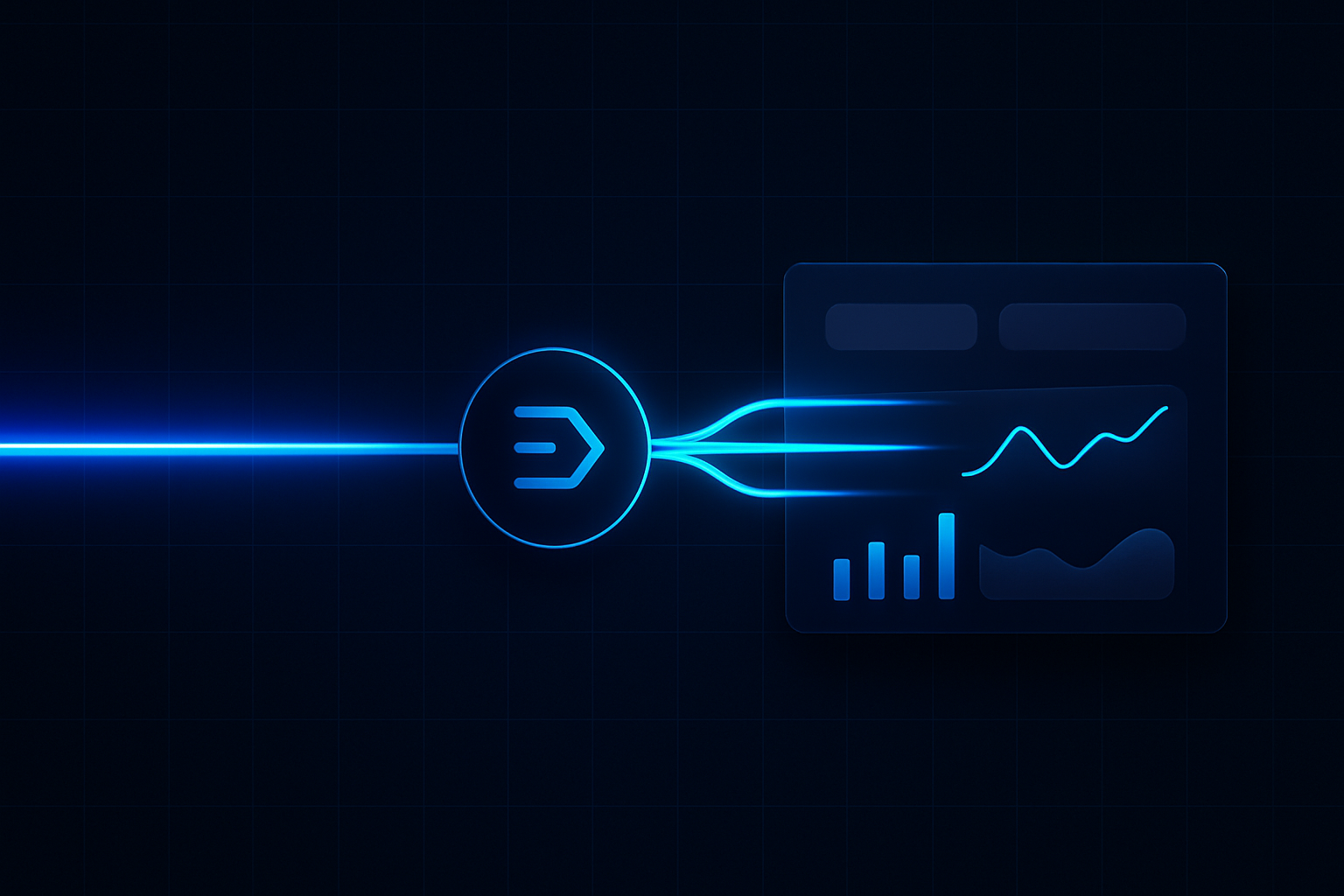
ReplyOS turns fragmented inboxes into revenue infrastructure. Signals come in across WhatsApp, SMS, web chat, and email. The system helps teams detect intent, route enquiries, and track progress to confirmation.
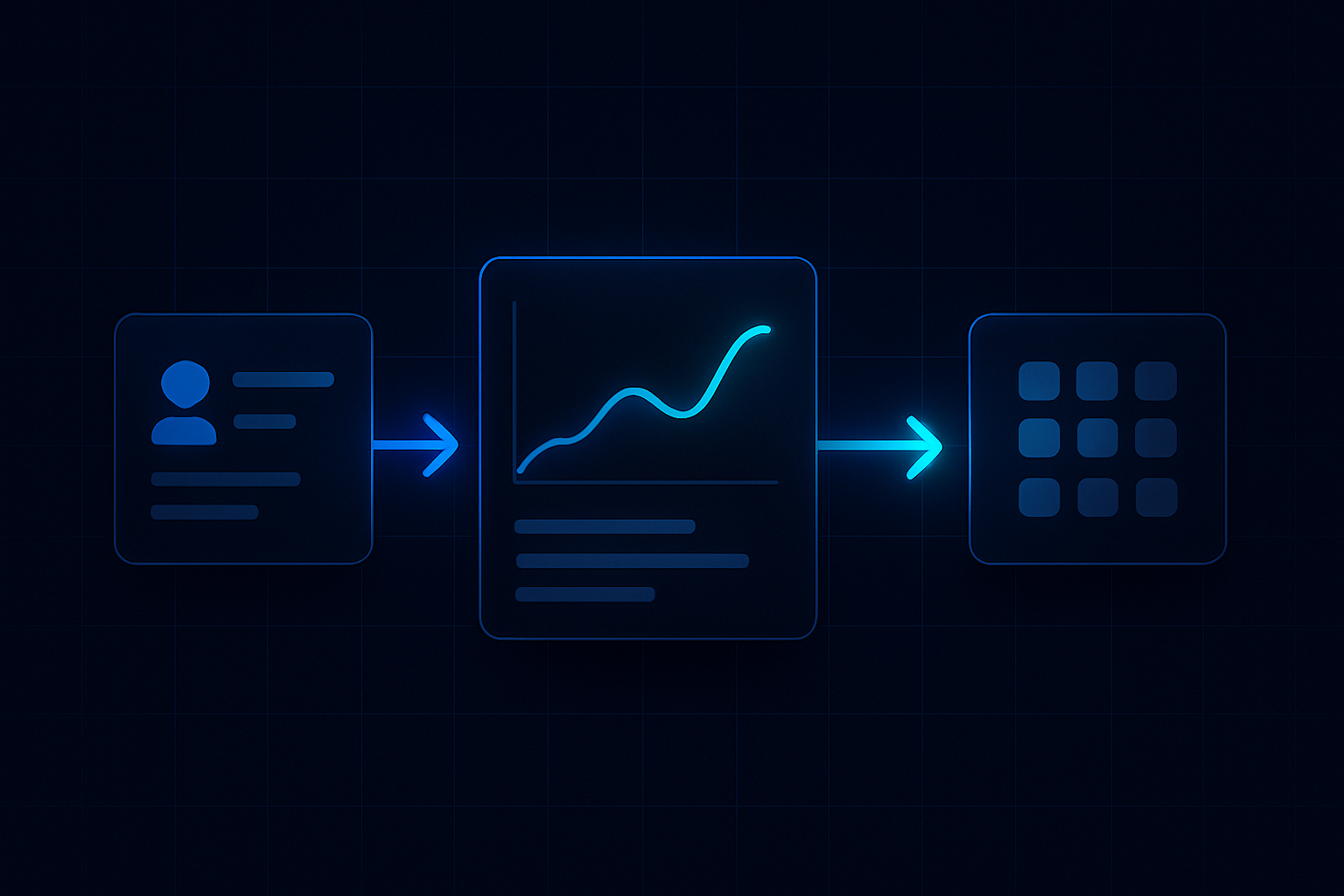
Every thread gains status. You can see where it sits in the pipeline and who owns the next action. That gives conversion visibility and reduces the chance of silent drift.
First response then becomes a reliable stage in a controlled pipeline, not a scramble in a shared inbox. You’re no longer guessing where momentum was lost. You can see it and act.
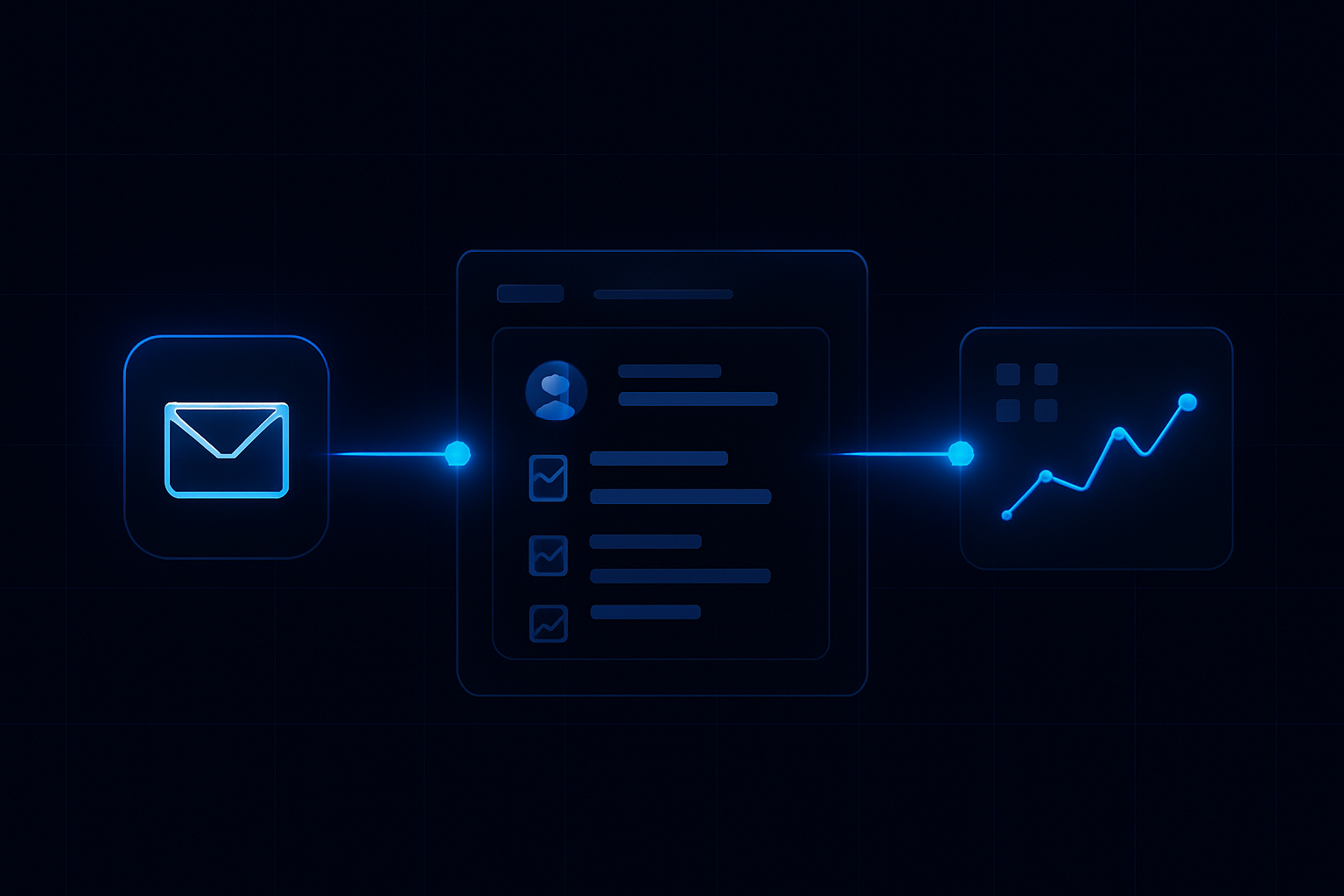
Find the blind spot: where response lag creates revenue leakage
Response lag hides in plain sight. The blind spot is the minutes between first contact and a useful, routed reply. That’s where revenue leakage starts.
Push your SLA into the open. In ReplyOS you can measure by channel, owner, and intent tier. See after-hours drift. See stalled threads. See repeat asks that signal a poor first response.
Tighten the first move and you reduce follow-up loops. Fewer wasted enquiries. More conversations that reach confirmation while intent is still high.
Run a weekly review. Modelled example: a practice reviews stalled threads every Friday to improve follow-up reliability. Small fixes to templates and routing rules can unblock next steps fast.
Metric
Average first-response time
Current (illustrative)
2h
With SLA discipline in ReplyOS (illustrative)
15m
Metric
First-response SLA hit rate
Current (illustrative)
Modelled example: ~40%
With SLA discipline in ReplyOS (illustrative)
Modelled example: ~85%
Metric
Owner handoff delay
Current (illustrative)
45m
With SLA discipline in ReplyOS (illustrative)
5m
Metric
Threads stalled >24h (weekly)
Current (illustrative)
Modelled example: 12
With SLA discipline in ReplyOS (illustrative)
3
Make the first move count
SLA discipline is not a stopwatch. It’s pipeline control. Treat the first reply as a booking move, not a greeting.
Operational handoff that holds
Great handoffs save minutes and mistakes. In the ReplyOS system, enquiries land with context and status, so front desk owners can act without digging.
Route by intent. Example categories: urgent booking, treatment info, pricing/finance, clinical follow-up, admin. Each category has an SLA target and a preferred owner.
Operational handoff support in ReplyOS gives the recipient the last message, patient details where appropriate, and the expected next action. Draft-first content workflows can be enabled for governance, so messages go out fast but stay on brand.
Once a booking is confirmed, the thread moves to the next stage for downstream tracking. That visibility makes leak points clear for improvement.
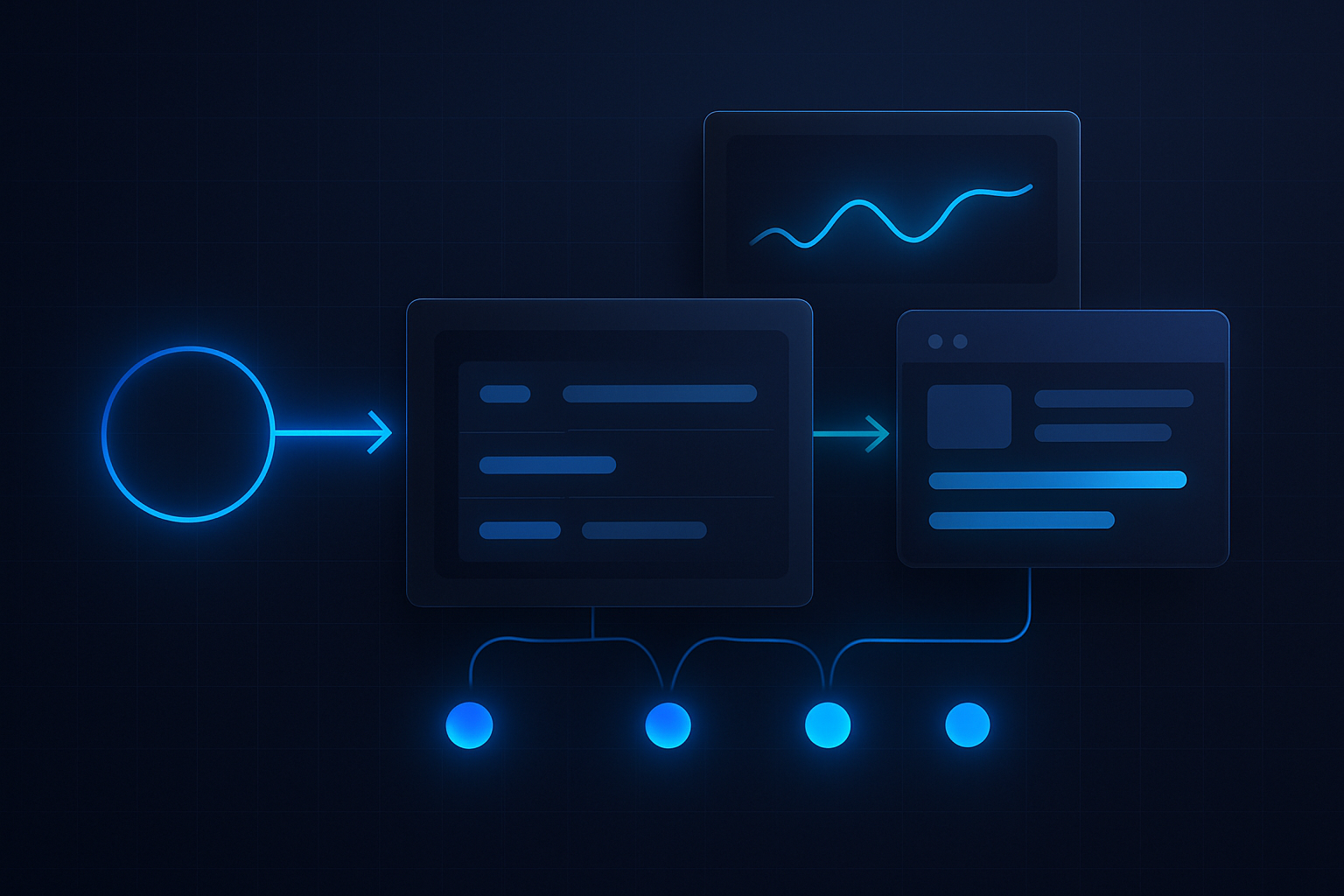
Example workflow: morning triage to after-hours handoff
Example workflow: a practice runs a morning triage before the first clinical slot. New threads are captured across WhatsApp, SMS, web chat, and email into the ReplyOS pipeline. Owners are assigned by intent. High-intent enquiries get a templated but human-edited first reply that proposes a slot and asks one decisive question.
Estimated scenario: during lunch, the team checks the stalled-threads view. Anything over the SLA target bubbles up. Owners nudge or escalate. Simple admin is closed out; booking candidates get a direct path to confirmation.
For after-hours, capture continues. Auto-acknowledgement can set expectations, but the real first response is routed to the morning triage. By 9am, the team clears the queue, and the day runs with momentum.
This rhythm turns response speed from a risk to an advantage. The ReplyOS pipeline makes it visible and repeatable.
How does ReplyOS improve first-response speed without sacrificing quality?
ReplyOS captures every inbound enquiry across WhatsApp, SMS, web chat, and email, detects likely intent, and routes to an owner with context. Draft-first content workflows can be enabled so staff send consistent, high-quality replies quickly, always under human control.
What if our current approach relies on generic autoresponders?
Autoresponders can set expectations, but the decisive first response needs intent and ownership. ReplyOS helps teams convert generic opens into routed actions with clear next steps and status tracking toward confirmation.
Can we set different SLAs by intent, channel, or working hours?
Yes. Teams can run SLA tiers aligned to intent and hours, then monitor performance with conversion visibility. After-hours capture continues so morning triage can move fast.
Does ReplyOS replace our front desk?
No. ReplyOS supports operational handoff for front desk teams. It helps improve response consistency, routing, and tracking, but staff stay in control of every reply and decision.
How do Treatment Recovery and Reputation Shield relate to first-response work?
Treatment Recovery helps surface and follow up unbooked treatment plans so you can recapture revenue. Reputation Shield supports post‑treatment follow‑up that intercepts unhappy patients privately and routes happy patients toward leaving a review. Both sit alongside the same pipeline discipline—clear owners, clear next steps.
How do we keep improving once SLAs are in place?
Run weekly reviews of stalled threads and leakage points in ReplyOS. Modelled example: standardise templates for top intents, trim delays at handoff, and audit confirmation steps. Small operational improvements often yield faster paths to booked outcomes.
Next step
See ReplyOS in action
Explore how ReplyOS captures and converts patient enquiries across every inbound channel.
View platform overview