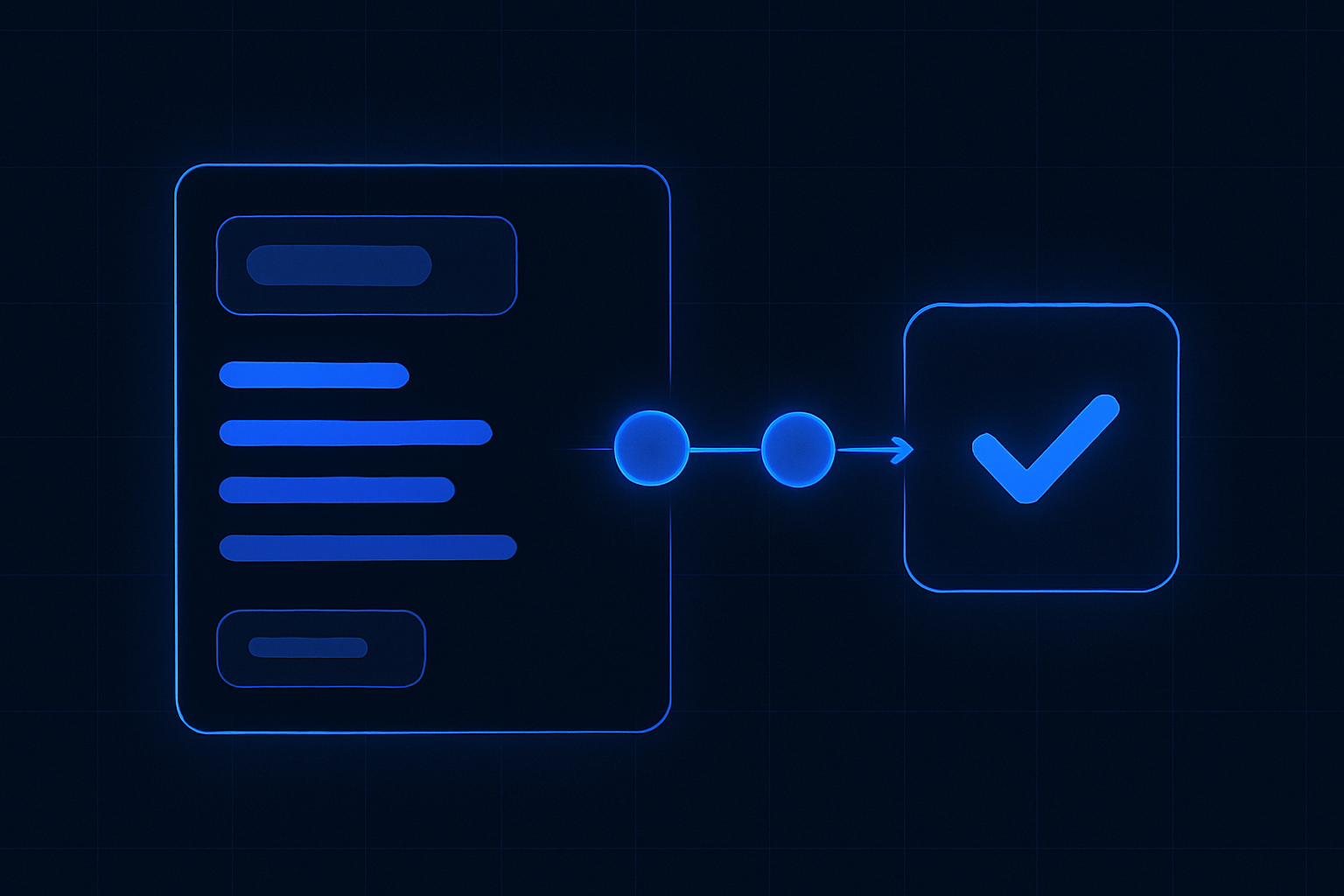
Most enquiries are wasted. You just don’t see it. Tabs hide signals. Threads stall. Handoffs blur who owns what.
ReplyOS gives the front desk a daily conversion cadence. It captures inbound messages across WhatsApp, SMS, web chat, and email. It helps detect intent, route enquiries, and track progress to a booked outcome with clear visibility.
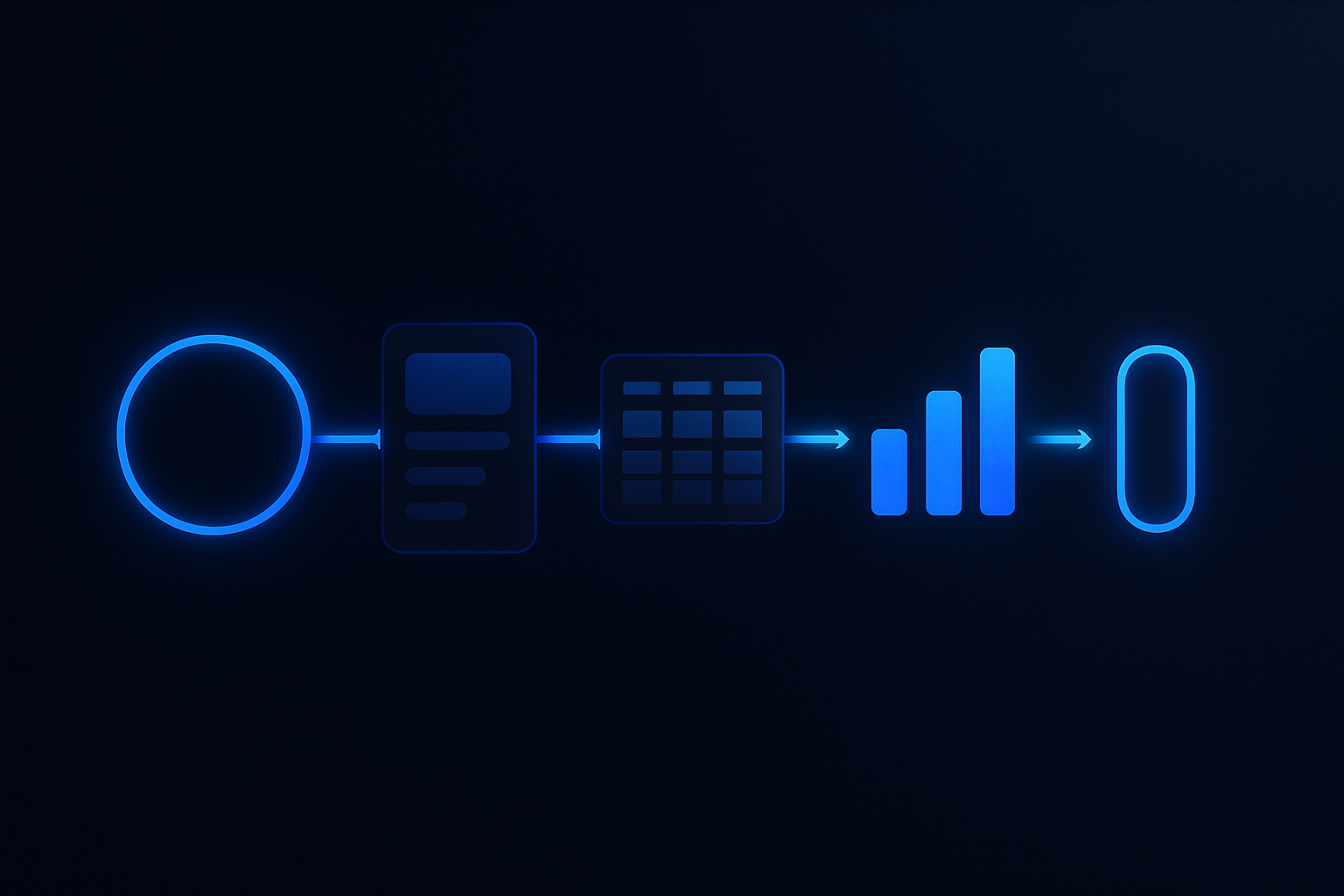
This is revenue infrastructure for day‑to‑day operations — not another inbox. Signals → processing → conversion → revenue.
System chain
- 1
Detect
capture every inbound signal across WhatsApp, SMS, web chat, and email.
- 2
Calculate
assess intent and booking likelihood with structured context.
- 3
Guide
route the thread and provide clear next actions for the owner.
- 4
Confirm
lock in the booking and record the downstream outcome.
ReplyOS pipeline
The ReplyOS pipeline is built for daily use. It pulls every enquiry into one trackable flow, then gives your team operational control from first message to confirmation.
- Capture: WhatsApp, SMS, web chat, and email land in one place.
- Status: Structured conversation tracking makes stage and owner obvious.
- Progress: Each reply moves the thread toward booking confirmation and downstream outcomes.
Signals go in. Processing happens. Conversion gets measured. Revenue follows. That’s the discipline a front desk can actually run.

The daily cadence: triage, route, confirm
You need a rhythm the team can run without debate.
Start with a morning triage. Clear new enquiries. Mark stage and owner. Route to the person most likely to move it forward. Hold a short midday sweep for stalled threads. Close the day with a confirmation check on anything due tomorrow.
ReplyOS supports this cadence with structured conversation tracking, routing, and a clear view of status. It’s practical control for the front desk, not guesswork across tabs.
Find the blind spot and stop the wasted enquiries
Here’s the blind spot: messages look busy, but progress is invisible. That’s where wasted enquiries happen.
Most teams overvalue speed and undervalue clarity. Inboxes reward quick replies, not booked outcomes. And most ai replies are speed without substance — a fast hello that doesn’t move the thread.
ReplyOS gives your staff context and status so each response advances the pipeline. It helps teams see which enquiries are near confirmation, which need info, and which have stalled and need a follow‑up. The right reply, the right route, the right next step.
Stage
Signals captured
What you see in ReplyOS
New enquiries from WhatsApp, SMS, web chat, email in one view
Illustrative volume
Modelled example: 100
Stage
Qualified intent
What you see in ReplyOS
Threads with clear treatment/booking intent status
Illustrative volume
Modelled example: 60
Stage
Routed with owner
What you see in ReplyOS
Assigned to team member with next action visible
Illustrative volume
Modelled example: 45
Stage
Pending confirmation
What you see in ReplyOS
Awaiting deposit/time preference/clinical approval
Illustrative volume
Modelled example: 30
Stage
Confirmed bookings
What you see in ReplyOS
Locked slots with confirmation recorded
Illustrative volume
Modelled example: 24
Operational impact: close the loop and reduce revenue leakage
Operational impact is simple: fewer handoffs fail, more enquiries progress. You cut noise, expose revenue leakage, and tighten confirmation.
Front desks get practical control. Ownership is obvious. Next actions are explicit. Leaders can review the pipeline by stage and see exactly where drop‑off happens.
ReplyOS can also be used after treatment. Treatment Recovery helps surface unbooked plans for follow‑up on higher plans. Reputation Shield (Pro and above) routes satisfied patients toward reviews and catches unhappy patients privately — with staff always in control of any reply.
Draft‑first discipline without slowing the desk
Governance matters. Where enabled, ReplyOS supports draft‑first content workflows so teams can prepare standard replies, get approval, and publish with control — without blocking the day’s pace.
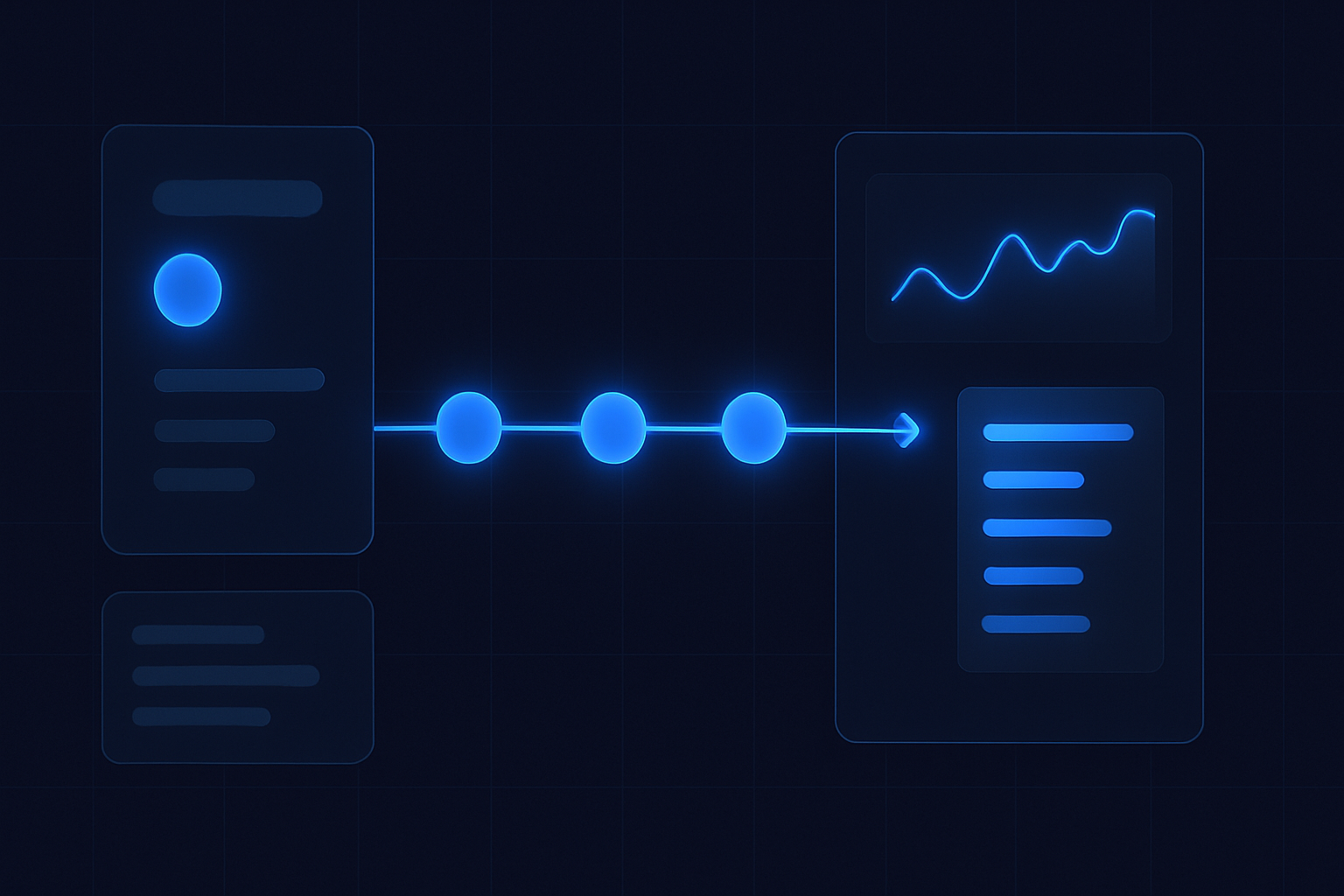
Run the day: a cadence the team can own
Example workflow:
- 08:15 — Morning triage. Capture new enquiries into the ReplyOS pipeline. Mark stage and owner.
- 08:30 — Quick routes. Assign by intent (consult, follow‑up, price check). Set next actions.
- 11:30 — Exception sweep. Review stalled threads. Send clear follow‑ups. Escalate where needed.
- 15:00 — Confirmation push. Lock deposits and time preferences. Update statuses.
- 17:00 — Tomorrow check. Verify anything due tomorrow is confirmed or chased.
Modelled example: a practice reviews stalled threads weekly to improve follow‑up reliability. Estimated scenario: process standardisation can reduce avoidable enquiry drop‑off. Your mileage is operator‑dependent; Visibility and discipline are the levers.
How does ReplyOS help my front desk beyond a shared inbox?
It centralises WhatsApp, SMS, web chat, and email, then adds structure: intent detection, routing, ownership, and status tracking toward confirmation and downstream outcomes. It gives operational visibility across stages so the team can act, not guess.
Does ReplyOS replace my staff?
No. ReplyOS supports teams with structured guidance alongside human decisions. Staff control every reply and confirmation.
Can I use it for after‑hours enquiries?
Yes. ReplyOS is designed to capture inbound enquiries across channels at any time. They appear in the same pipeline for triage and progression when the team is back on.
How do we handle quality and tone in replies?
Where enabled, draft‑first publishing helps you create approved templates and guidance. Staff stay in control and can personalise as needed.
What about unbooked treatment plans and reviews?
Treatment Recovery helps surface and follow up unbooked treatment plans to recapture revenue (available on higher plans). Reputation Shield (Pro and above) helps catch unhappy patients privately and routes satisfied patients toward leaving a review — your staff always control any reply.
Next step
See ReplyOS in action
Explore how ReplyOS captures and converts patient enquiries across every inbound channel.
View platform overview